
Useful tools that run
on your device.
Inspect, clean, redact, resize, compress, and convert files directly in your browser—without sending your private photos or credentials to a processing server.
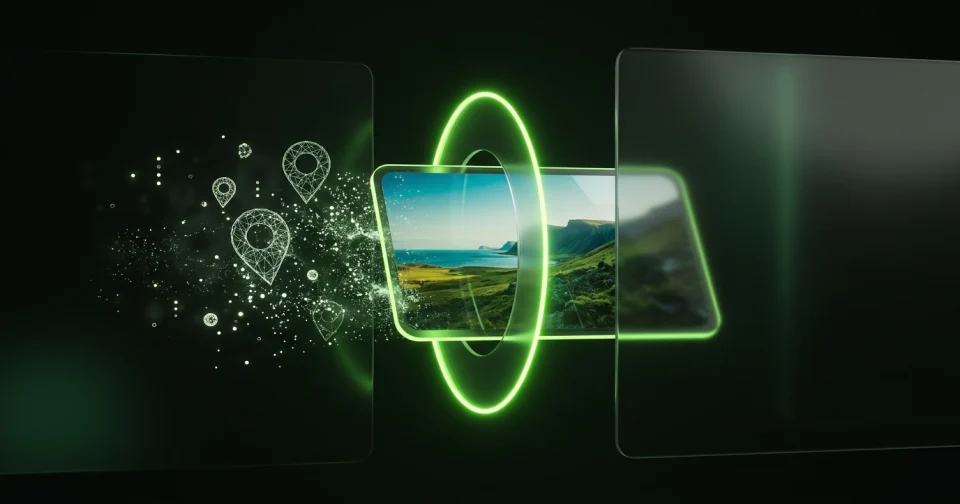
AI, C2PA & EXIF Photo Metadata Remover
Check whether a photo declares an AI generator or carries C2PA Content Credentials, read its GPS location, dates, and camera details, and download a clean copy locally.
Open tool
Face Blur & Photo Redactor
Pixelate faces or cover sensitive text in photos and screenshots. Add adjustable redaction boxes, switch between pixelate, blur, or solid black, and download locally.
Open tool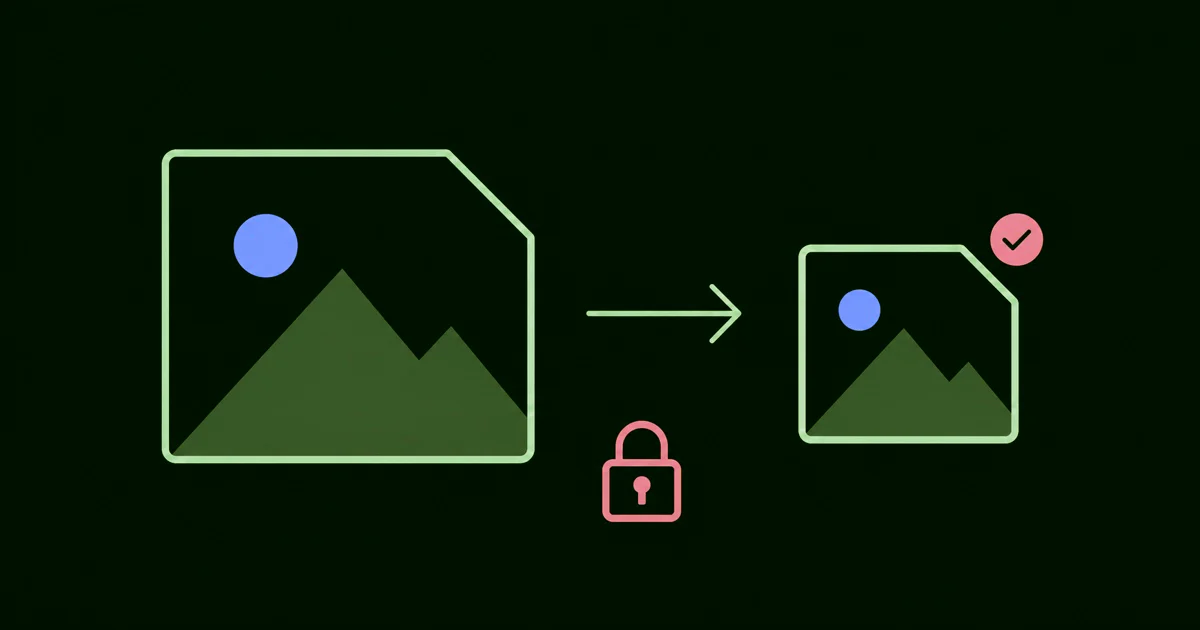
Private Image Compressor (50KB, 100KB, 200KB)
Reduce a still JPEG, PNG, or WebP by quality or to an exact size ceiling such as 50 KB, 100 KB, or 200 KB. Compare exact byte sizes and download without uploading.
Open tool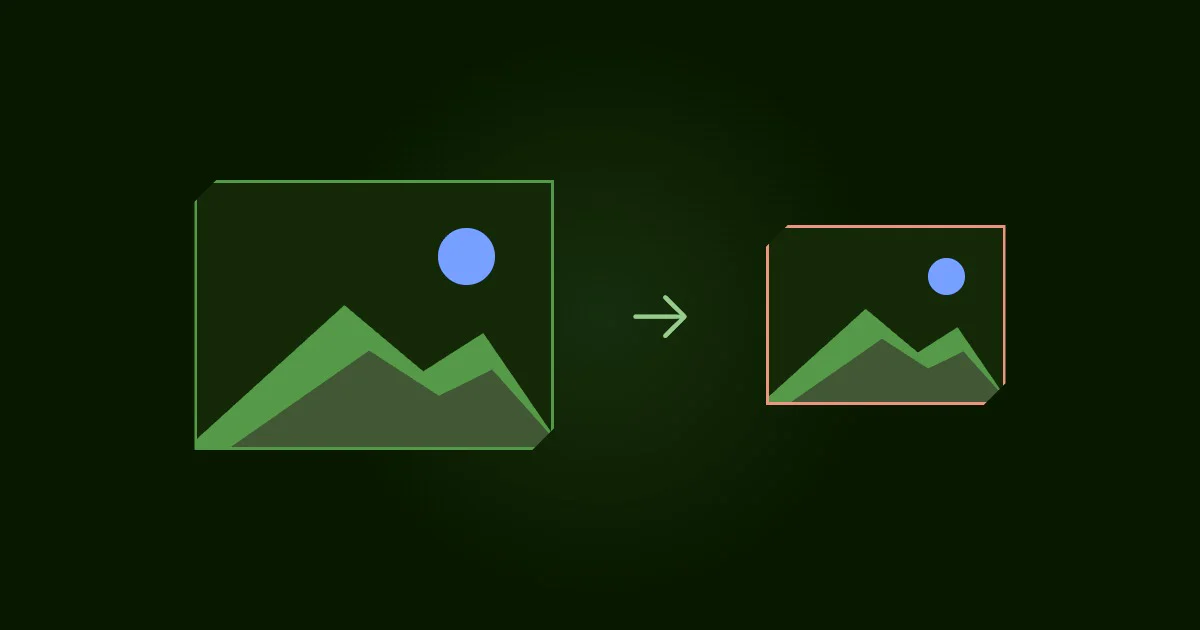
Private Image Resizer by Pixels
Resize a still JPEG, PNG, or WebP by width, height, percentage, or social media preset. Lock aspect ratio and download a clean copy without uploading.
Open tool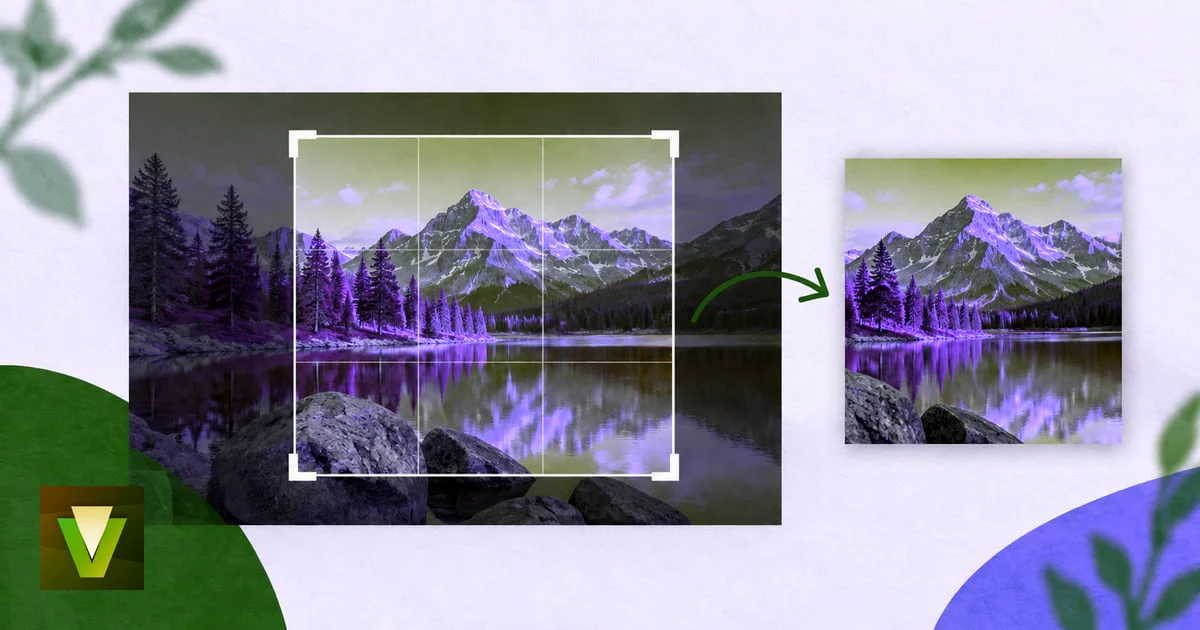
Private Image Cropper
Crop one JPEG, PNG, or WebP with fixed aspect ratios (1:1, 16:9, 4:3, 4:5) or exact pixel coordinates. Download a clean copy without uploading.
Open tool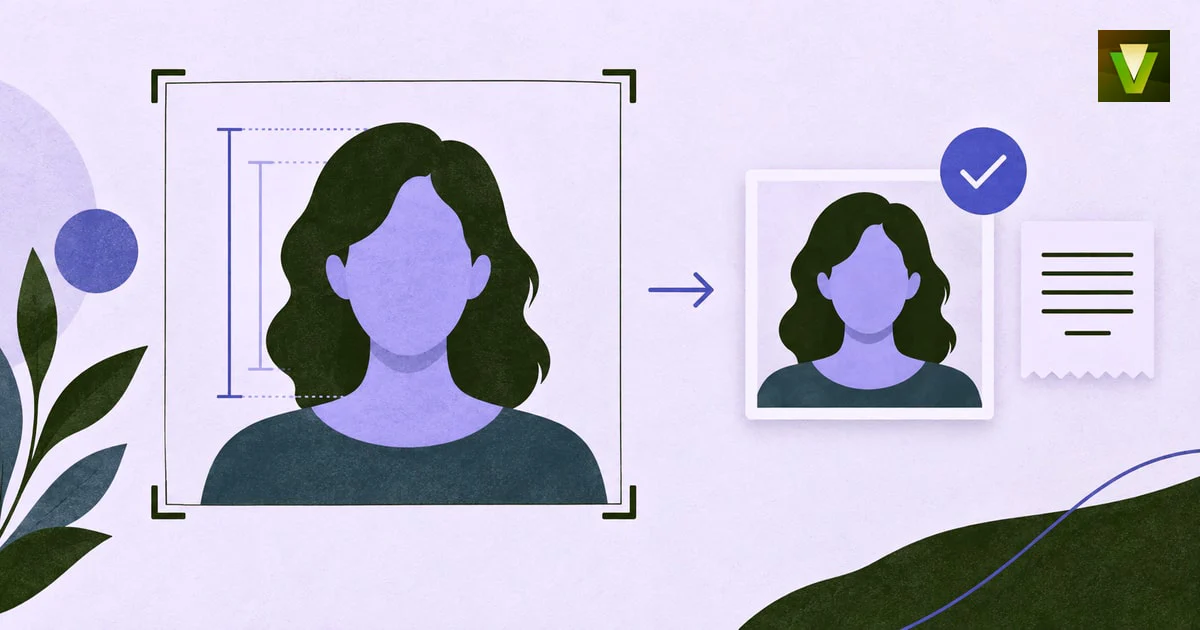
Private 2×2 Passport Photo Cropper
Crop and size a 2 × 2 inch (600 × 600 px or 1200 × 1200 px) passport photo using biometric head-height guides, and download a verified JPEG without uploading your face.
Open tool
Private PNG to WebP Converter
Convert a still PNG into a smaller verified WebP without uploading it. Keep transparency, adjust quality, and compare the exact file size reduction.
Open tool
Private WebP to JPG Converter
Convert a still WebP into a verified JPG without uploading it. Pick quality, flatten transparent areas onto white or black, and remove source metadata.
Open tool
Private WebP to PNG Converter
Convert a still WebP into a lossless PNG without uploading it. Preserve full transparency, remove source metadata, and verify the exact result.
Open tool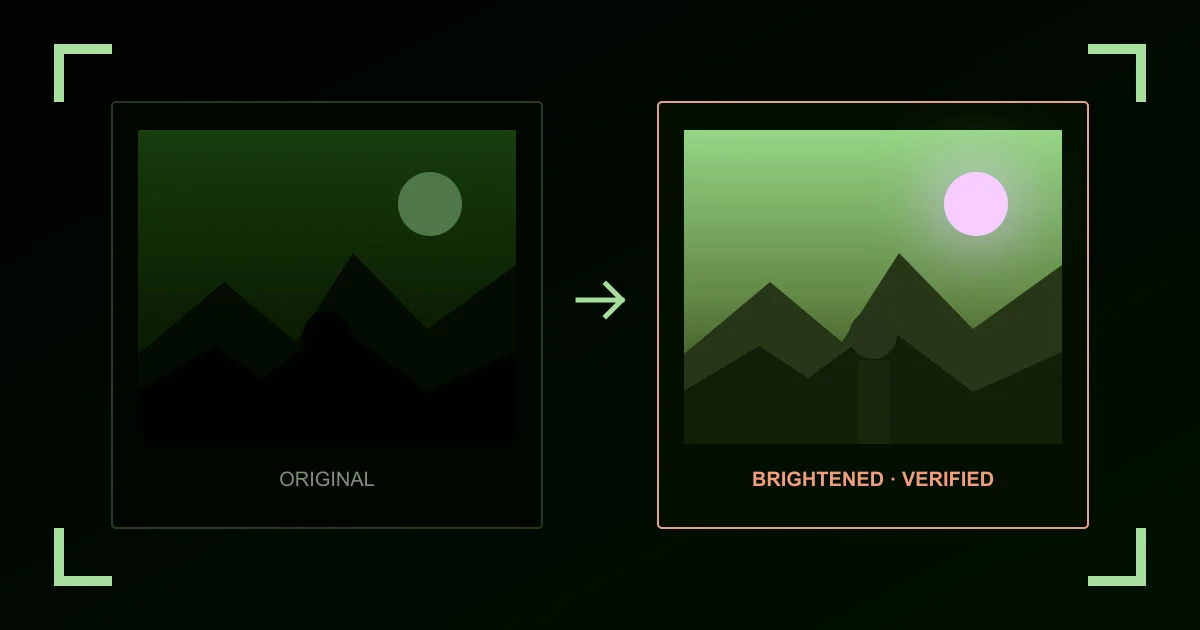
Image Brightener & Dark Photo Lightener
Brighten or lighten a dark JPEG, PNG, or WebP with Natural Lift, Shadow Recovery, or Backlit presets. Preview in real time and download without uploading.
Open tool
Wi-Fi, vCard & URL QR Code Generator
Create a static QR code for a Wi-Fi network, vCard contact, website URL, or text. Review the exact encoded payload and download a crisp SVG or PNG without uploading.
Open tool
Vault PIN, Pattern & Passphrase Entropy Calculator
Test how many bits of entropy your PIN, passphrase, or dial combination provides, and see why key derivation and storage architecture matter for vault security.
Open toolPopular guides behind these tools.
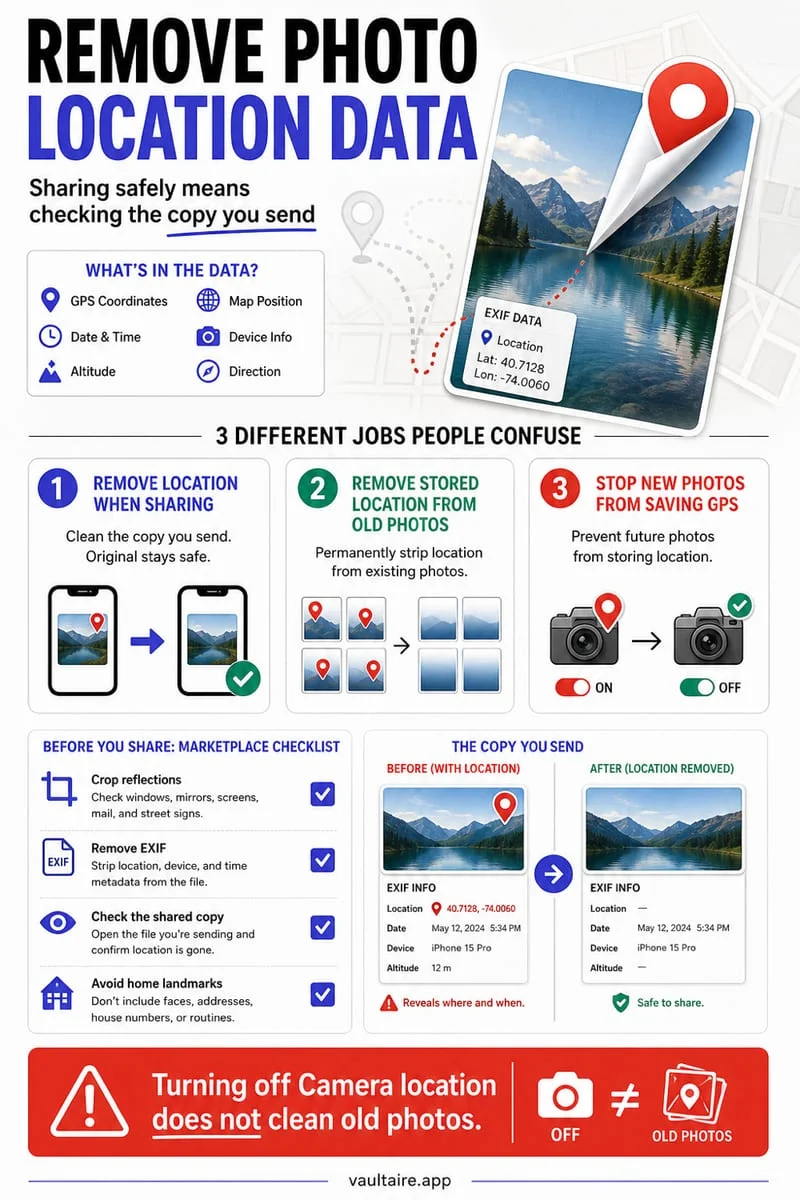
How to Remove Location Metadata From iPhone Photos (2026)
Strip GPS coordinates from iPhone photos before sharing, remove location tags inside the Photos app, or disable Camera geotagging permanently.
Read the 6-min guide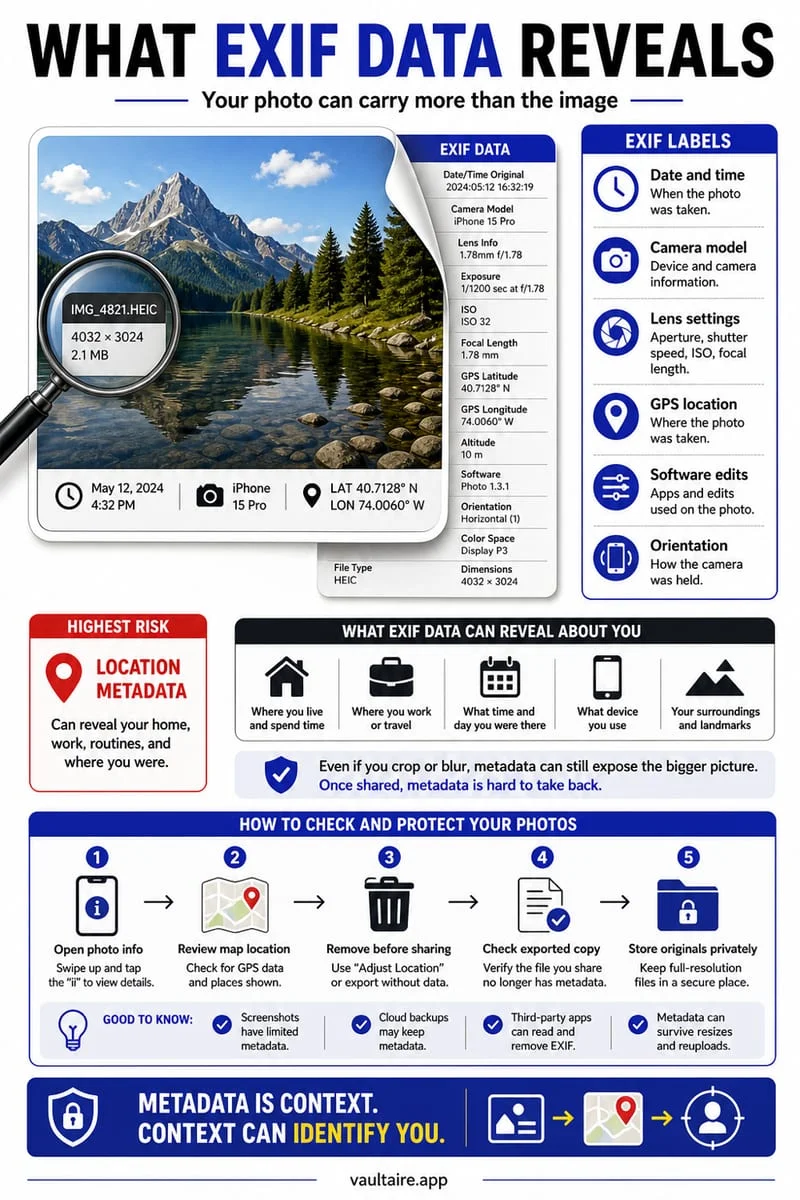
What Is EXIF Data on iPhone Photos? How to View & Remove It
Understand what hidden EXIF metadata is stored inside every iPhone HEIC or JPEG photo—from GPS coordinates to device model—and how to view or scrub it.
Read the 5-min guide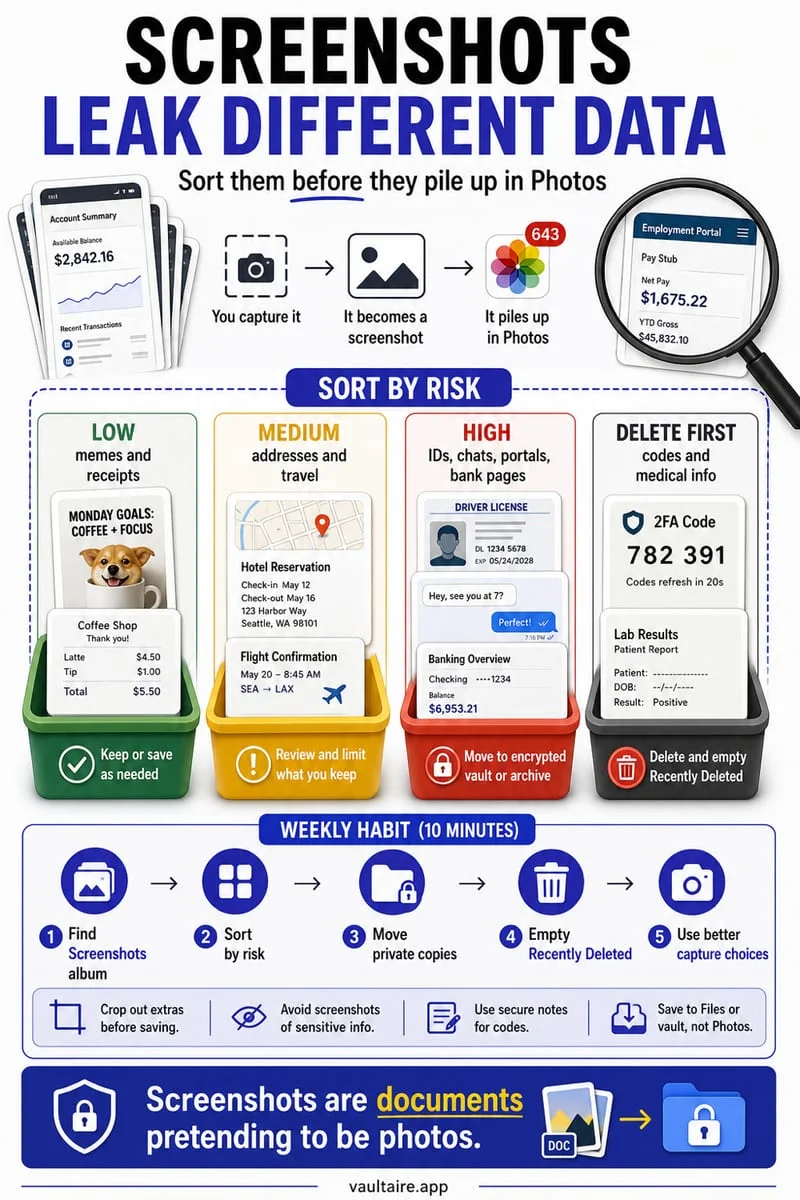
How to Keep Screenshots Private & Out of Your iPhone Camera Roll
Stop sensitive screenshots of banking details, messages, and confirmation codes from cluttering your iPhone Camera Roll, widgets, and iCloud Photos.
Read the 6-min guide
How to Free Up Photo Storage on iPhone Without Losing Memories (2026)
Reclaim gigabytes of iPhone storage taken up by Photos using Optimize iPhone Storage, 4K video cleanup, duplicate merging, and fast swipe decluttering.
Read the 5-min guide
How to Scan & Store ID Documents and Passports Privately on iPhone
Learn the safest way to scan your passport, driver's license, and identity cards on iPhone without leaving them exposed in your Camera Roll or unencrypted cloud folders.
Read the 6-min guide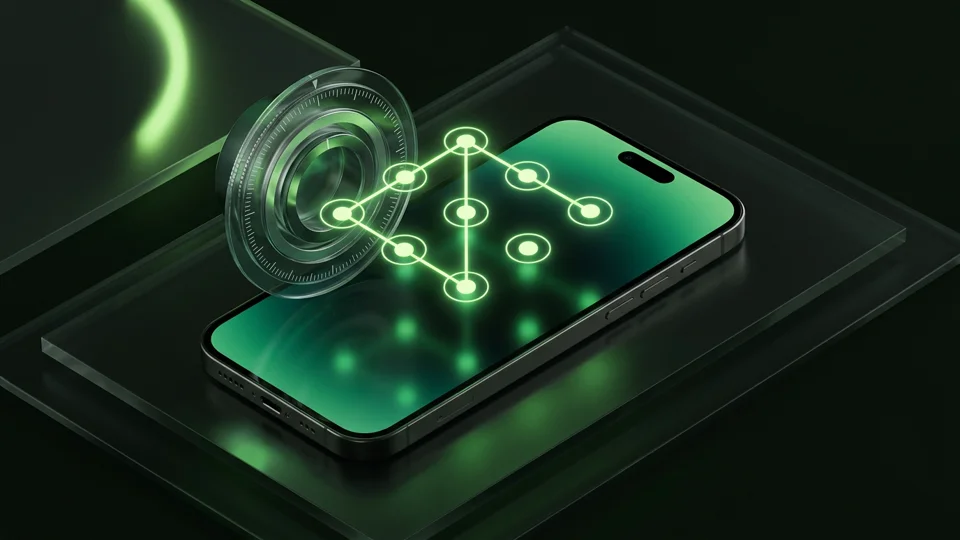
Pattern Lock vs. PIN vs. Passphrase vs. Face ID: Which Lock Is Safer?
Compare PIN, 3x3 Pattern, Safe-style Combination Dial, Passphrase, and Face ID for locking an iPhone photo vault in 2026.
Read the 5-min guide
A cleaner camera roll.
A more private iPhone.
Keep what matters. Protect what’s personal.
Download for freeFree to download · For iPhone