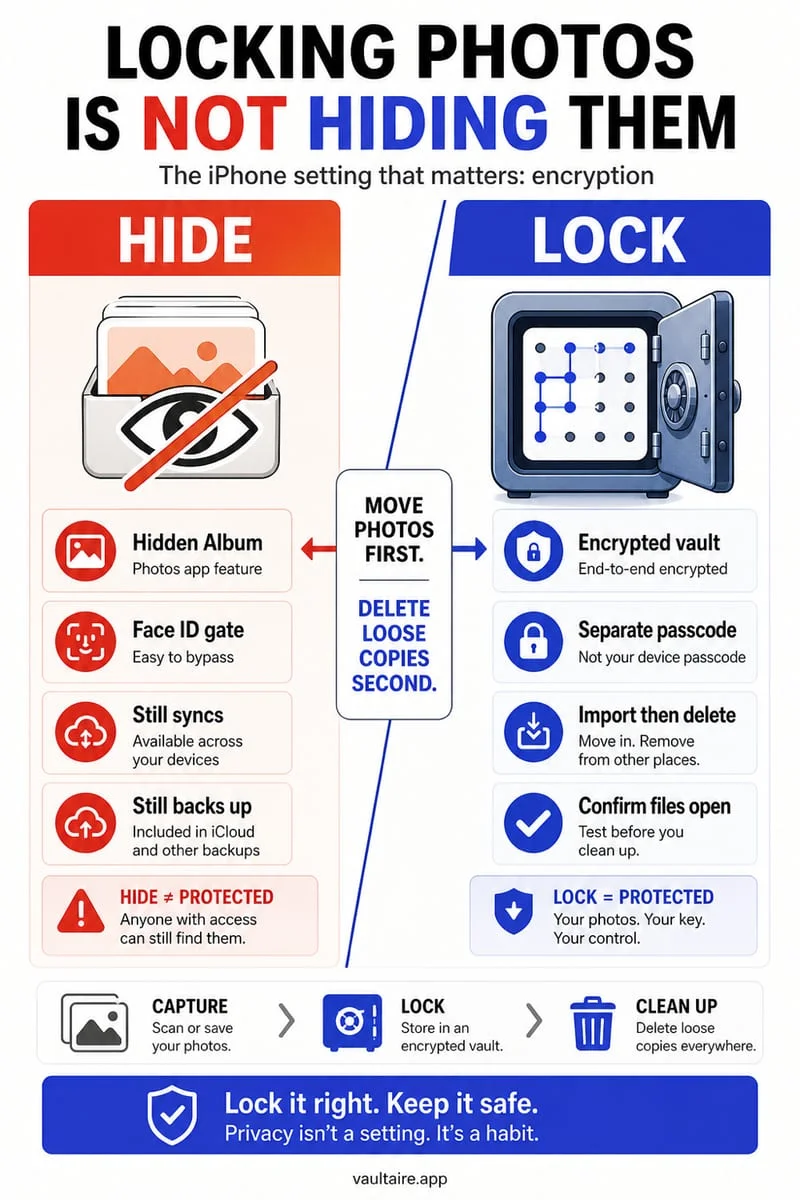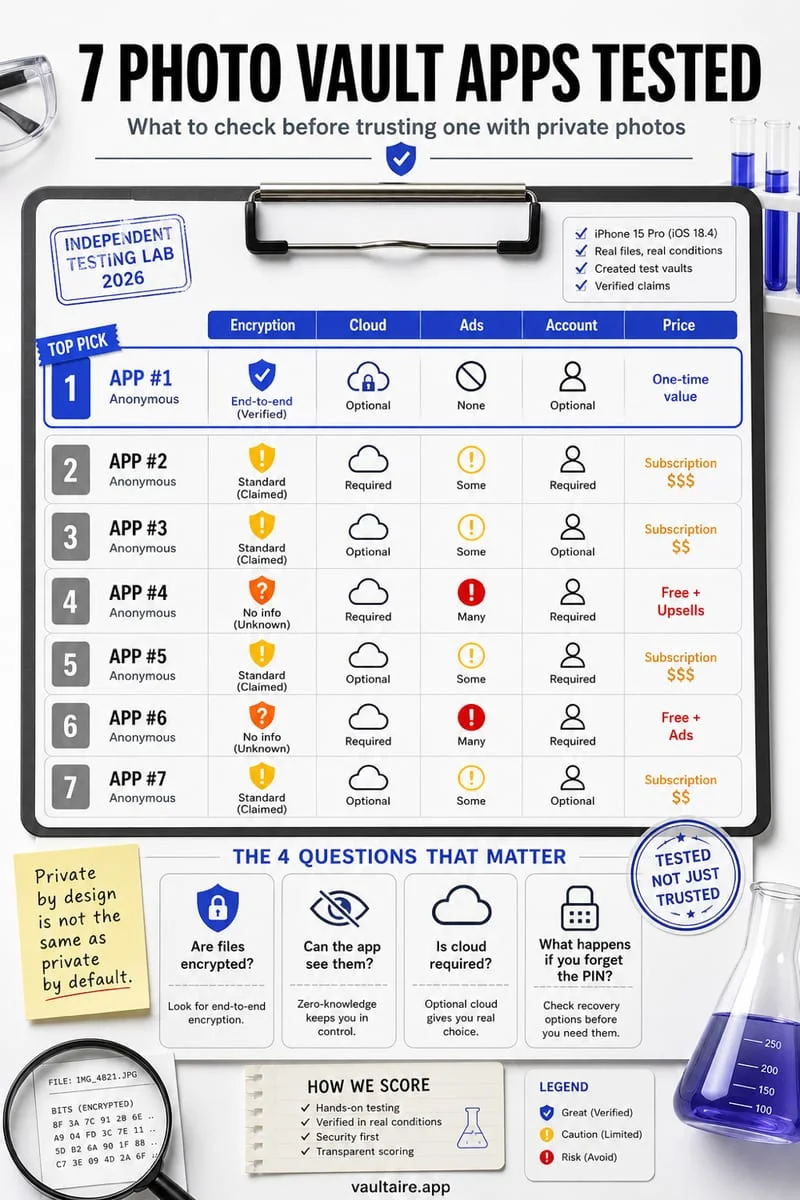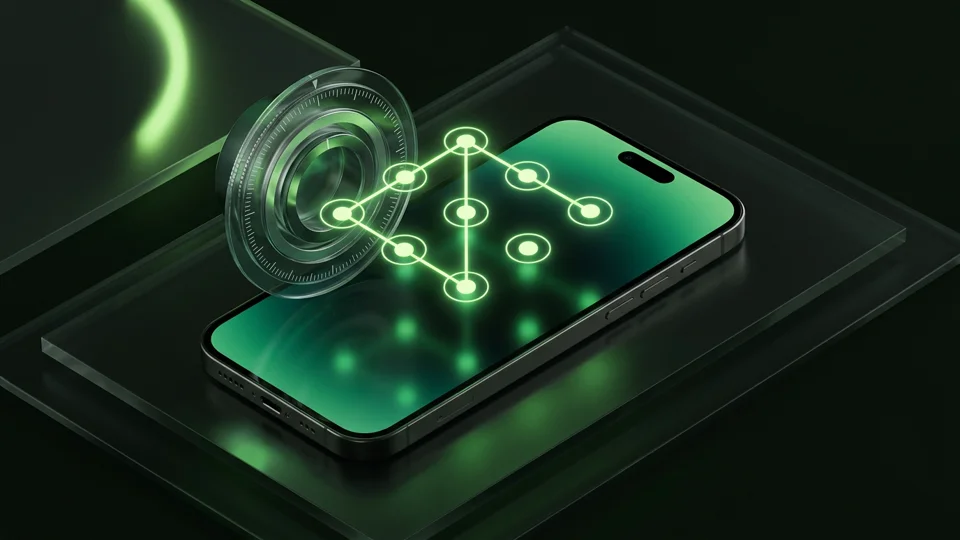
A long alphanumeric Passphrase is the most cryptographically secure lock method because it resists guessing and shoulder-surfing, while a Safe-style Combination Dial or custom PIN works well when you want fast tactile entry that differs from your iPhone passcode. Octoshield supports all four independent secret types—PIN, Passphrase, 3×3 Pattern, and Safe-style Combination Dial—plus optional Face ID / Touch ID.
Why using a different lock style from your iPhone passcode matters
The average iPhone owner unlocks their phone dozens of times a day in coffee shops, on airplanes, and on the couch next to partners, friends, or coworkers using a standard 6-digit numeric passcode. When a photo vault app only offers a basic numeric keypad—or worse, relies entirely on iOS Face ID with a device passcode fallback—anyone who has glimpsed your thumb tapping your lock screen already knows how to open your vault.
Built by TengrX, Octoshield solves both problems by decoupling vault authentication from your iOS lock screen and offering four distinct manual secret modalities: a numeric PIN, a full alphanumeric Passphrase, a 3×3 Pattern grid, and a Safe-style Combination Dial, alongside optional Face ID / Touch ID.
Switching to a completely different input modality—such as rotating a Safe-style Combination Dial or entering an alphanumeric passphrase—breaks muscle-memory passcode reuse and stops observers who only know your 6-digit iPhone code.
Comparing PIN, Pattern, Safe Dial, Passphrase, and Face ID
Each lock method trades off entry speed, spatial vs. verbal memorability, and resistance to shoulder-surfing (someone watching your fingers or screen smudges). For instance, a 3×3 pattern can be drawn with one thumb in under a second, whereas a multi-word passphrase provides vastly higher mathematical entropy.
A Safe-style Combination Dial alters the visual mechanics of unlocking altogether: instead of tapping large stationary buttons that a bystander can read from six feet away, you rotate a rotary dial through directional number stops, making casual over-the-shoulder observation far more difficult.
| Lock Method | Unlock Speed | Guessing Resistance (Entropy) | Shoulder-Surfing Resistance | Best Use Case |
|---|---|---|---|---|
| Numeric PIN | Very Fast | Moderate (avoid birthdays & repeated digits) | Moderate (keypad taps are familiar to observers) | Quick daily access with a code distinct from your iPhone passcode |
| 3×3 Pattern | Very Fast (one-thumb swipe) | Moderate (use 6+ nodes and diagonal crosses) | Low–Moderate (swipe path is visible nearby) | Users who remember spatial shapes better than numbers |
| Safe-Style Combination Dial | Medium | High (multi-turn directional stops) | High (hard for bystanders to read exact stops) | Tactile security that breaks standard keypad habits |
| Alphanumeric Passphrase | Medium | Highest (letters, numbers & symbols) | High (small keyboard keys obscure entry) | Maximum resistance against targeted guessing |
| Optional Face ID / Touch ID | Instant | Hardware-backed biometric check | Highest (zero visible finger entry in public) | Fast unlocking in public without typing your secret on screen |
Under the hood: How Octoshield turns your secret into AES-256-GCM keys
In many basic locker apps on the App Store, your PIN or pattern is merely compared against a stored string (`if (input == savedPin)`) in application logic while your photo files sit unencrypted in the sandbox directory. In Octoshield, your lock is an active mathematical component of the cryptographic key hierarchy.
When you configure a PIN, Passphrase, 3×3 Pattern, or Safe-style Combination Dial, Octoshield stretches your secret using PBKDF2-SHA256 and combines it with a random device-bound key stored inside your iPhone's hardware-backed Keychain to protect a random 256-bit master key. From that master key, Octoshield uses HKDF-SHA256 to derive unique per-item keys that encrypt every file (in 512 KB chunks), every thumbnail preview, and the vault index using authenticated AES-256-GCM.
If you enable optional Face ID or Touch ID, Octoshield stores access in a separate biometric-protected Keychain slot. That architecture lets you unlock your vault in a split second using biometrics when you are standing on a crowded train or sitting in an office, ensuring no bystander ever sees you enter your manual secret on screen.
How to configure your lock without risking permanent lockout
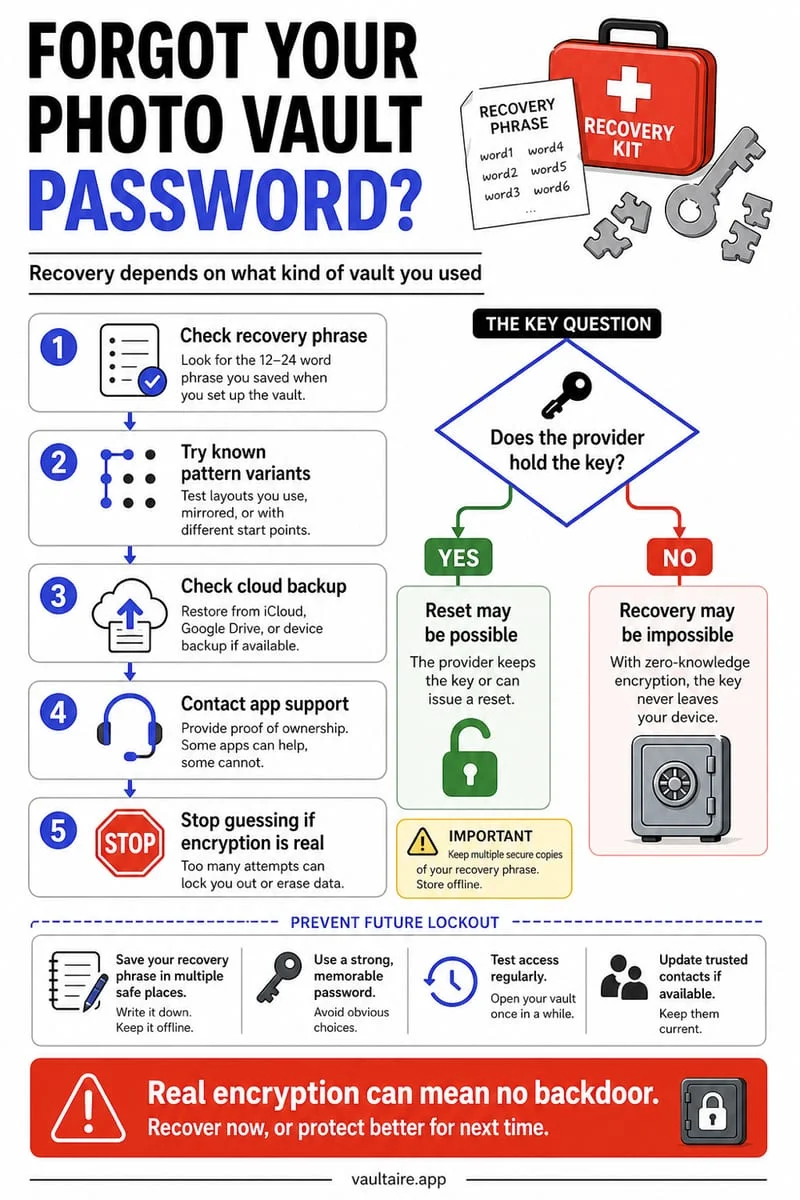
Because Octoshield operates 100% locally on your iPhone with no user account, no cloud servers, excluded backups, and no password recovery service, choosing a secret you will reliably remember six months or a year from now is just as important as making it unguessable to people around you.
Avoid the two most common mistakes iPhone users make: never reuse your 4- or 6-digit iPhone lock screen passcode inside your vault, and never pick a 4-digit birth year or simple `L`-shaped 3×3 pattern that a family member could guess on the first try. Instead, choose an input modality that feels natural to your hands—such as a three-stop Safe-style Combination Dial or a memorable multi-word Passphrase—and pair it with Face ID for daily convenience.
Finally, after setting up your lock, use Octoshield's Cleaner (swipe left to queue deletion, right to keep, or up to encrypt into the vault and queue original removal) to move your private media out of Apple Photos cleanly.
- Open Octoshield and select the lock style that matches how your memory works best (PIN, Passphrase, 3×3 Pattern, or Safe-style Combination Dial).
- Ensure your vault secret is 100% distinct from your iPhone lock screen passcode and avoid obvious dates like birth years or anniversaries.
- Enable optional Face ID / Touch ID so you can unlock the vault hands-free in public without exposing your manual secret to shoulder-surfers.
- Lock and unlock the vault manually two or three times right after setup to cement the code or dial stops in your muscle memory, and keep an independent offline backup of irreplaceable documents.
Frequently asked questions
01If I enable Face ID in Octoshield, can someone still use my iPhone passcode to get in?+
No. Unlike Apple's built-in Hidden album, Octoshield uses a separate biometric-protected Keychain slot and falls back only to your independent Octoshield vault secret (PIN, Passphrase, 3×3 Pattern, or Safe Dial)—never to your iPhone screen passcode.
02Can I switch between a PIN, Pattern, Passphrase, or Safe Dial later?+
Yes. As long as you can currently unlock your Octoshield vault, you can change your unlock method inside the app's security settings at any time without re-importing your files.
03What makes a 3×3 pattern lock much harder to guess?+
Academic studies show most people start their pattern in the top-left node (node 1) and draw simple L, Z, or C shapes. Start on an interior or bottom node, connect at least 6 to 9 dots, and include diagonal knight-move crossovers.
04Why is PBKDF2-SHA256 + a hardware Keychain key safer than a normal password check?+
PBKDF2-SHA256 computationally slows down brute-force guessing, and combining it with a random device-bound key inside the iPhone's hardware-backed Keychain ensures that key derivation cannot be replicated off your physical device.
05Should I turn off Face ID in Octoshield before handing my iPhone to a repair shop or traveling?+
If you want strictly manual secret entry (such as an alphanumeric Passphrase or Safe-style Combination Dial) with zero biometric unlock active, you can toggle off Face ID inside Octoshield's settings at any time.
Official sources & further reading
Lock your private photos behind real AES-256-GCM encryption.
Stop relying on a Hidden album that shares your iPhone lock-screen passcode. Import private photos and videos into Octoshield’s device-bound local vault with your own PIN, passphrase, 3×3 pattern, or safe combination dial.
- AES-256-GCM authenticated encryption in 512 KB chunks
- Encrypted thumbnails & filename catalog index at rest
- 4 lock styles: PIN, Passphrase, 3×3 Pattern, or Safe Dial + Face ID
- 100% on-device storage — zero cloud servers, zero ad SDKs
 AES-256-GCM + Cleaner
LOCAL IPHONE SANDBOX · KEYCHAIN BOUND
iOS menus can vary slightly by iOS version. Octoshield instructions describe the current local app implementation engineered by TengrX. Check the App Store listing for the version available to download.