
Octoshield vs.
the rest.
Most photo vault apps either hide files behind a basic UI screen or ask you to create a cloud account. Octoshield encrypts files, thumbnails, and filenames locally on your iPhone with AES-256-GCM—and pairs your vault with a swipe-to-clean camera roll organizer.

Octoshield vs Keepsafe
Keepsafe centers on an email-registered account and optional cloud backup tiers, while Octoshield runs 100% locally on your iPhone with AES-256-GCM chunked encryption, four lock styles, and a built-in swipe photo cleaner.
Read full comparison
Octoshield vs Private Photo Vault
Private Photo Vault is a classic passcode-gated album app with an in-app browser and ad-supported free tier, while Octoshield focuses on authenticated AES-256-GCM file encryption, four lock styles, PDF encryption, and a swipe photo cleaner.
Read full comparison
Octoshield vs Apple Hidden Album
The iPhone Hidden album uses your regular device passcode and stays inside your iCloud-synced Photos library, while Octoshield gives you a completely separate lock secret and standalone AES-256-GCM encrypted local storage.
Read full comparison
Octoshield vs Calculator# Hide Photos Videos
Calculator# relies on security-through-obscurity by disguising the app as a calculator with numeric PIN entry, whereas Octoshield uses transparent, device-bound AES-256-GCM encryption, four lock types, and a built-in swipe photo cleaner.
Read full comparison
Octoshield vs Privault
Privault is a traditional iOS media locker with optional cloud/subscription features, while Octoshield combines documented AES-256-GCM chunked encryption, four lock interfaces, PDF file protection, and a card-based camera roll cleaner.
Read full comparison
Octoshield vs SPV (Secret Photo Vault)
SPV is a basic PIN-locked album organizer with ad-supported and subscription tiers, while Octoshield provides chunked AES-256-GCM encryption for photos, videos, and files alongside four lock styles and a swipe photo cleaner.
Read full comparison
Octoshield vs Secret Photo Album (SA)
Secret Photo Album (SA) offers passcode-protected media folders and calculator/icon disguises with subscription tiers, whereas Octoshield focuses on local AES-256-GCM encryption, four lock types, PDF encryption, and a swipe photo cleaner.
Read full comparison
Octoshield vs Safe Lock Secret Photo Album
Safe Lock popularized multiple lock screens for photo albums in an ad-supported package, while Octoshield backs its PIN, passphrase, 3×3 pattern, and safe combination dial with genuine AES-256-GCM chunked file encryption and a swipe photo cleaner.
Read full comparison
Octoshield vs Hide It Pro
Hide It Pro disguises itself as an ‘Audio Manager’ volume control utility and relies on older folder-hiding conventions, while Octoshield uses modern chunked AES-256-GCM encryption on iOS, four lock styles, and a swipe photo cleaner.
Read full comparison
Octoshield vs iPhone Locked Notes for Photos
Locking photos inside Apple Notes is a clumsy workaround that struggles with videos and large galleries, while Octoshield is a purpose-built AES-256-GCM encrypted photo, video, and file vault with a swipe-to-clean organizer.
Read full comparison
Octoshield vs Google Photos Locked Folder on iPhone
Google Photos Locked Folder requires a Google account, uses your standard iPhone screen lock, and supports cloud backup to Google servers, while Octoshield requires no account, uses its own custom secret, and encrypts files locally on your iPhone.
Read full comparison
Octoshield vs Vaultaire
Both Octoshield and Vaultaire use real AES-256-GCM file encryption, but Octoshield offers four lock styles (PIN, passphrase, 3×3 pattern, combination dial) + optional Face ID/Touch ID, a built-in Swipe-to-Clean organizer, and strict local-only non-cloud storage, whereas Vaultaire uses a 5×5 pattern with no biometrics, duress vaults, and optional CloudKit backup.
Read full comparison
Octoshield vs Slidebox Photo Manager
Slidebox lets you swipe through your camera roll to delete clutter or sort into standard Apple Photos albums, while Octoshield’s Cleaner lets you swipe left to delete, right to keep, or up to encrypt private photos directly into a local AES-256-GCM vault.
Read full comparison
Octoshield vs AI Duplicate Photo Cleaners
Automated AI cleaners try to batch-delete ‘similar’ shots automatically and often lack real encrypted vaults, while Octoshield gives you deliberate card-by-card swipe control (left delete, right keep, up to encrypt in an AES-256-GCM vault).
Read full comparisonCommon comparison questions
01How does Octoshield compare to other iPhone photo vault apps?+
Many photo vault apps only place a PIN screen in front of unencrypted app folders or require you to register an email account and upload photos to their cloud servers. Octoshield encrypts imported files, thumbnails, and the index on your iPhone with AES-256-GCM using per-item keys and a device-bound Keychain key—with no account required.
02What lock options does Octoshield give me compared to competitors?+
Octoshield lets you choose between a numeric PIN, a full passphrase, a 3×3 pattern lock, or a safe-style combination dial, plus optional Face ID or Touch ID.
03Does Octoshield also include a swipe photo cleaner?+
Yes. Unlike standalone vault apps or standalone photo cleaners, Octoshield's Cleaner lets you review photos one card at a time: swipe left to queue for deletion, right to keep in Photos, or up to import directly into your AES-256-GCM encrypted vault.
Tested buyer guides & security checks.
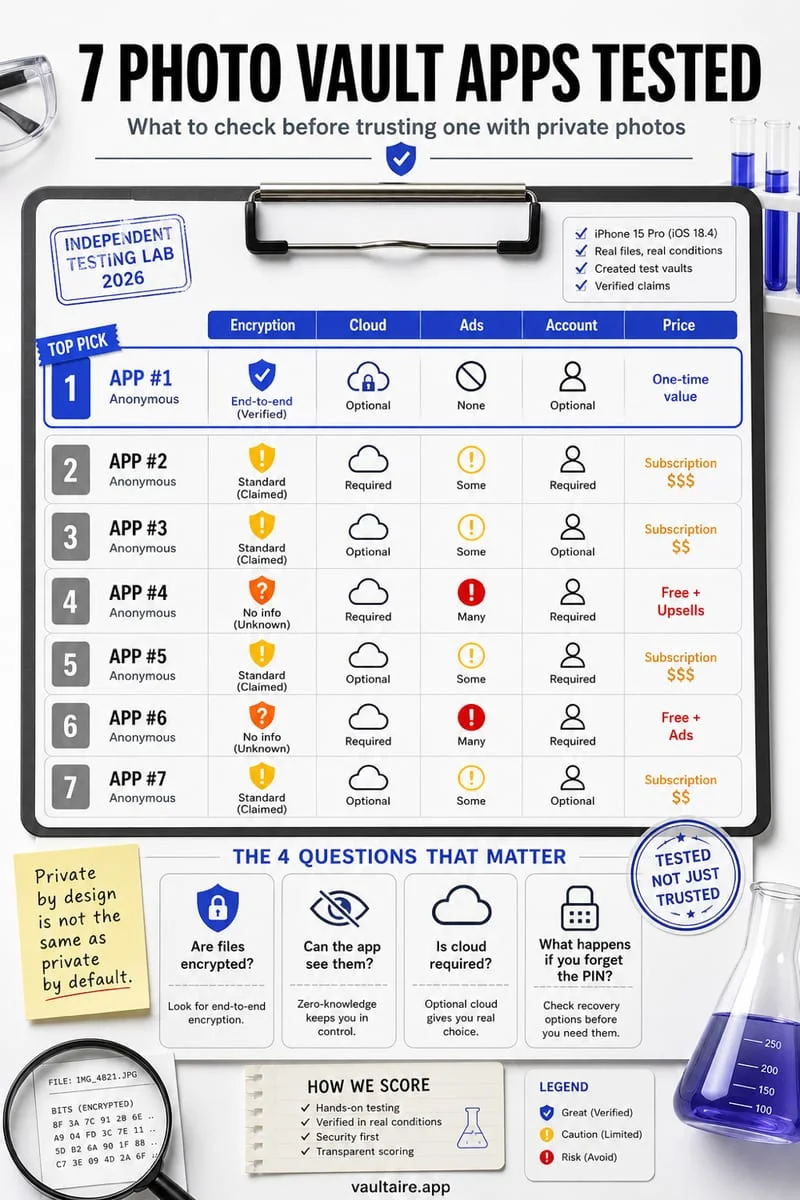
7 Best Photo Vault Apps for iPhone in 2026 (Tested & Ranked)
Compare the 7 best photo vault apps for iPhone in 2026, ranked by real encryption (AES-256-GCM), local offline privacy, cloud risks, and pricing.
Read the 6-min guide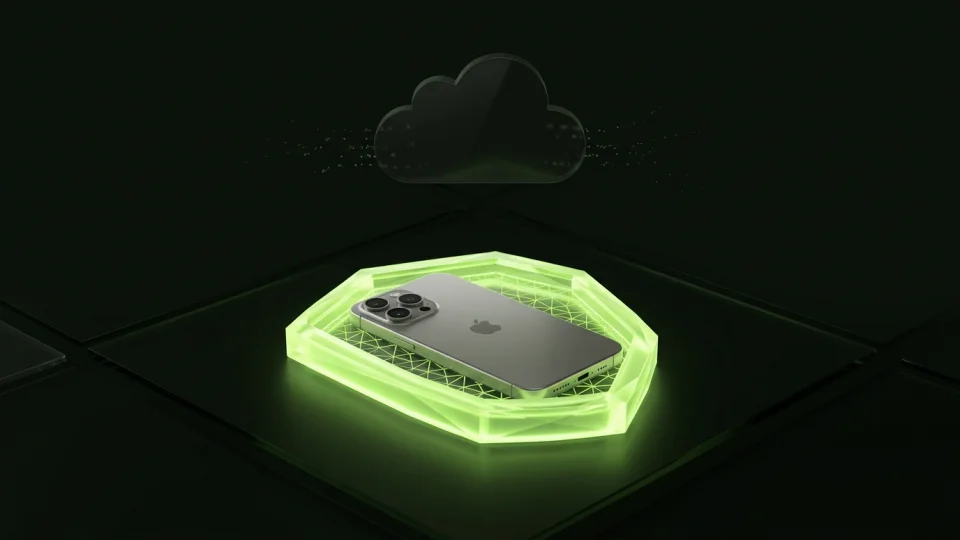
iPhone Hidden Album vs. Encrypted Photo Vault (2026 Comparison)
An honest architectural comparison between Apple’s built-in Hidden album and a dedicated AES-256-GCM encrypted iPhone vault across locks, iCloud sync, and recovery.
Read the 5-min guide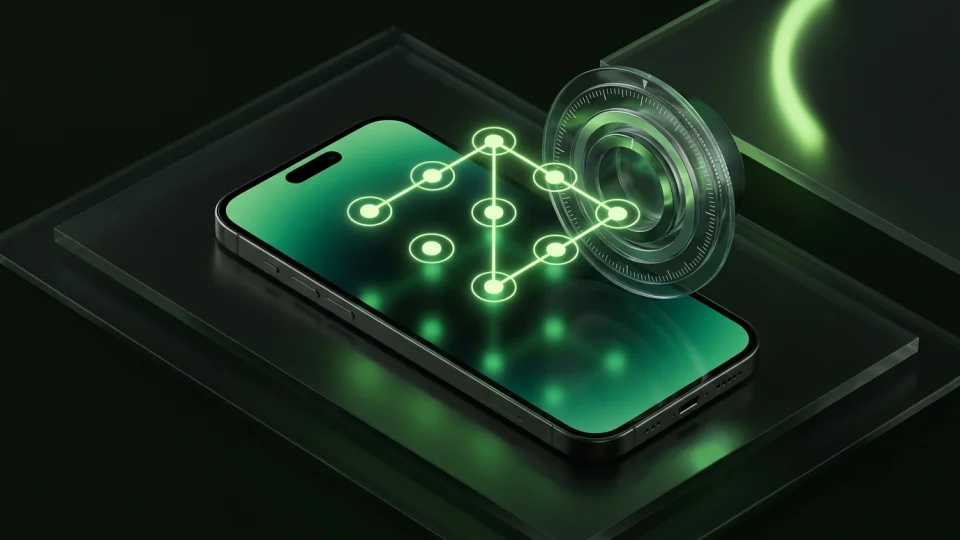
Are Photo Vault Apps Safe in 2026? Security Audit Checklist
Many 'secret calculator' and photo vault apps on the App Store only put a PIN screen in front of unencrypted JPEGs. Use this 6-point technical checklist to tell real encryption from fake locks.
Read the 5-min guide
A cleaner camera roll.
A more private iPhone.
Keep what matters. Protect what’s personal.
Download for freeFree to download · For iPhone