Choose Private Photo Vault if you want a traditional album locker with a built-in web browser and break-in photo capture. Choose Octoshield if you want authenticated AES-256-GCM encryption for photos, videos, and files, four customizable lock interfaces, and a swipe-to-clean photo review tool with zero ad trackers.
Feature-by-feature comparison
How Octoshield compares to Private Photo Vault across file encryption, unlock methods, cloud exposure, document support, and camera roll cleanup.
| Security & Product Feature | Octoshield | Private Photo Vault |
|---|---|---|
| Cryptographic file encryptionWhether files on disk are encrypted with modern authenticated ciphers | AES-256-GCM in chunks with per-item keys + encrypted index & thumbnails | Passcode-protected app container; does not document per-item AES-GCM chunk encryption |
| Hardware Keychain key bindingCombines user secret with a device-bound iOS Keychain key | Yes | No |
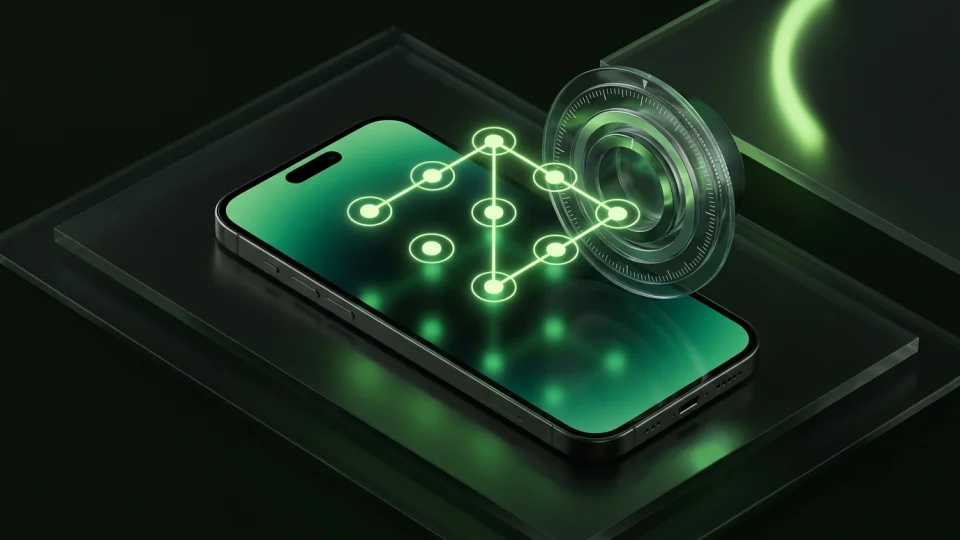
| Unlock methodsAvailable lock interfaces for opening the vault | PIN, full passphrase, 3×3 pattern, safe combination dial + Face ID / Touch ID | 4-digit PIN, pattern, or password + Face ID / Touch ID (some gated to Pro) |
| General file & PDF vaultImport PDFs, contracts, and arbitrary documents from iOS Files | Yes | Photos & videos only |
| Swipe-to-clean photo reviewSwipe left to delete, right to keep, or up to encrypt into the vault | Yes | No |
| Third-party ad networksPresence of banner/interstitial advertising in the free version | None | Banner and full-screen video ads in free tier |
| Account / email requirementWhether an account or email is requested | No | Optional email for passcode recovery / cloud backup |
| Cloud backup exposureWhether vault files can be synced to remote cloud storage | Strictly local; excluded from iCloud & computer backups | Optional paid cloud backup |
| Built-in web browserIn-app web browsing and media downloading | No | Yes |
| Break-in photo captureTakes a front-camera photo after failed PIN attempts | No | Yes (Pro feature) |
| App switcher & capture protectionHides preview in iOS app switcher and obscures on detected capture | Yes | Yes |
| Queue confirmation before deleting originalsReview queued deletions before triggering the iOS system prompt | Yes | Immediate prompt after album import |
Pricing & storage model
Octoshield
- AES-256-GCM encrypted photo, video & file vault
- PIN, passphrase, 3×3 pattern & safe combination dial locks
- Swipe-to-clean photo organizer (left delete, right keep, up vault)
- No account, no email, no Octoshield cloud servers
- Check the App Store listing for current version and optional purchase details
- Same local AES-256-GCM encryption architecture across the app
Private Photo Vault
- Basic PIN protection and photo/video albums
- Contains banner ads and timed full-screen video advertisements
- Pattern lock, decoy password, and ad removal locked behind Pro
- Removes third-party ads
- Unlocks decoy vault, break-in reports, and cloud backup options
- Recurring subscription pricing varies by region and promo
A passcode screen vs authenticated AES-256-GCM encryption
Many early-generation iOS photo vaults were designed as folder organizers behind a numeric keypad. If an app simply moves JPEGs into its sandbox directory without encrypting the underlying bytes, anyone with access to an unencrypted device backup or filesystem extraction tool may be able to read those files directly.
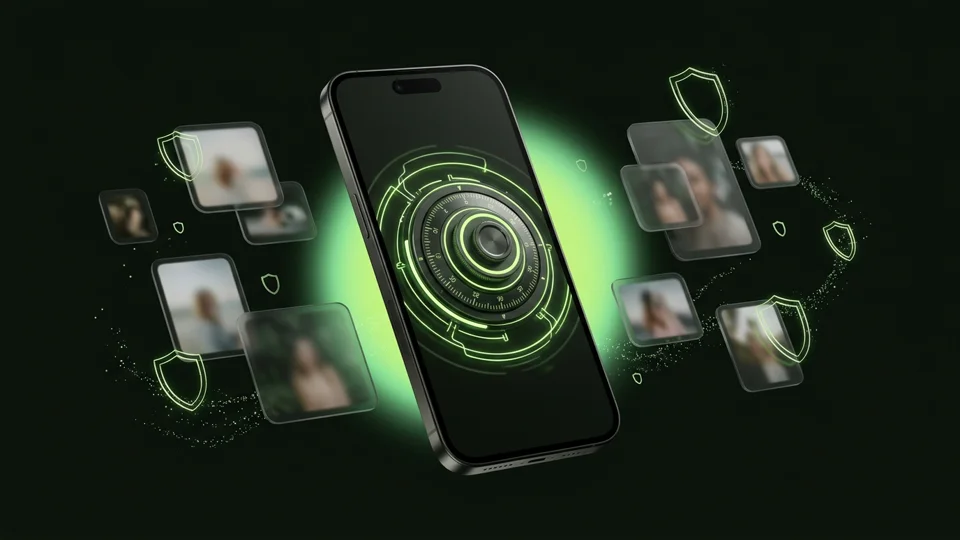
Octoshield never stores plaintext photos, videos, or documents inside the vault. Every imported item is split into chunks and encrypted using AES-256-GCM with its own derived key. Even the thumbnail previews and the vault index (which holds filenames and metadata) are encrypted at rest, and the key derivation incorporates a device-bound iOS Keychain key.
Why third-party ad SDKs do not belong in a privacy app
Private Photo Vault’s free version relies heavily on advertising networks, displaying banner ads and unskippable video interstitials while you browse your private albums unless you pay for a subscription.
Octoshield does not embed third-party ad networks. Whether you are unlocking your vault with the rotary combination dial or sorting through camera roll batches in Cleaner, you are never interrupted by video ads or tracking SDKs.
Documents and camera roll cleanup in one place
Private Photo Vault focuses strictly on media albums and an in-app web browser. It does not encrypt PDFs or general files from the iOS Files app, nor does it help you clean up the rest of your camera roll.
Octoshield combines three focused tools: a photo and video vault, a document/file vault for PDFs and sensitive records imported via the iOS Files picker, and a card-based Swipe-to-Clean workflow that lets you triage your camera roll (left to queue deletion, right to keep, up to encrypt into the vault).
Local boundaries and device transfers
Because Octoshield excludes its encrypted store from iCloud and computer backups and binds encryption to the device’s Keychain, your vault cannot be silently duplicated into a cloud backup. The tradeoff is that you must export essential files before upgrading to a new iPhone, and you must remember your secret.
What Private Photo Vault users run into
Common tradeoffs people experience with Private Photo Vault—and how Octoshield’s local architecture handles each scenario.
“Nothing ruins a private photo vault faster than a 30-second game ad blasting audio every time you switch albums.”
Octoshield approach: Octoshield contains zero third-party advertisements or ad-network SDKs.
“I wanted to lock PDF scans of my passport and contracts alongside my photos, but the app only imports media from the camera roll.”
Octoshield approach: Octoshield includes a full file importer that encrypts PDFs and arbitrary documents with the same chunked AES-256-GCM engine.
“Even switching from a basic PIN to a pattern lock required upgrading to a recurring Pro plan.”
Octoshield approach: Octoshield includes all four lock styles—PIN, passphrase, 3×3 pattern, and safe combination dial—plus optional Face ID / Touch ID right out of the box.
Frequently asked questions
01How is Octoshield’s encryption different from Private Photo Vault?+
Octoshield documents its exact cryptographic architecture: chunked AES-256-GCM authenticated encryption with per-item keys derived from a random master key and a device-bound iOS Keychain key, covering files, thumbnails, and the vault index.
02Does Octoshield have a built-in web browser?+
No. Octoshield intentionally avoids embedding a web browser or network stack inside the vault, keeping the app focused strictly on local file encryption and camera roll organization.
03Can Octoshield take a photo of someone who enters the wrong PIN?+
No. Octoshield does not request front-camera permissions for break-in selfies; instead, it relies on strong cryptographic key derivation so that brute-forcing or bypassing the UI does not expose plaintext files.
04Does importing into Octoshield automatically delete the original photo?+
Importing creates an encrypted copy first. You can then choose to remove the original from Apple Photos (which moves it to Recently Deleted for up to 30 days until you empty it).