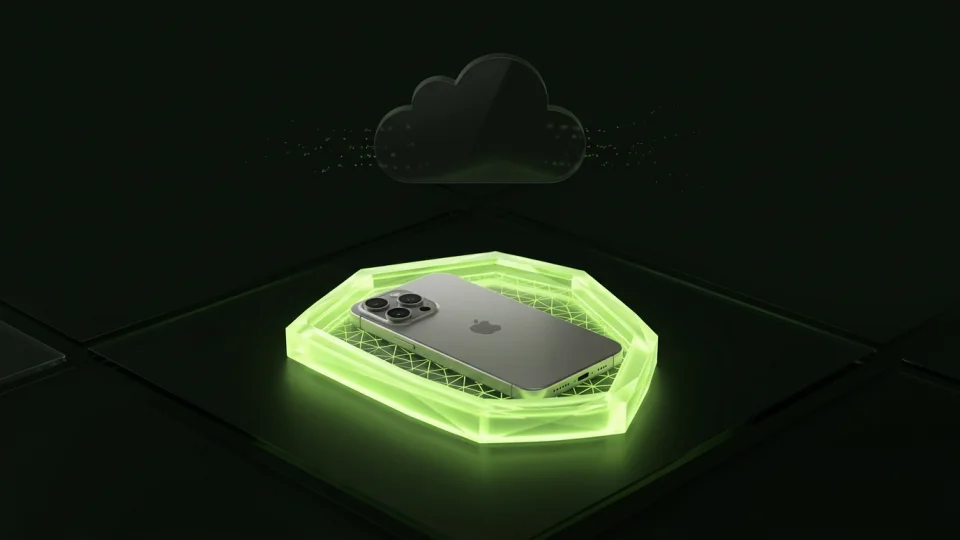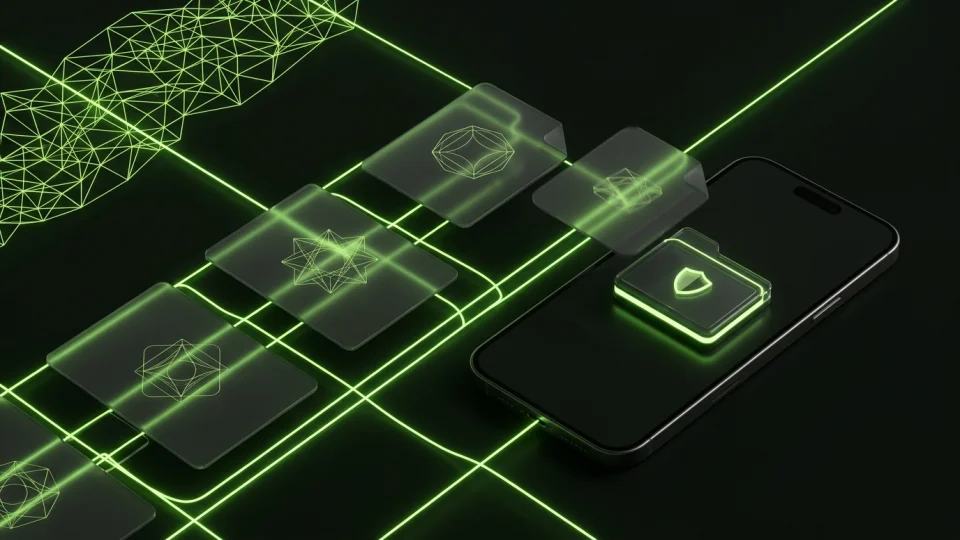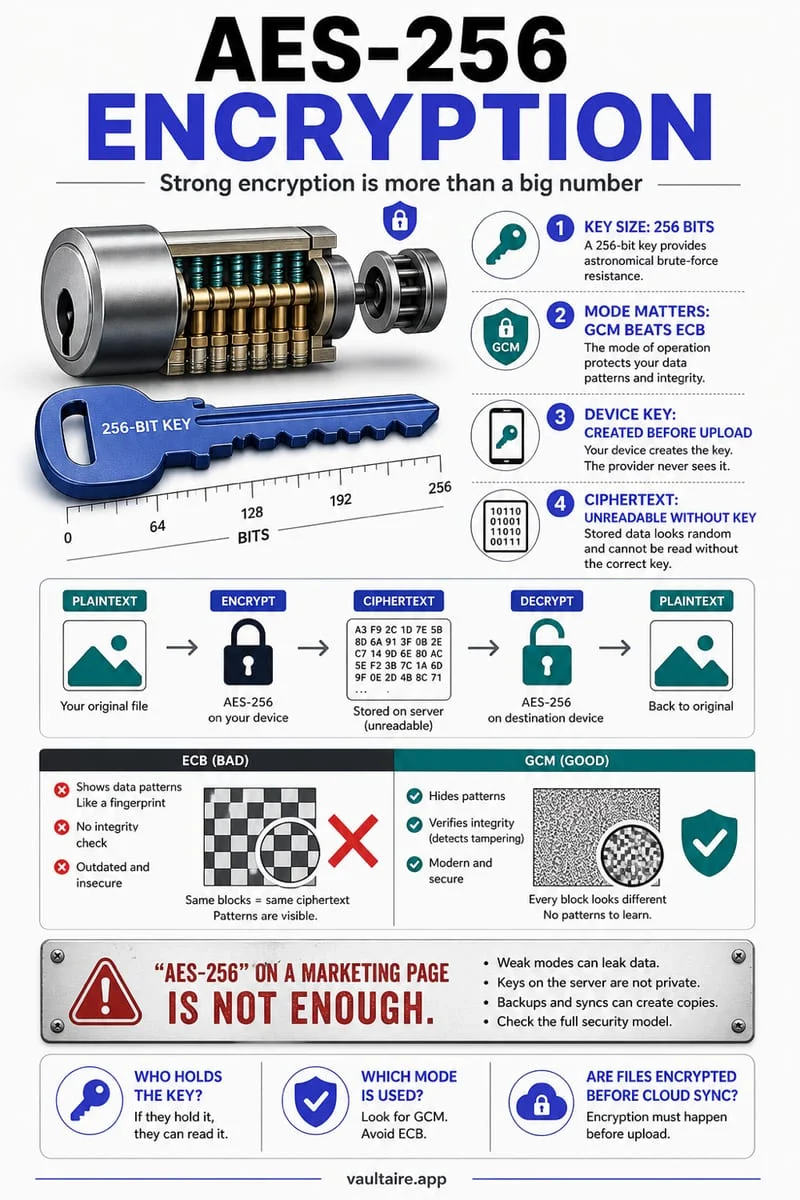
Not all photo vault apps are safe—many popular App Store vaults merely hide unencrypted files in a subfolder behind a cosmetic PIN screen or upload your private photos to company cloud servers. A genuinely safe vault must encrypt files, thumbnails, and filenames on-device using an authenticated cipher like AES-256-GCM, bind keys to the iPhone hardware Keychain, require no cloud account, and include zero ad or tracking SDKs.
1. Cosmetics vs. Cryptography: Is it a lock screen or real encryption?
The most dangerous illusion in the App Store’s 'Photo & Video' category is confusing an unlock screen with file encryption. Hundreds of 'secret folder' and 'calculator vault' apps simply copy your JPEG and MOV files into the app’s local `Documents` directory in plaintext and draw a keypad UI on top.
Why does that matter? Because if an app stores unencrypted JPEGs in its sandbox, anyone who backs up your iPhone to a Mac or PC, inspects the backup with a free desktop file browser, or extracts the app container can view every single photo, video, and thumbnail without ever typing your PIN.
When TengrX engineered Octoshield, we designed the storage engine around authenticated cryptography from byte one: every imported file is split into 512 KB chunks and encrypted with AES-256-GCM. Each item, its thumbnail, and the vault’s catalog index receive separate keys derived via HKDF-SHA256 from a 256-bit master key. Without the decryption key, the stored bytes are mathematically indistinguishable from random noise.
| Audit Question | Typical Ad-Supported / Cloud Vault | Octoshield (Built by TengrX) |
|---|---|---|
| 1. Are stored files encrypted on disk? | Often stored as raw JPEGs or obfuscated file extensions | Yes — AES-256-GCM authenticated encryption in 512 KB chunks |
| 2. Are thumbnails & filenames encrypted? | Rarely — SQLite databases and thumbnails often sit in plaintext | Yes — both thumbnails and the catalog index are AES-256-GCM encrypted |
| 3. Where are the encryption keys kept? | Hardcoded in app binary or stored on remote company servers | PBKDF2-SHA256 user secret + device-bound iPhone Keychain hardware key |
| 4. Does it require an email account or cloud upload? | Often forces account sign-up and syncs to proprietary cloud | Zero accounts, zero cloud servers — strictly local on your iPhone |
| 5. Are third-party ad/tracking SDKs embedded? | Frequently packed with ad networks and behavioral trackers | Zero ad SDKs and zero personal or cross-app tracking (anonymous telemetry only) |
| 6. Are vault files leaked into computer/iCloud backups? | Often included in unencrypted or cloud backups by default | Explicitly excluded from both iCloud and computer backups |
2. Key Derivation & Hardware Binding: Why 'Password Reset by Email' is a red flag
Here is a simple litmus test you can apply to any privacy app in five seconds: if a vault app has a 'Forgot Password? Reset via Email' button that magically unlocks your local vault without you entering a recovery key you wrote down earlier, then the developer’s server holds the capability to bypass your lock or decrypt your keys.
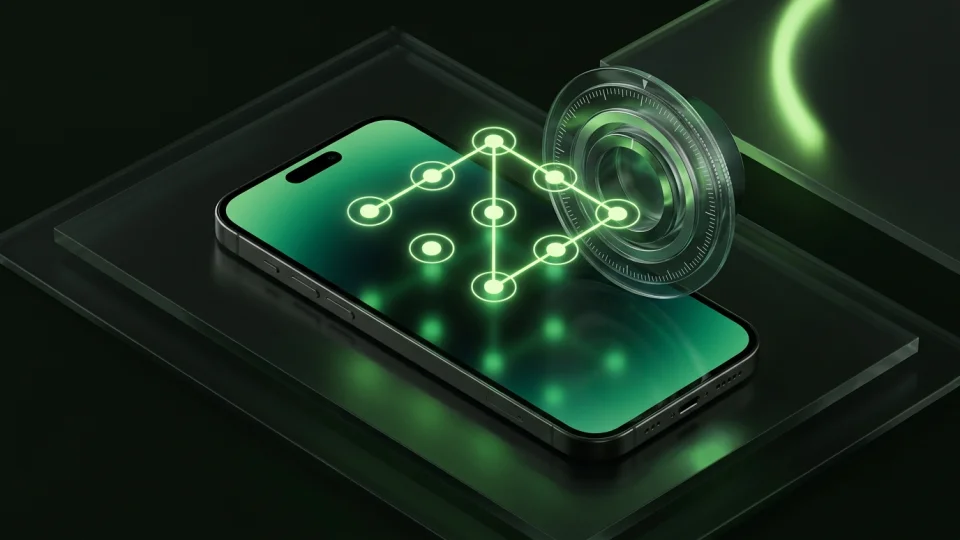
Octoshield uses a strict device-bound, zero-knowledge key hierarchy. When you create your PIN, passphrase, 3×3 pattern, or safe combination dial, Octoshield stretches your secret using PBKDF2-SHA256 and combines it with a random cryptographic key generated inside—and non-exportably bound to—that specific iPhone’s hardware Keychain.
This dual requirement means two things: first, an attacker who somehow copied your encrypted vault files off the phone cannot even begin brute-forcing your PIN on an external GPU rig because they lack the iPhone’s hardware Keychain key; second, neither TengrX nor anyone else can remotely reset your secret. Failed on-device attempts are throttled after 5 tries, with an optional erase-after-10-failures setting.
3. Cloud Servers & Ad SDKs: Why 'free with banner ads' is toxic for a vault
Think about what a mobile advertising SDK actually does inside an iOS app: it initializes network connections on launch, fingerprints device identifiers, tracks session timing, and executes third-party code inside the exact same process memory where you are viewing your most private photographs.
Similarly, cloud-first vaults like Keepsafe or Private Photo Vault encourage you to create an account and sync your private albums to their remote servers—turning a personal device privacy problem into a remote data-breach target and a recurring $10–$15/month subscription trap.
Octoshield operates no cloud storage servers, requires no account or email address, and embeds zero advertising or cross-app tracking SDKs (only strictly anonymous, de-identified product telemetry via Mixpanel). Your files stay on your iPhone.
4. Honest Operational Limits: What no vault app can magically do
A trustworthy security tool tells you its exact boundaries just as clearly as its strengths. First, encryption at rest protects your files while the vault is locked; it cannot stop someone from looking over your shoulder while you have the vault unlocked in public, and while Octoshield obscures the app switcher preview and responds to screen-capture events, iOS does not allow third-party apps to block hardware screenshots outright.
Second, some complex document formats require a temporary decrypted scratch file during active previewing; Octoshield automatically deletes these scratch files as soon as the preview closes or the vault locks, while videos stream through an in-memory decryptor.
Third, because Octoshield is local-only, excluded from backups, and has no recovery server, forgetting your secret, deleting the app, or losing your iPhone without exporting your files first means permanent data loss. Read our full Security Model page and keep an independent backup of any irreplaceable document.

A little privacy for your photos.
Download for freeFrequently asked questions
01Are 'calculator vault' apps safer than regular photo vaults?+
Only against a 2-second casual glance at your Home Screen—and since iOS 18+, Apple lets you hide ANY app into the native Face ID Hidden Apps folder anyway. Many calculator apps neglect real file encryption, relying on a fake icon instead of cryptographic security.
02Can Octoshield or TengrX recover my photos if I forget my vault password?+
No. Because Octoshield uses on-device AES-256-GCM encryption with keys derived from your secret and your iPhone’s Keychain—and has no cloud server or backdoor—forgotten secrets cannot be reset or recovered.
03Are thumbnails and filenames encrypted inside Octoshield?+
Yes. Unlike basic lockers that only hide the main image while leaving thumbnail caches and SQLite filenames readable, Octoshield encrypts the file chunks, the thumbnails, and the catalog index with separate HKDF-SHA256 derived keys.
04What happens to my vault files if I export or share them?+
Inside the vault, files remain AES-256-GCM encrypted. When you explicitly export or share a photo or PDF to another app, Octoshield creates a decrypted copy for that destination, which is then governed by the receiving app’s privacy rules.
05Has Octoshield’s encryption been independently audited?+
Our documentation describes Octoshield’s concrete cryptographic implementation (AES-256-GCM 512 KB chunks, PBKDF2-SHA256, HKDF-SHA256, and iOS Keychain binding) transparently, rather than claiming a third-party certification that hasn't occurred.
iOS menus can vary slightly by iOS version. Octoshield instructions describe the current local app implementation engineered by TengrX. Check the App Store listing for the version available to download.