Drop any JPEG, PNG, or WebP photo above to inspect its hidden EXIF tags, GPS coordinates, camera settings, XMP editing history, and C2PA Content Credentials locally in your browser. Click Remove Metadata to generate a clean copy without uploading your file to any server.
What local metadata cleaning does
Your browser parses the binary file headers (APP1 EXIF, XMP packets, JUMBF/C2PA boxes, PNG text chunks, and WebP EXIF/XMP chunks) and writes a clean copy on-device. Visible pixels are preserved, while location, camera, timestamp, and provenance markers are removed.
| Metadata Category | Fields Inspected | Clean Copy Action |
|---|---|---|
| GPS & Location | Latitude, longitude, altitude, GPS timestamp, and direction tags | Removed completely |
| Camera & Device | Device make, iPhone/camera model, lens spec, ISO, shutter speed, aperture, flash | Removed completely |
| Timestamps & Software | DateTimeOriginal, digitized date, modify date, OS version, editing software | Removed completely |
| AI & Content Credentials | C2PA / JUMBF manifest markers, IPTC DigitalSourceType, XMP AI generator strings | Removed from output file |
| Visible Image Payload | Pixel dimensions, visual content, and color rendering | Preserved locally |
What hidden metadata lives inside an everyday photo?
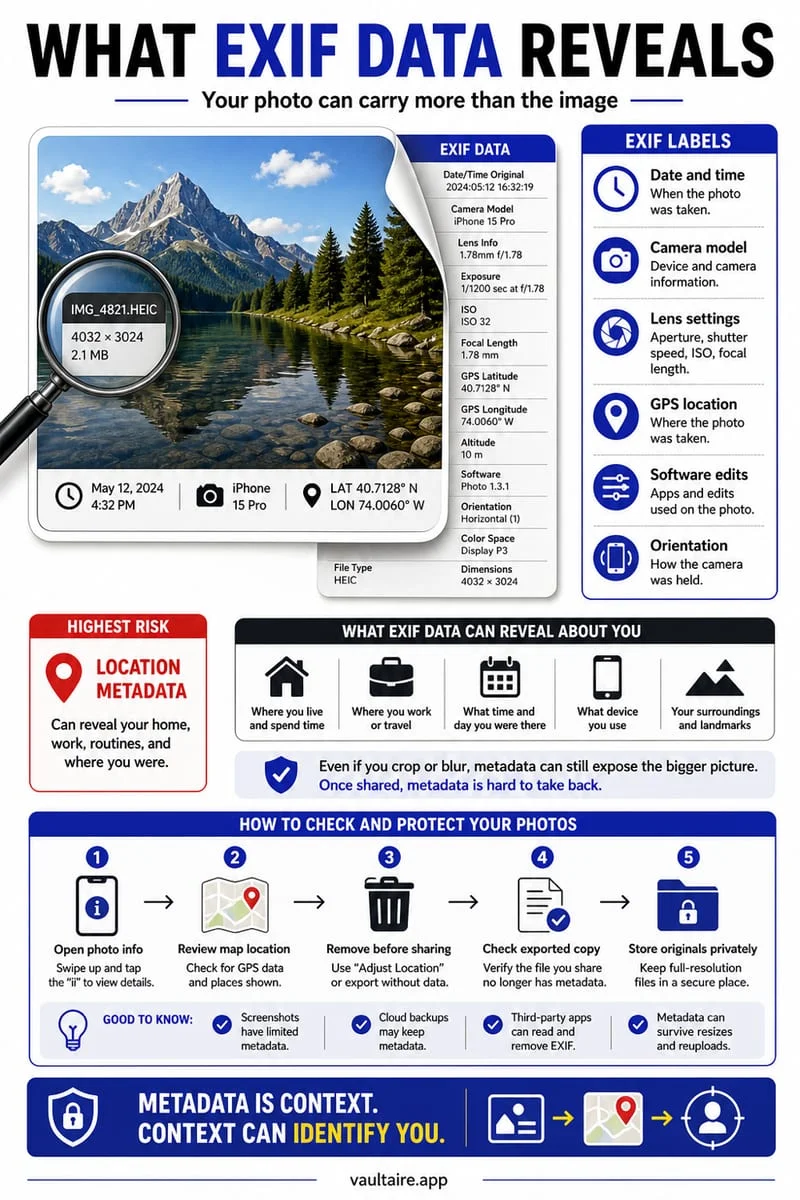
Every time you take a picture with an iPhone or digital camera, the file records more than visible pixels. Standard EXIF (Exchangeable Image File Format) headers store the exact second the shutter fired, the device model and lens used, exposure parameters, and—unless disabled—high-precision GPS coordinates pointing to where you stood.
Edited images and AI-generated visuals often add XMP packets, IPTC creator records, or C2PA Content Credentials manifests that log the software toolchain used to create or touch up the image. Inspecting a file before posting it publicly lets you see exactly what hidden fields travel alongside the image.
- Select or drop a JPEG, PNG, or WebP photo into the local inspector above.
- Review the detected GPS coordinates, camera model, capture timestamps, and AI/C2PA markers.
- Click Remove Metadata & Download Clean Copy to save a stripped version directly to your device.
How to check if an image declares AI generation or C2PA credentials
Many modern AI image generators and editing tools embed provenance declarations inside JUMBF (ISO/IEC 19566-5) C2PA containers or XMP IPTC DigitalSourceType tags (such as trainedAlgorithmicMedia or compositeWithTrainedAlgorithmicMedia).
Our browser scanner searches the raw file bytes for JUMBF/C2PA signatures, XMP generator tags, and PNG tEXt/iTXt parameters. Because metadata can be stripped by social platforms or re-saved screenshots, the presence of a marker confirms a declaration, while its absence simply means no metadata declaration is attached to that file.
Protecting originals on your iPhone
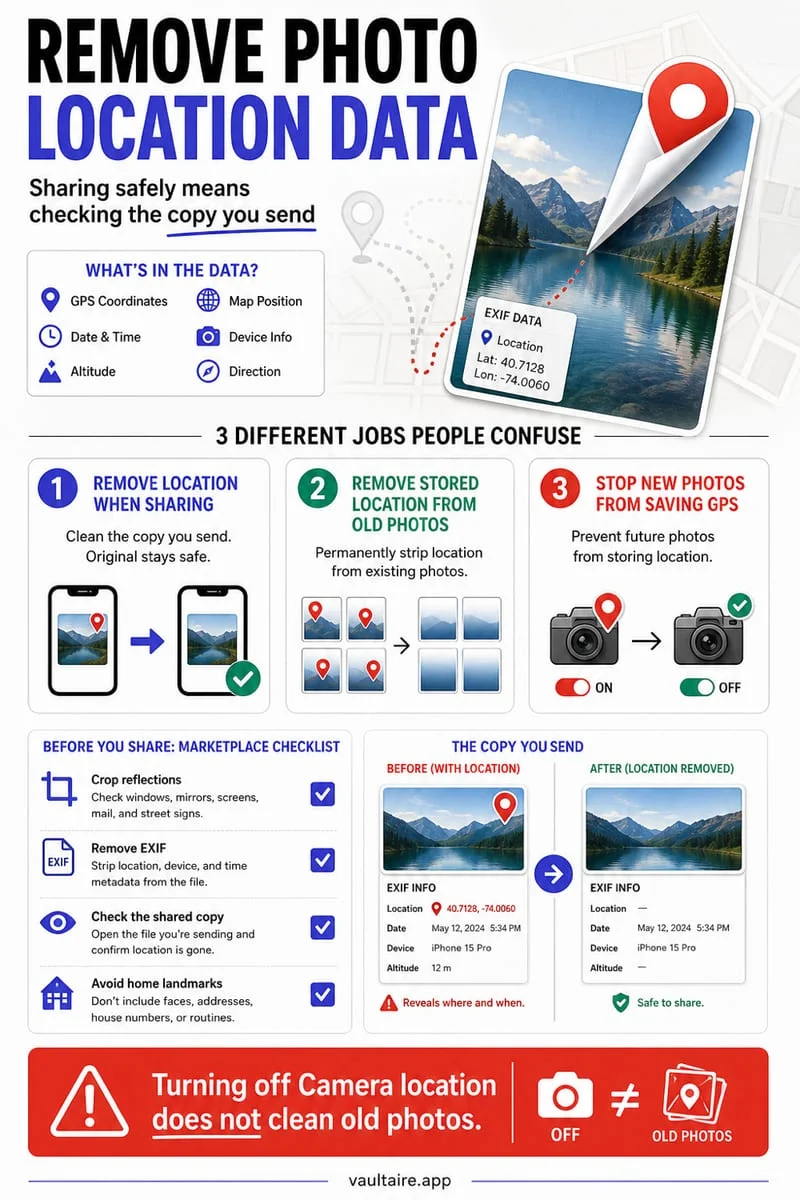
Cleaning a single photo before sharing removes metadata from the outgoing copy, while the original in your iPhone camera roll keeps its location and timestamp data. You can also toggle Location off in the iOS Share Sheet Options menu before sending a photo.
When you want to store sensitive photos, videos, or PDFs outside the standard Photos library, Octoshield imports encrypted copies into a local AES-256-GCM vault on your iPhone with your choice of PIN, passphrase, pattern, or combination dial.
Frequently asked questions
01Does this tool upload my photo to a server to read or remove EXIF data?+
No. Both the binary header inspection and the clean file generation happen entirely inside your browser using JavaScript ArrayBuffer and Canvas APIs. Your image never leaves your device.
02Does removing EXIF metadata reduce image resolution?+
No. The cleaned output keeps the full pixel dimensions of your photo while omitting EXIF, GPS, XMP, and C2PA metadata headers.
03Why does my iPhone photo show HEIC or JPEG without GPS?+
If Location Services for Camera was turned off when the photo was taken, or if the image was downloaded from a messaging app that strips EXIF data automatically, the file will not contain GPS coordinates.