Your photos.
Your files.
Only yours.

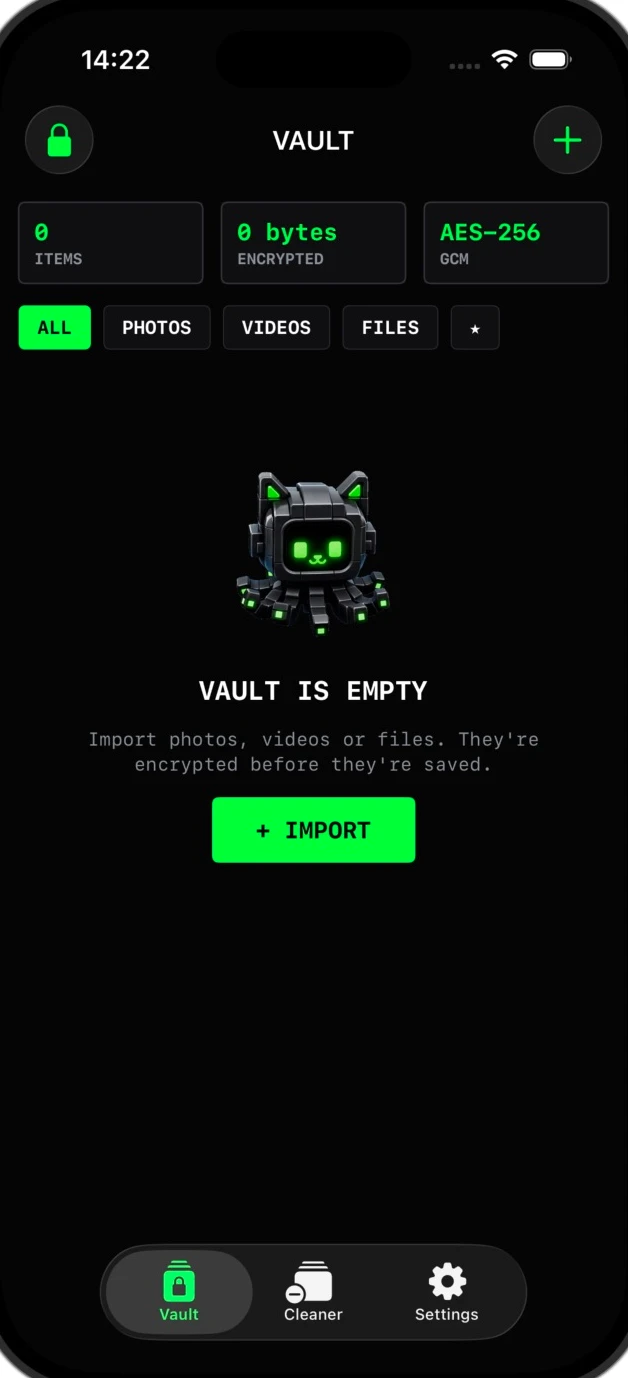
Octoshield’s real encrypted vault
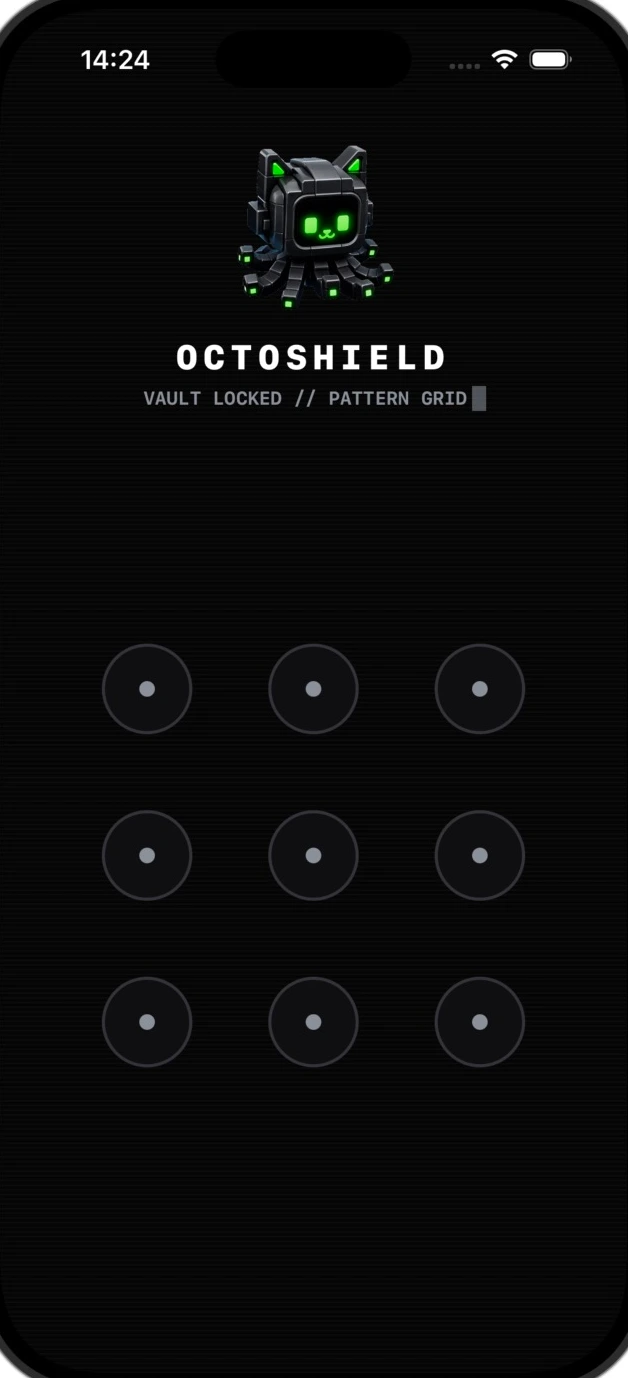
Real Octoshield pattern lock screen

Try the lock. It’s interactive.

pattern demonstration. Real app screens with preview animations. No files are processed.
A LITTLE LESS CLUTTER. A LITTLE MORE YOU.Discover Octoshield
01 MAKE A LITTLE ROOM

Keep the moment.
Lose the clutter.

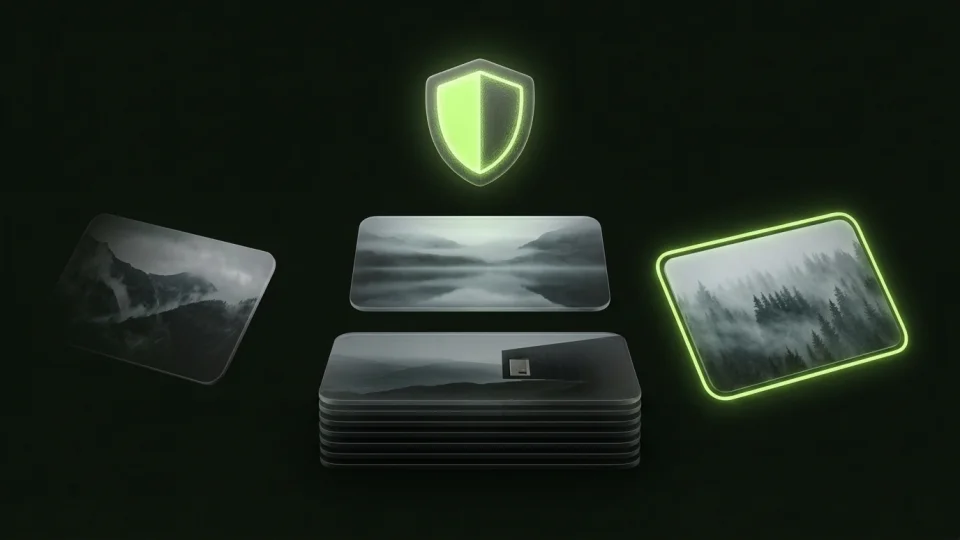
The blurry one. The screenshot you forgot. The perfect memory buried underneath. Meet a photo cleaner that puts you in charge, one swipe at a time.

← Delete→ Keep↑ Vault

Nothing is deleted until you review and confirm.

Meet swipe to clean
CLEANER01 / YOUR NEXT MEMORY
A golden retriever enjoying time outdoors
Friends holding their coffees together at a caféCOFFEE WITH MY PEOPLE
A LITTLE CATCH-UP.
Drag a card, or tap a choice. Find your flow.
SAMPLE PHOTOS · TRY A SWIPE0 queued
YOUR PHOTOS
YOUR VIDEOS
A LITTLE SPACE. JUST FOR YOU.
02 KEEP SOMETHING FOR YOURSELF

Some moments
are just yours.

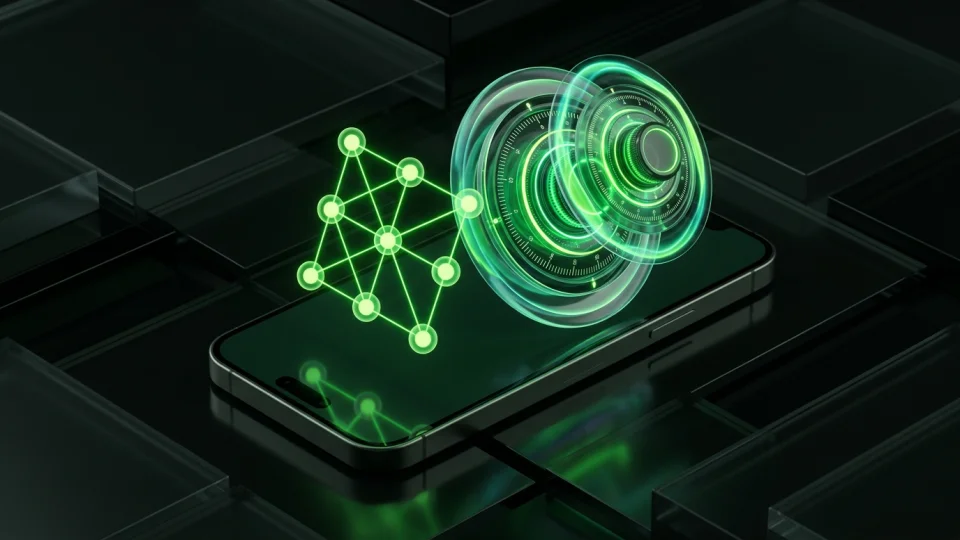
Give personal photos and videos a home outside your camera roll. Octoshield creates an encrypted copy in a vault on your iPhone, behind a lock you choose.

  • A separate vault for private photos and videos
  • PIN, pattern, dial, or passphrase
  • Optional Face ID for everyday access
Inside your photo vault

Import first. Check your copy. Review original removal separately.

03 BRING THE IMPORTANT THINGS

More than photos.
A place for files.

A personal document. A video you keep close. Import the files you choose and give them the same encrypted home.

Imported copies stay in the vault. Originals in Files or a cloud provider are managed separately.

Explore file encryption
FILE VAULT
PDF
personal-notes.pdf
VISUAL DEMO · NO FILES ARE PROCESSED
04 CLOSE TO YOU. BY DESIGN.

Your vault lives
where you do.

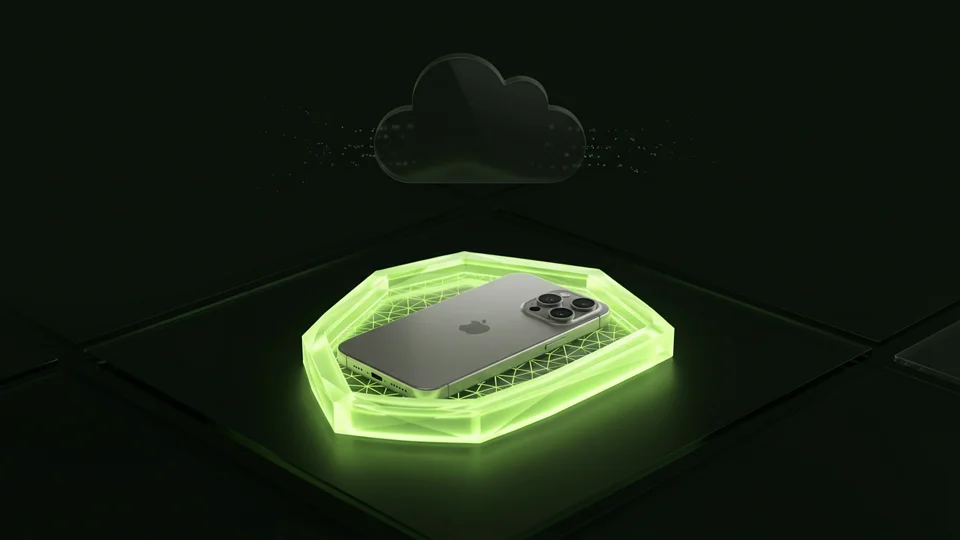
On your iPhone. Files, thumbnails, and the vault index are encrypted locally. No Octoshield account. No cloud vault uploads.

AES-256-GCM Local vault
Understand the protection

The vault is excluded from backups and has no recovery service. Keep an independent copy of irreplaceable files and export before changing iPhones.

THE OCTOSHIELD FIELD GUIDE

A question brought you here. Let’s answer it.

All guides
BEFORE YOU MAKE YOURSELF AT HOME

A little clarity.
Then, a fresh start.

Photo privacy, storage, and the details that matter.

Browse all iPhone guides
01Can I lock photos with a different password on iPhone?+

The Hidden album uses device authentication. For a separate secret, Octoshield lets you choose a PIN, passphrase, pattern, or dial and store encrypted copies outside Photos. Manage original copies separately.

02How do I swipe to delete photos on iPhone?+

Left queues a photo for deletion, right keeps it in Photos, and up creates an encrypted vault copy and queues the original for removal. Review and confirm before deleting.

03Will a photo vault free up my iPhone storage?+

Octoshield stores encrypted files locally, so importing creates another on-device copy and does not guarantee more space. Review unwanted photos with Cleaner, or check iCloud Photos optimization if you want to retain your library.

04Are vault files uploaded to a server?+

The current vault stores encrypted files on your iPhone and does not upload them to an Octoshield server. iOS Photos may download iCloud originals during import or review.

05What if I forget my secret or change iPhones?+

There is no recovery service and the vault is excluded from backups. Losing your secret, deleting the app, or losing the device can mean losing files. Export essential files before changing devices.

06Is Octoshield free to download?+

Download Octoshield for free from the App Store. Check the listing for the currently available version, compatibility, and any purchase details.

Octoshield’s green-eyed octopus mascot
YOUR NEXT SMALL RESET

A cleaner camera roll.
A more private iPhone.

Keep what matters. Protect what’s personal.

Download for freeFree to download · For iPhone