GitHub Copilot Coding Agent Security: Secret Scanning, CodeQL, and Safe Pull Requests
GitHub Copilot Coding Agent Security
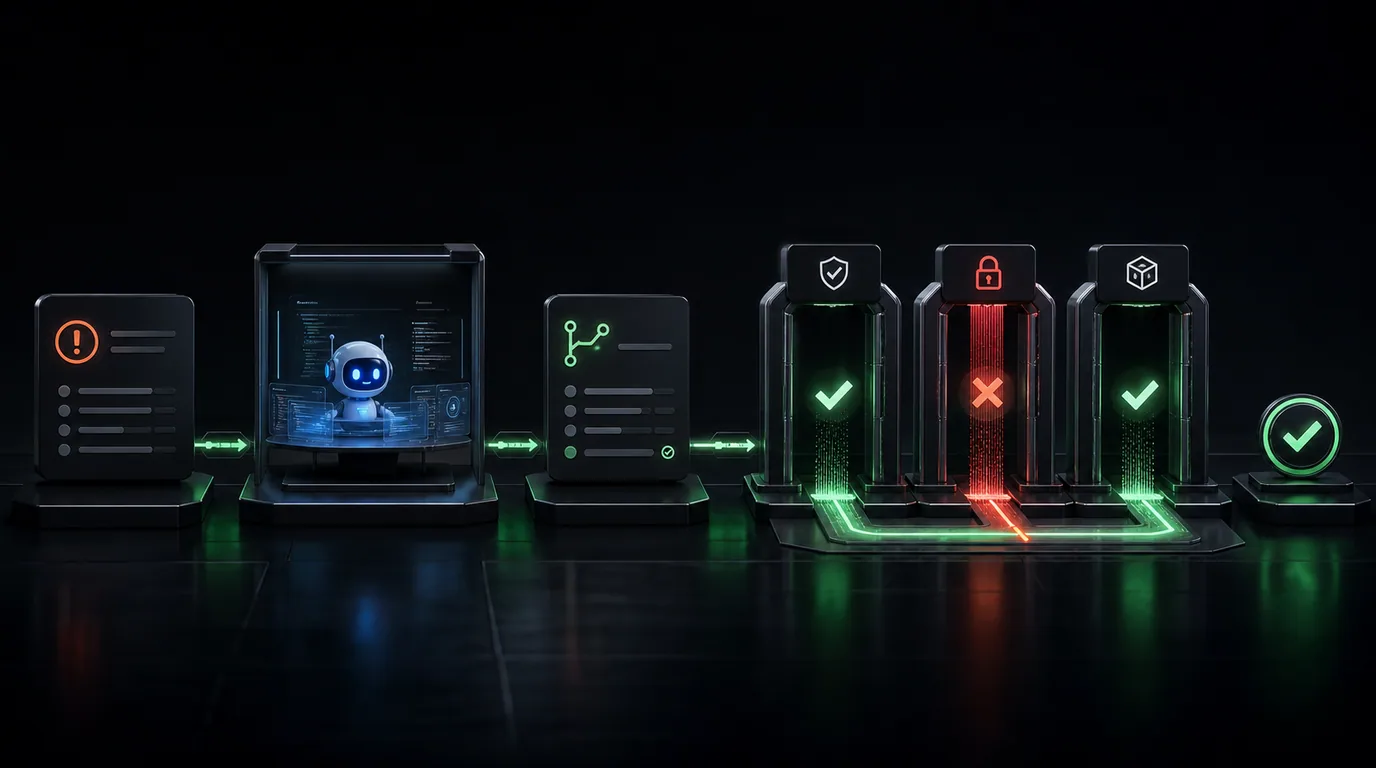
GitHub Copilot coding agent can take an issue, work asynchronously in the background, and return with a pull request. Recent updates added model selection, self-review, custom agents, CLI handoff, code referencing, and security validation within the agent workflow.
That makes the agent more useful—but also gives it meaningful repository access. Teams should understand both the built-in protections and the controls they still need to own.
Built-In Security Validation
GitHub documents three important checks for agent-generated changes:
- CodeQL code scanning looks for code-level security issues.
- Secret scanning detects API keys, tokens, and other credentials.
- Dependency checks compare newly introduced packages against advisory data for malware and high-severity vulnerabilities.
Copilot coding agent can attempt to resolve findings before it finishes the pull request. Session logs provide evidence about the analysis and actions taken.
These checks are valuable, but no scanner detects every business-logic flaw. A patch can pass CodeQL and still grant the wrong user access to an account.
Prompt Injection Risk
Issues, pull requests, source files, and dependency content can contain instructions aimed at the agent. GitHub applies mitigations, including filtering certain hidden content, but repository text should still be treated as untrusted input.
Be cautious when an agent:
- Reads instructions from a newly added dependency.
- Requests broader network access.
- Modifies workflow or security configuration.
- Disables tests or scanning to complete a task.
- Attempts to expose credentials for debugging.
Do not approve a permission expansion solely because the agent says it is necessary. Verify why the action is required and whether a narrower alternative exists.
Secret Scanning During Development
GitHub also supports secret scanning through its MCP server so compatible coding agents can inspect changed files before commit. A developer can ask the agent to scan the staged diff and propose environment-variable replacements.
Push protection adds another boundary by blocking detected secrets from actions performed through the integration. Repository eligibility and configuration vary, so verify the settings for private and internal repositories.
Recommended Workflow
- Restrict the agent to selected repositories.
- Use repository instructions that define test and security requirements.
- Keep production credentials outside repository context.
- Review session logs and the complete pull-request diff.
- Require checks before merge.
- Inspect dependency and workflow changes carefully.
- Rotate any credential that may have entered a commit.
Octoshield can provide an additional credential-monitoring layer across repositories, including changes created outside Copilot’s own security workflow.
Sources and Further Reading
- GitHub: What’s new with Copilot coding agent
- GitHub Docs: Risks and mitigations
- GitHub Docs: Scan for secrets with the MCP server
Conclusion
Copilot coding agent has a strong baseline: reviewable pull requests, session logs, CodeQL, dependency validation, and secret scanning. Safe adoption still requires narrow repository access, protected credentials, mandatory checks, and human accountability for the final merge.
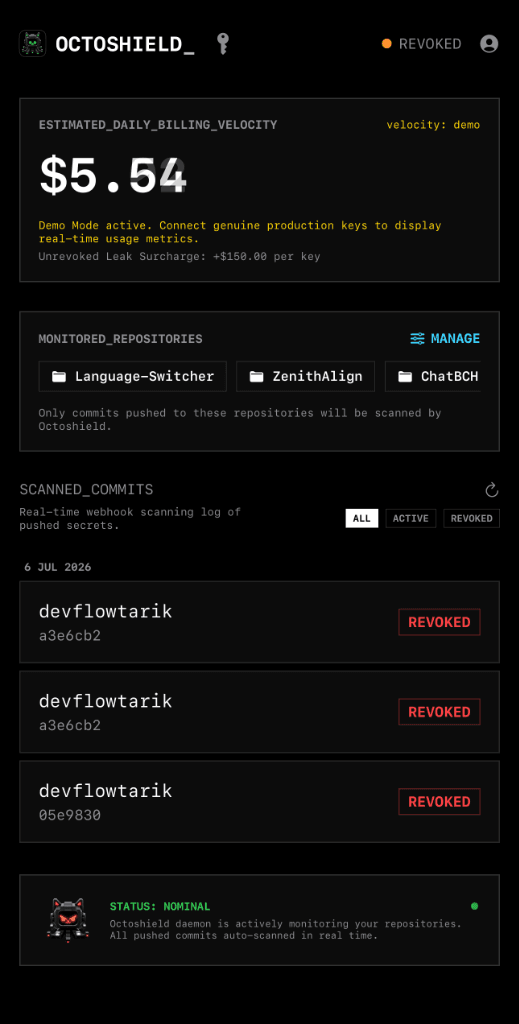
Octoshield in your pocket.
Monitor leaks and manage credentials on the go with our native iOS app.