Choose Secret Photo Album if you want an album locker with private contact lists and icon disguises. Choose Octoshield if you want documented AES-256-GCM chunked encryption, a passphrase/pattern/safe-dial lock, PDF file encryption, and a built-in swipe-to-clean camera roll organizer.
Feature-by-feature comparison
How Octoshield compares to Secret Photo Album across file encryption, unlock methods, cloud exposure, document support, and camera roll cleanup.
| Security & Product Feature | Octoshield | Secret Photo Album |
|---|---|---|
| On-disk file encryptionHow stored files, thumbnails, and metadata are protected | AES-256-GCM in chunks with per-item keys + encrypted thumbnails and index | Passcode-gated app container; encryption implementation not detailed |
| Device-bound Keychain protectionTies vault key derivation to the iPhone’s hardware-backed Keychain | Yes | No |
| Lock optionsSupported secret types for unlocking | PIN, passphrase, 3×3 pattern, safe combination dial + Face ID / Touch ID | Numeric PIN / calculator pad + Face ID / Touch ID |
| Swipe-to-clean camera roll organizerSwipe left to delete, right to keep, up to encrypt into vault | Yes | No |
| PDF & arbitrary file vaultImport and encrypt documents from the iOS Files picker | Yes | Photos, videos, notes & contacts |
| Ad-free without ad-network trackersWhether third-party advertising SDKs run inside the app | No third-party ad networks | Ads in free tier; subscription required to remove |
| Storage locationWhere vault copies reside | 100% local on iPhone; excluded from iCloud & computer backups | Local with optional paid cloud backup |
| Account or email requiredWhether onboarding asks for personal credentials | No | No |
| Batch deletion review queueReview and undo swipe-left decisions before iOS deletes originals | Yes | No |
| App switcher privacy blurMasks open content when switching apps | Yes | Yes |
| Temporary preview file wipingRemoves decrypted scratch files when document preview closes or locks | Yes | Not documented |
| In-app private web browserBuilt-in browser inside the vault app | No | Yes |
Pricing & storage model
Octoshield
- AES-256-GCM encrypted photo, video & file vault
- PIN, passphrase, 3×3 pattern & safe combination dial locks
- Swipe-to-clean photo organizer (left delete, right keep, up vault)
- No account, no email, no Octoshield cloud servers
- Check the App Store listing for current version and optional purchase details
- Same local AES-256-GCM encryption architecture across the app
Secret Photo Album
- Basic PIN lock and album creation
- Displays banner and interstitial ads
- Removes ads and unlocks cloud backup, fake PIN, and unlimited albums
Real file encryption vs hidden folders
A lock screen only blocks the user interface. Octoshield protects the actual data at rest: every imported photo, video, and document is encrypted in chunks with AES-256-GCM using a unique per-item key derived from a random master key. Thumbnails and the index of filenames are encrypted too.
Because the master key is protected by combining your secret with a device-bound iOS Keychain key, copying the app’s raw container files off the phone does not yield a readable or portable archive.
Four ways to lock your vault
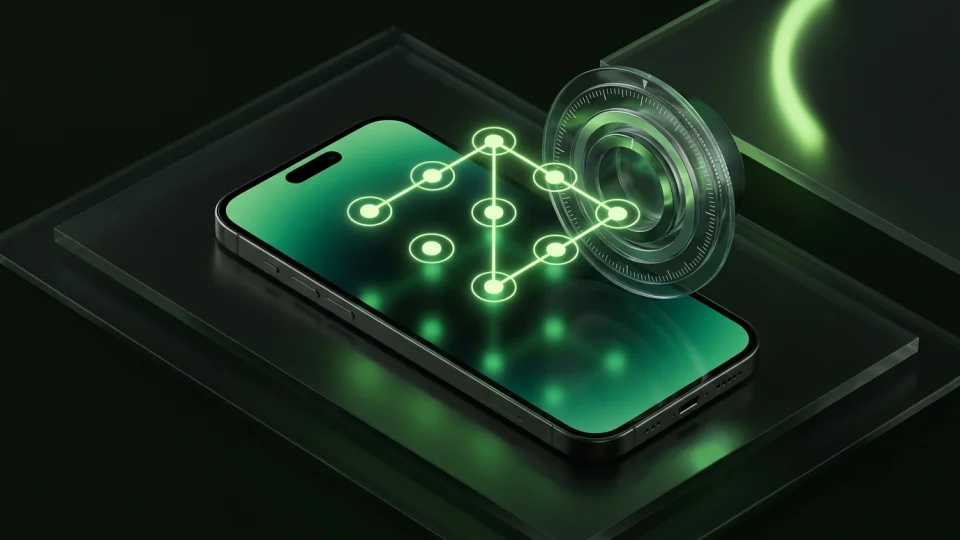
Instead of limiting you to a numeric PIN pad, Octoshield lets you pick a PIN, a full keyboard passphrase, a 3×3 pattern, or a rotary safe combination dial—and optionally enable Face ID or Touch ID via a separate protected Keychain slot.
Sort your camera roll one card at a time
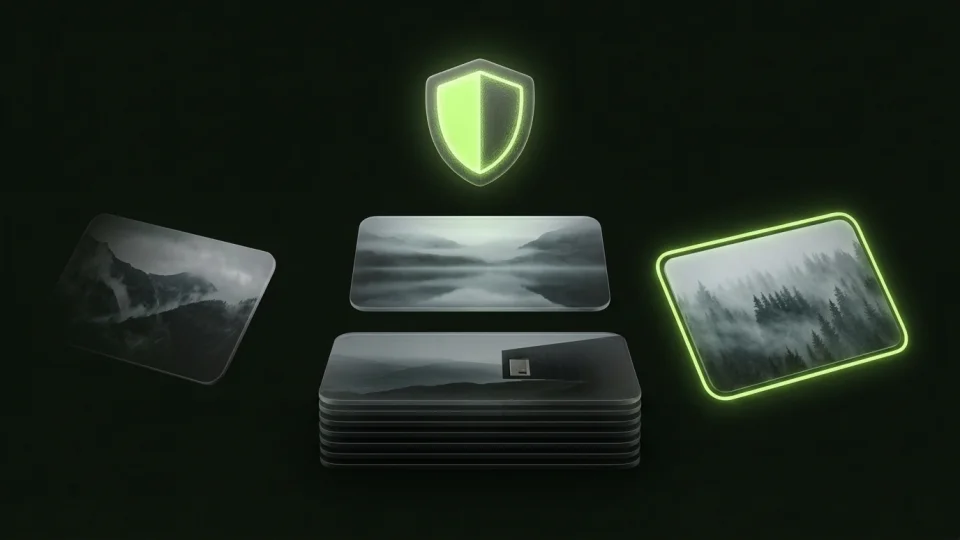
Octoshield’s Cleaner turns tedious camera roll management into three quick gestures: swipe left to queue unwanted photos for deletion, right to keep them in Apple Photos, or up to encrypt a copy into the vault and queue the original for removal.
Zero cloud servers and clear recovery boundaries
Octoshield has no cloud backup servers and excludes your vault from iCloud and computer backups. Your files never leave your iPhone—which also means you are responsible for remembering your secret and exporting important files before switching devices.
What Secret Photo Album users run into
Common tradeoffs people experience with Secret Photo Album—and how Octoshield’s local architecture handles each scenario.
“Almost every setting in the menu opens a weekly or monthly Pro subscription screen.”
Octoshield approach: Octoshield provides its full AES-256-GCM encryption engine, all four lock styles, file encryption, and the swipe cleaner without weekly subscription traps.
“I wanted to encrypt PDF documents alongside my private photos without converting them into screenshots.”
Octoshield approach: Octoshield imports PDFs and arbitrary files directly from the iOS Files picker and encrypts them with AES-256-GCM.
“Finding which photos to move into the vault out of 15,000 camera roll items takes hours.”
Octoshield approach: Cleaner deals your photos as swipeable cards so you can delete junk, keep favorites, or swipe up to vault private shots effortlessly.
Frequently asked questions
01Are my filenames and thumbnails encrypted in Octoshield?+
Yes. Both the vault index (which stores item metadata and filenames) and generated thumbnails are encrypted at rest with AES-256-GCM.
02Does Octoshield have an in-app browser?+
No. Octoshield stays strictly focused on local encryption and camera roll cleanup rather than bundling a web browser.
03What happens when I swipe up on a photo in Octoshield’s Cleaner?+
Swiping up imports and encrypts a copy of the photo into your Octoshield vault and adds the original Apple Photos copy to your pending deletion queue for you to review and confirm.
04Can Octoshield reset my password if I forget it?+
No. Because Octoshield is strictly local and has no accounts or backdoors, a forgotten secret (without active biometric unlock) cannot be reset.