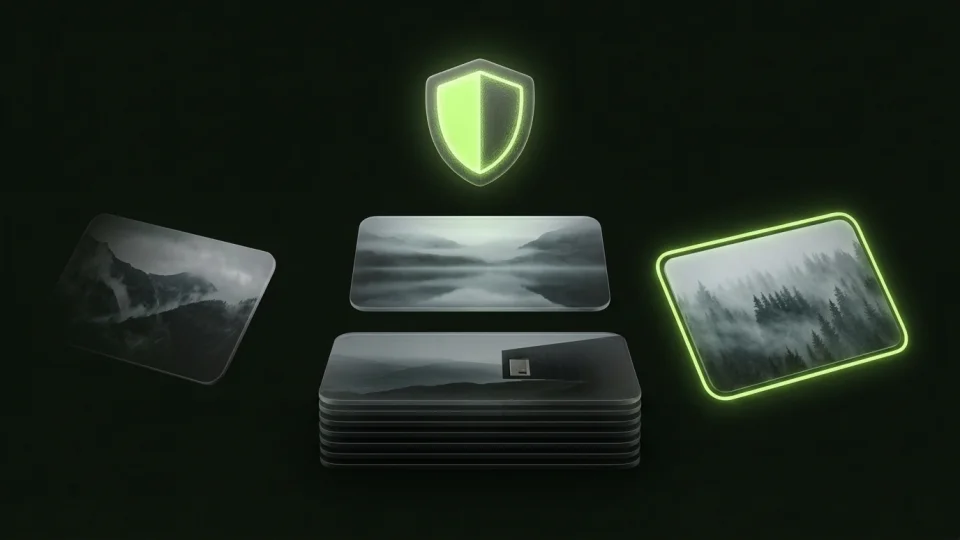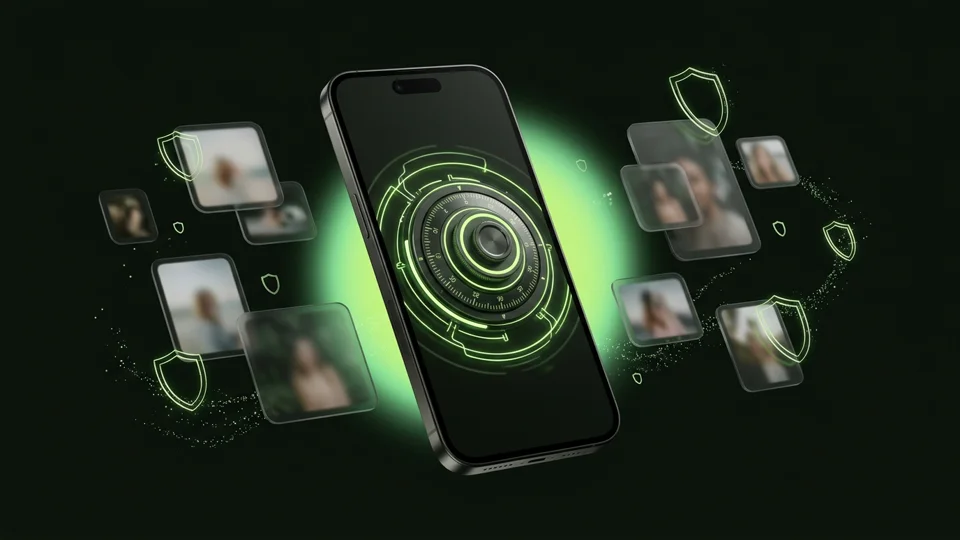
Choose Slidebox if your main goal is sorting camera roll pictures into named Apple Photos albums. Choose Octoshield if you want a swipe-to-delete photo cleaner that also lets you swipe up to lock private photos inside a local AES-256-GCM encrypted vault with a separate PIN, passphrase, pattern, or safe dial.
Feature-by-feature comparison
How Octoshield compares to Slidebox across file encryption, unlock methods, cloud exposure, document support, and camera roll cleanup.
| Security & Product Feature | Octoshield | Slidebox |
|---|---|---|
| Swipe-to-delete card reviewReview camera roll photos one card at a time and queue deletions | Yes (Swipe left to queue deletion, swipe right to keep) | Yes (Swipe up to trash, swipe sideways to browse) |
| Swipe-to-vault gestureEncrypt a private photo directly from the cleaning stack | Yes (Swipe up imports into AES-256-GCM vault & queues original removal) | No encrypted vault |
| Built-in AES-256-GCM encrypted vaultStandalone encrypted storage for private photos, videos, and files | Yes | No |
| Separate vault lock secretProtect private items with a PIN, passphrase, 3×3 pattern, or safe dial | Yes | No |
| Deletion review queue & undoReview queued items and undo recent choices before iOS deletion confirmation | Yes | Yes |
| PDF & document encryptionImport and encrypt sensitive documents from the iOS Files picker | Yes | No |
| Remembers reviewed photos across sessionsMake progress through a large library in short sessions | Yes | Yes |
| Standard Apple Photos album sortingOne-tap sorting into regular visible Apple Photos folders | Focused on Keep / Delete / Encrypt to Vault | Yes (primary feature) |
| Account or cloud login requiredWorks locally without creating an account | No account required | No account required |
| Third-party ad networksClean sorting interface without ad interruptions | None | None |
| App switcher privacy protectionBlurs private content when switching apps | Yes | No |
| Device-bound Keychain encryptionHardware-backed key protection for vaulted items | Yes | Not applicable |
Pricing & storage model
Octoshield
- AES-256-GCM encrypted photo, video & file vault
- PIN, passphrase, 3×3 pattern & safe combination dial locks
- Swipe-to-clean photo organizer (left delete, right keep, up vault)
- No account, no email, no Octoshield cloud servers
- Check the App Store listing for current version and optional purchase details
- Same local AES-256-GCM encryption architecture across the app
Slidebox
- Basic photo review with daily/feature limits depending on version
- Unlimited sorting, video support, and album management
Why camera roll cleanup needs three decisions—not just Keep or Delete
Whenever you sit down to clean up your iPhone camera roll, you inevitably run into three kinds of pictures: clutter you want to delete (blurry shots, old receipts), memories you want to keep in Apple Photos, and private images you want to keep—but not in your main camera roll where anyone scrolling your phone can see them.
In Slidebox, your only options are trashing the photo or sorting it into a standard Apple Photos album that remains visible in your library. In Octoshield’s Cleaner, every card supports three natural gestures: swipe left to queue for deletion, swipe right to keep in Photos, or swipe up to encrypt a copy into your local AES-256-GCM vault and queue the original for removal.
Review your queue before anything leaves Apple Photos
Both Slidebox and Octoshield respect a core safety rule: a swipe gesture should never immediately destroy a photo without review. In Octoshield, swiping left (or swiping up to vault and remove the original) places the photo into a pending removal queue.
You can undo recent swipes, inspect the queue, and only commit the removals when you are ready—at which point iOS presents its system confirmation prompt and moves removed originals to Recently Deleted for up to 30 days.
A full AES-256-GCM photo, video, and file vault built in
Octoshield is not just a cleaner with a basic hidden folder tacked on. Its vault encrypts imported photos, videos, PDFs, thumbnails, and the file index in chunks using AES-256-GCM with per-item keys derived from a random master key and bound to a device-specific iOS Keychain key. You can lock it with a PIN, passphrase, 3×3 pattern, or safe combination dial.
Understanding storage and iCloud Photos during cleanup
Deleting unwanted photos via Cleaner and emptying Recently Deleted frees space in Apple Photos (and syncs that deletion across iCloud Photos if enabled). Swiping up to vault a photo creates an independent encrypted copy on your iPhone—which protects privacy, not free space. Always keep an independent backup of irreplaceable files, as Octoshield’s local vault is excluded from backups and has no recovery service.
What Slidebox users run into
Common tradeoffs people experience with Slidebox—and how Octoshield’s local architecture handles each scenario.
“While swiping through old camera roll photos in Slidebox, I kept finding private pictures that I didn’t want to delete, but also didn’t want sitting in normal albums.”
Octoshield approach: In Octoshield’s Cleaner, a single upward swipe encrypts the photo into your AES-256-GCM vault and queues the camera roll original for removal.
“Having one subscription for a photo cleaner and another subscription for a photo vault adds up quickly.”
Octoshield approach: Octoshield combines a swipe-to-clean photo organizer with a full AES-256-GCM photo, video, and document vault in one free-to-download app.
“Once I finished sorting screenshots of documents, I still had nowhere encrypted to store actual PDFs.”
Octoshield approach: Octoshield includes a file vault that imports and encrypts PDFs and arbitrary documents from the iOS Files picker.
Frequently asked questions
01How do the swipe gestures work in Octoshield compared to Slidebox?+
In Octoshield’s Cleaner, swipe left to queue a photo for deletion, swipe right to keep it in Apple Photos, and swipe up to create an encrypted copy in your vault while queuing the original for removal.
02Does swiping left in Octoshield delete the photo immediately?+
No. Swiping left adds the photo to a review queue. You can undo recent decisions, inspect the queue, and confirm the iOS system deletion prompt when ready.
03What happens if I undo an up-swipe (vault) decision?+
Undoing the queue decision removes the original photo from the pending deletion queue in Apple Photos. If the encrypted vault copy has already finished importing, you can manage or delete that vault copy separately inside the vault.
04Does Octoshield organize photos into normal Apple Photos albums like Slidebox?+
No. Octoshield’s Cleaner focuses on the three core triage actions—Keep in Photos, Queue for Deletion, or Encrypt into Vault—rather than managing standard Apple Photos album folders.