Choose Privault if you want a conventional album-based locker with voice memo recording and decoy passcode features. Choose Octoshield if you want verified local AES-256-GCM encryption for photos, videos, and documents, four lock styles, and a built-in swipe photo cleaner.
Feature-by-feature comparison
How Octoshield compares to Privault across file encryption, unlock methods, cloud exposure, document support, and camera roll cleanup.
| Security & Product Feature | Octoshield | Privault |
|---|---|---|
| Encryption architectureHow files and previews are protected on disk | AES-256-GCM in chunks with per-item keys derived from a random master key + Keychain key | Passcode-locked container; does not specify per-item AES-GCM chunk encryption |
| Encrypted thumbnails & indexPrevents unencrypted preview caches or filenames on disk | Yes | Not specified |
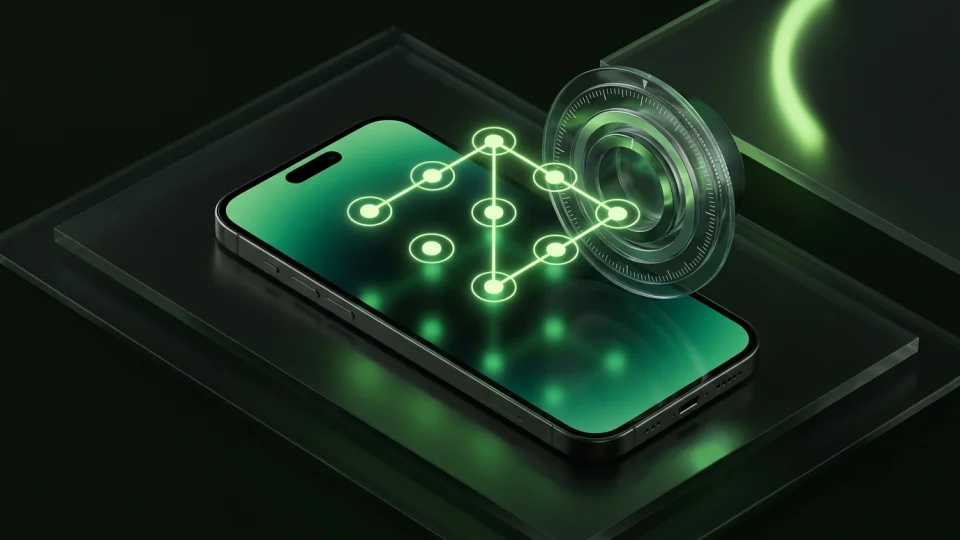
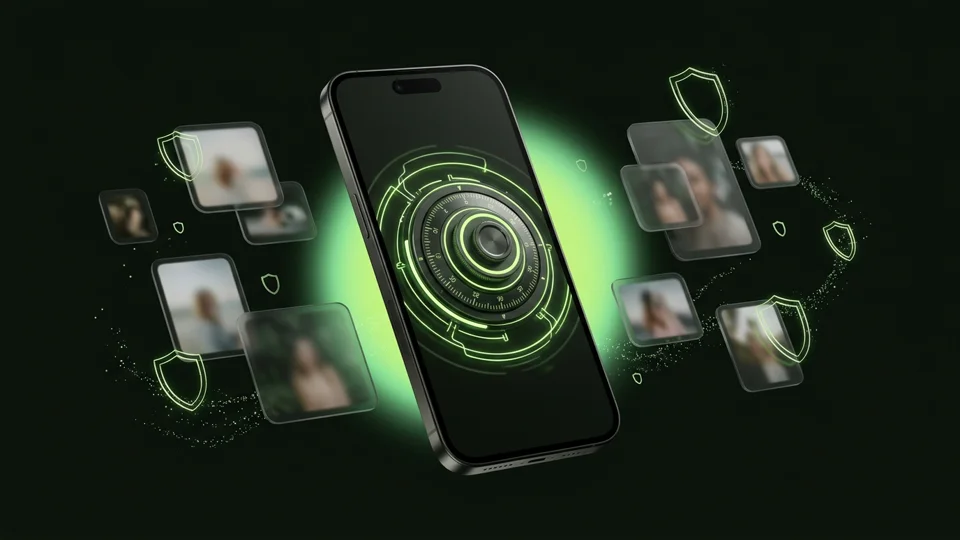
| Unlock methodsWays to unlock the vault | PIN, passphrase, 3×3 pattern, safe combination dial + Face ID / Touch ID | Numeric passcode / alphanumeric password + Face ID / Touch ID |
| Swipe-to-clean camera roll toolSwipe left to delete, right to keep, up to encrypt into the vault | Yes | No |
| PDF & general file encryptionImport documents from the iOS Files app | Yes | Primarily photos, videos & audio notes |
| Zero third-party ad networksClean interface without banner or video ad SDKs | Yes | Ads in free tier; removed via Premium subscription |
| Local-only storage guaranteeNever uploads vault contents to external servers | 100% local on iPhone; excluded from backups | Local with optional paid cloud backup |
| Account or email requiredWhether personal contact info is requested | No | Optional for recovery / cloud features |
| App switcher & screen capture protectionObscures vault contents in iOS app switcher and during detected capture | Yes | App switcher blur |
| Temporary preview cleanupAutomatically wipes temporary decrypted document preview files on close/lock | Yes | Not documented |
| Deletion review queueBatch-review and undo queued camera roll deletions before iOS confirmation | Yes | No |
| Decoy / secondary vaultOpens an alternate space with a secondary PIN | No | Yes (Premium feature) |
Pricing & storage model
Octoshield
- AES-256-GCM encrypted photo, video & file vault
- PIN, passphrase, 3×3 pattern & safe combination dial locks
- Swipe-to-clean photo organizer (left delete, right keep, up vault)
- No account, no email, no Octoshield cloud servers
- Check the App Store listing for current version and optional purchase details
- Same local AES-256-GCM encryption architecture across the app
Privault
- Basic photo and video album locking
- Displays third-party advertisements
- Advanced security options gated to Premium
- Ad-free experience and unlimited album features
- Decoy mode and break-in alerts
Documented AES-256-GCM encryption vs black-box locking
Many vault apps on the App Store use vague marketing phrases like ‘military-grade protection’ without explaining whether files are actually encrypted at rest or merely hidden inside an app folder. Octoshield explains its security model plainly: imported files are encrypted in chunks using AES-256-GCM, each item gets a unique key derived from a random master key, and unlocking requires both your secret and a device-bound iOS Keychain key.
Even the vault index and thumbnail previews are encrypted on disk, and when a document preview requires a temporary scratch file, Octoshield removes it as soon as the preview closes or the vault locks.
More ways to lock: PIN, passphrase, pattern, or combination dial
While Privault centers on a traditional passcode screen, Octoshield lets you choose between four tactile and cryptographic lock styles: a numeric PIN, a full passphrase, a 3×3 pattern, or a rotary safe combination dial—paired with optional Face ID or Touch ID.
Built-in camera roll cleanup with up-swipe vaulting
Instead of forcing you to hunt through small grid thumbnails to find private photos or clean up storage, Octoshield includes Cleaner. It deals random card batches from your photo library so you can swipe left to queue unwanted shots for deletion, right to keep them in Photos, or up to encrypt them into your vault and queue the original for removal.
Strict device-local boundaries
Octoshield does not offer cloud sync or email password resets. Because the vault is excluded from iCloud and computer backups, your encrypted files stay strictly on your iPhone—and you should always export essential files before changing phones.
What Privault users run into
Common tradeoffs people experience with Privault—and how Octoshield’s local architecture handles each scenario.
“Opening a private app only to get hit with banner and interstitial ads makes it feel less trustworthy.”
Octoshield approach: Octoshield does not include third-party advertising networks.
“Most vault apps never tell you if thumbnails and filenames are encrypted or just sitting in a folder.”
Octoshield approach: Octoshield encrypts file contents, thumbnails, and the vault index with AES-256-GCM using keys derived from a random master key and a device-bound Keychain key.
“I still needed a second app just to swipe through and clean up thousands of old screenshots.”
Octoshield approach: Octoshield’s built-in Cleaner lets you delete clutter, keep favorites, and vault private photos in one card-swiping workflow.
Frequently asked questions
01Does Octoshield encrypt thumbnails as well as full photos?+
Yes. Octoshield encrypts imported file contents, generated thumbnails, and the vault index using AES-256-GCM so preview images are not left sitting in plaintext on disk.
02Can I use a safe combination dial in Octoshield?+
Yes. During setup you can choose a rotary safe combination dial, a 3×3 pattern, a numeric PIN, or a full passphrase, plus optional Face ID or Touch ID.
03Does Octoshield require an internet connection?+
No. Octoshield works completely offline on your iPhone. Note that if your iPhone uses iCloud Photos with Optimize Storage, iOS itself may need to download a full-resolution photo from iCloud when you import or review it.
04Can I recover my Octoshield vault if I delete the app?+
No. Deleting the app removes its local encrypted storage and Keychain items. Always export important files before uninstalling or changing devices.