Drop a `.webp` image above to convert it into a standard `.jpg` file inside your browser. If the WebP has transparent areas, choose whether to fill the background with clean white or dark carbon before downloading.
Why some apps still ask for JPG
While all modern browsers display WebP, legacy print kiosks, government upload portals, and older desktop office suites often require a `.jpg` or `.jpeg` file. Because JPEG does not support transparency, transparent pixels are flattened onto your chosen background color.
| Property | Source WebP | Output JPG |
|---|---|---|
| Compatibility | Web-first modern container | Accepted by every legacy uploader, printer, and device |
| Transparency | May contain transparent alpha pixels | Flattened onto White (#FFFFFF) or Dark (#10130F) |
| Source Metadata | May contain EXIF/XMP chunks | Stripped during clean canvas encoding |
How to convert a WebP file to JPG without uploading it
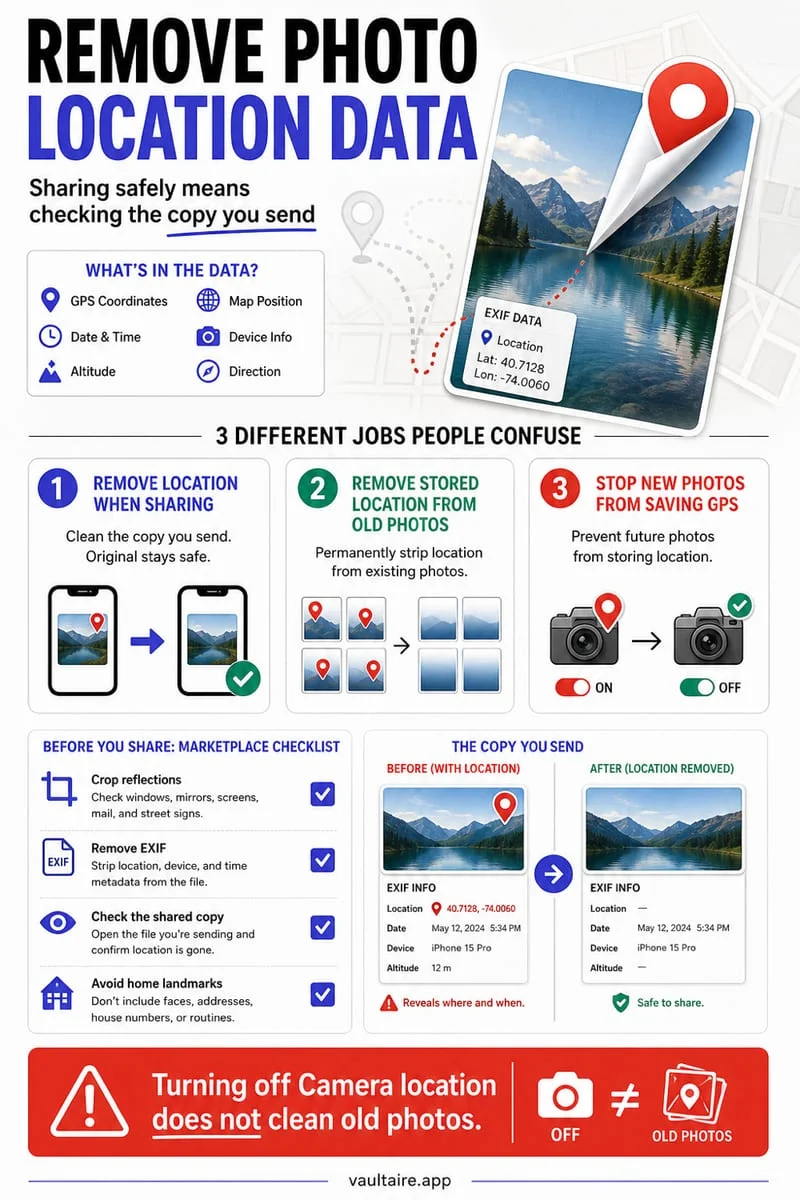
When you save an image from a website, browsers frequently save it with a `.webp` extension. If you then try to attach that file to an older form, print portal, or document tool, you may get an 'unsupported file format' error.
Instead of uploading your private image to a cloud conversion queue, drop it into the converter above. Your browser decodes the WebP and writes a standard baseline JPEG in milliseconds.
- Select or drop your `.webp` image into the tool above.
- Pick JPEG quality (90% is recommended) and background fill color for transparent areas.
- Click Download JPG to save the converted file.
Frequently asked questions
01Can I just rename a .webp file to .jpg?+
Renaming the file extension does not change the internal binary data—strict uploaders that check magic bytes (FF D8 FF for JPEG vs RIFF....WEBP) will still reject a renamed file. This tool re-encodes the actual image stream into a real JPEG.
02What happens if my WebP has a transparent background?+
JPEG does not support transparency. Our tool lets you choose a clean white or dark background fill so transparent edges never turn into unexpected black artifacts.