Select a `.webp` image to decode it locally in your browser and export a lossless `.png` file with 100% of its alpha transparency preserved and source metadata removed.
Lossless transparency preservation
When you need to edit a WebP sticker, logo, or UI asset in software that only accepts PNG, converting to PNG keeps every transparent pixel intact without introducing lossy compression artifacts.
| Aspect | Behavior | Privacy Benefit |
|---|---|---|
| Compression Type | Lossless PNG encoding | Zero additional generation loss |
| Transparency (Alpha) | Full 32-bit RGBA pixel preservation | Ideal for logos, stickers, and design assets |
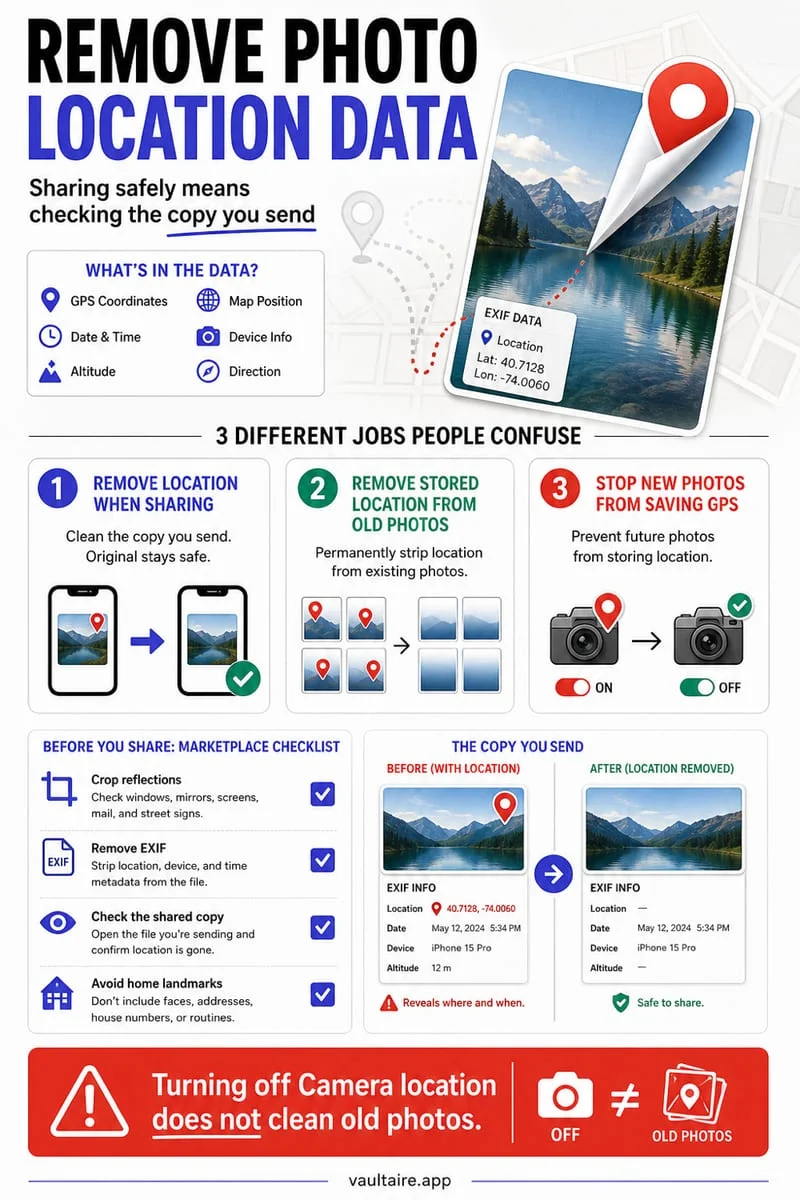
| Metadata Handling | Strips WebP EXIF/XMP chunks | Clean PNG output without tracking tags |
What is a WebP file and why convert it to PNG?
WebP is an image format developed for the web that combines smaller file sizes with support for transparency. While browsers love WebP, many desktop design workflows, document editors, and print tools work best with standard lossless PNGs.
Converting WebP to PNG in your browser gives you an uncompressed, universally editable PNG file while keeping your assets off third-party file conversion servers.
- Drop your `.webp` file into the local converter above.
- Verify the dimensions and preview.
- Download the lossless `.png` copy immediately.
Frequently asked questions
01Why is the converted PNG file larger than the original WebP?+
PNG uses lossless deflate compression, whereas WebP uses advanced predictive coding (and often lossy compression). The larger PNG file size is normal and ensures no further quality is lost when you edit the file.
02Does this converter keep transparent backgrounds?+
Yes, 8-bit alpha transparency is completely preserved from WebP to PNG.