
Load your image, enter your target width or height in pixels (or pick a percentage / social preset like 1080×1080 or 1920×1080), keep Aspect Ratio locked so the photo never stretches, and download the resized file locally.
High-quality browser resampling
The resizer uses high-quality bicubic/lanczos browser canvas interpolation and strips embedded source metadata automatically so your resized image is sharp, lightweight, and private.
| Preset / Platform | Pixel Dimensions | Aspect Ratio |
|---|---|---|
| Instagram / LinkedIn Profile | 400 × 400 px or 800 × 800 px | 1:1 Square |
| Instagram Feed / Square Post | 1080 × 1080 px | 1:1 Square |
| Full HD Web / Presentation | 1920 × 1080 px | 16:9 Widescreen |
| 50% / 25% Scale Down | Proportional reduction of original camera resolution | Preserves native aspect ratio |
How to resize an image to exact pixel dimensions
Modern iPhones shoot 12 MP (4032 × 3024 px) or 24 MP / 48 MP photos by default. While great for printing, those dimensions are far larger than needed for profile avatars, email newsletters, documentation, or web uploads.
With Aspect Ratio locked, typing a new width automatically calculates the matching height so your subject never looks squashed or stretched. If you need a specific non-proportional box, unlock Aspect Ratio or use the Image Cropper tool first.
- Select a JPEG, PNG, or WebP image from your device.
- Choose a quick preset (50%, 1080p, 800×800) or type exact pixel Width and Height values.
- Pick your output format (JPEG, PNG, or WebP) and download the resized image.
Frequently asked questions
01Will resizing an image make it blurry?+
Scaling an image down (for example from 4032 px to 1200 px) keeps it crisp and reduces file size. Scaling a small image up beyond its original pixel dimensions cannot invent new detail and will look softer.
02How do I resize an image to a specific aspect ratio without stretching it?+
Use our Private Image Cropper first to trim the frame to your desired aspect ratio (such as 1:1 or 16:9), then resize to your target pixel dimensions.
03Is my photo uploaded to any server?+
No. Resizing runs 100% locally in your browser.

Recommended profile picture and cover sizes in 2026
For LinkedIn, Instagram, X, and GitHub profile photos, an 800 × 800 px square image gives crisp retina rendering on both mobile and desktop screens while staying well under upload limits.
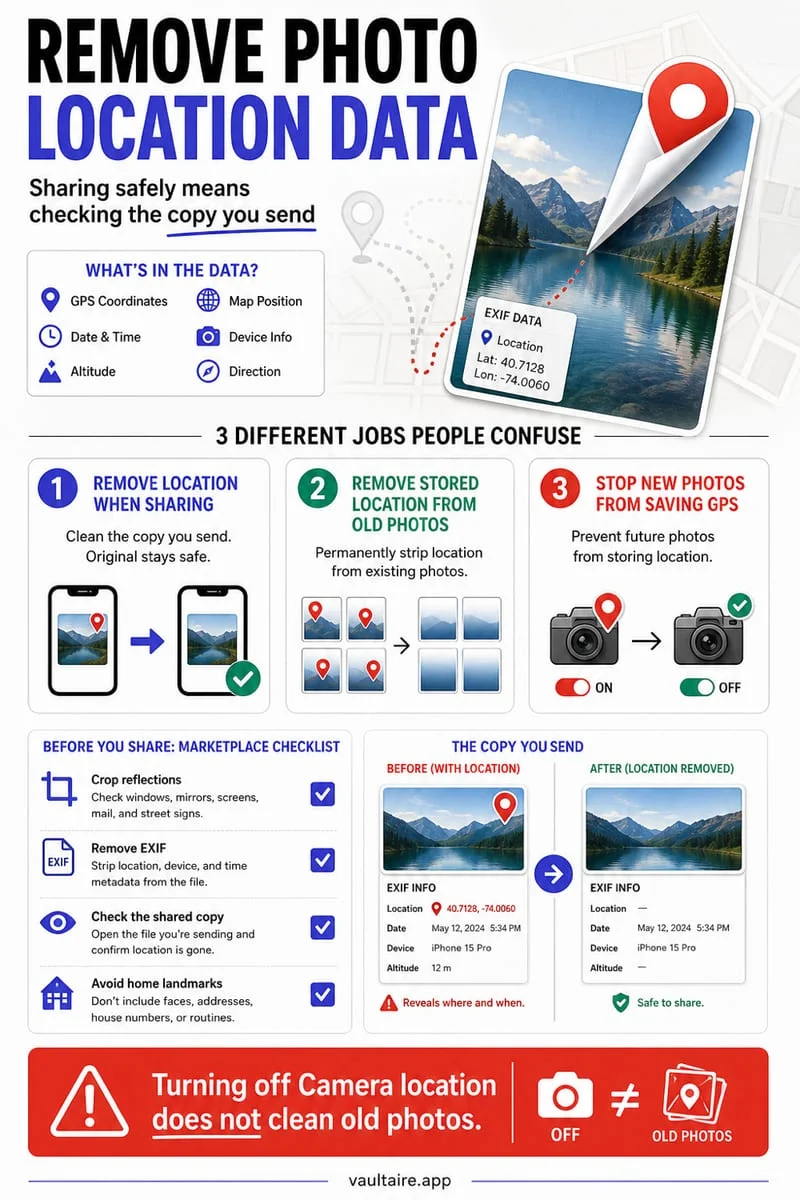
Resizing locally in your browser also strips hidden GPS coordinates and camera serial tags before you upload your profile picture to public social networks.