Choose up to 20 HEIC images, review the output settings and click Process images. The tool checks file contents, converts images locally and verifies the exported format and dimensions. Download one JPG image or a ZIP of completed results.
What this HEIC to JPG converter preserves
HEIC decoding exports the primary still image. Live Photo video, depth data, HDR gain maps and auxiliary images are not retained. The output is an SDR browser-rendered image, not an archival copy of the HEIC.
| Feature | How it works | Limit |
|---|---|---|
| Batch conversion | Queue files and see per-image status, sizes and previews | 20 files; 30 MB each; 80 MB input total |
| Output verification | Checks the encoded JPG signature and reopens the image to confirm dimensions | 48 megapixels; still images only |
| Privacy | Processing and ZIP creation run on your device | No image uploads, account or watermark |
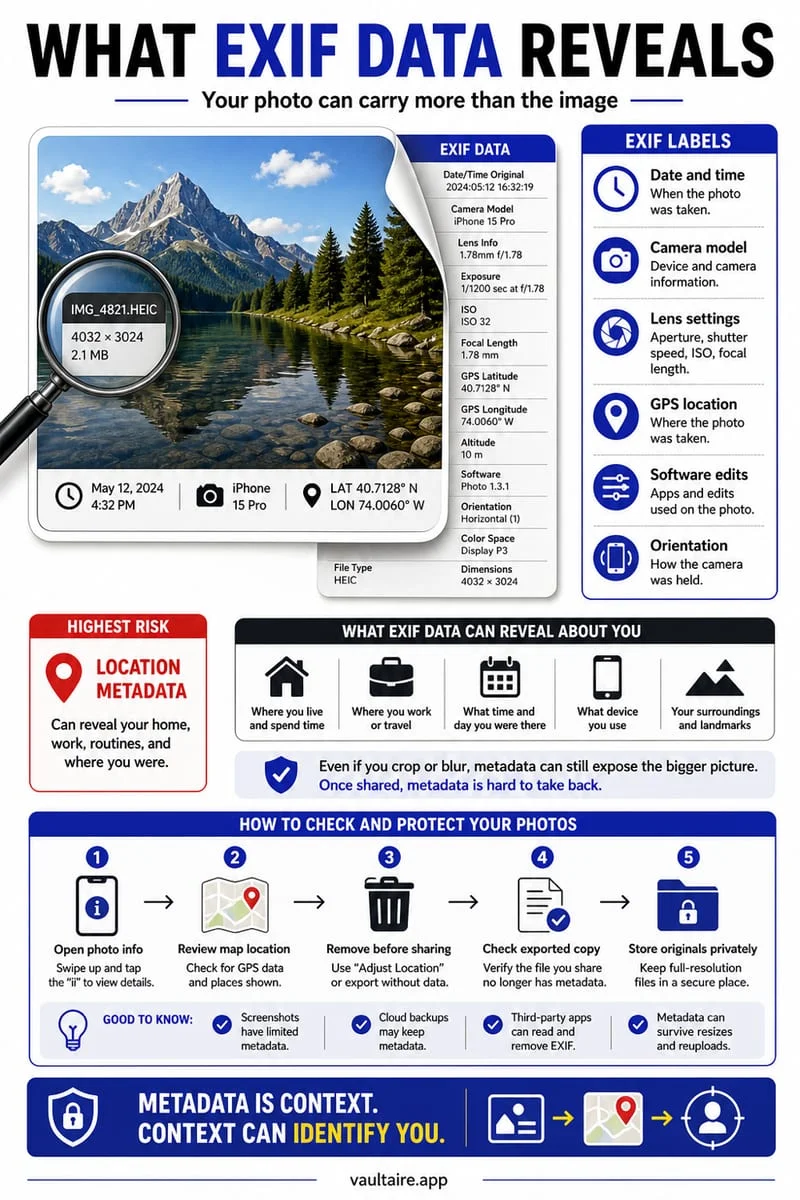
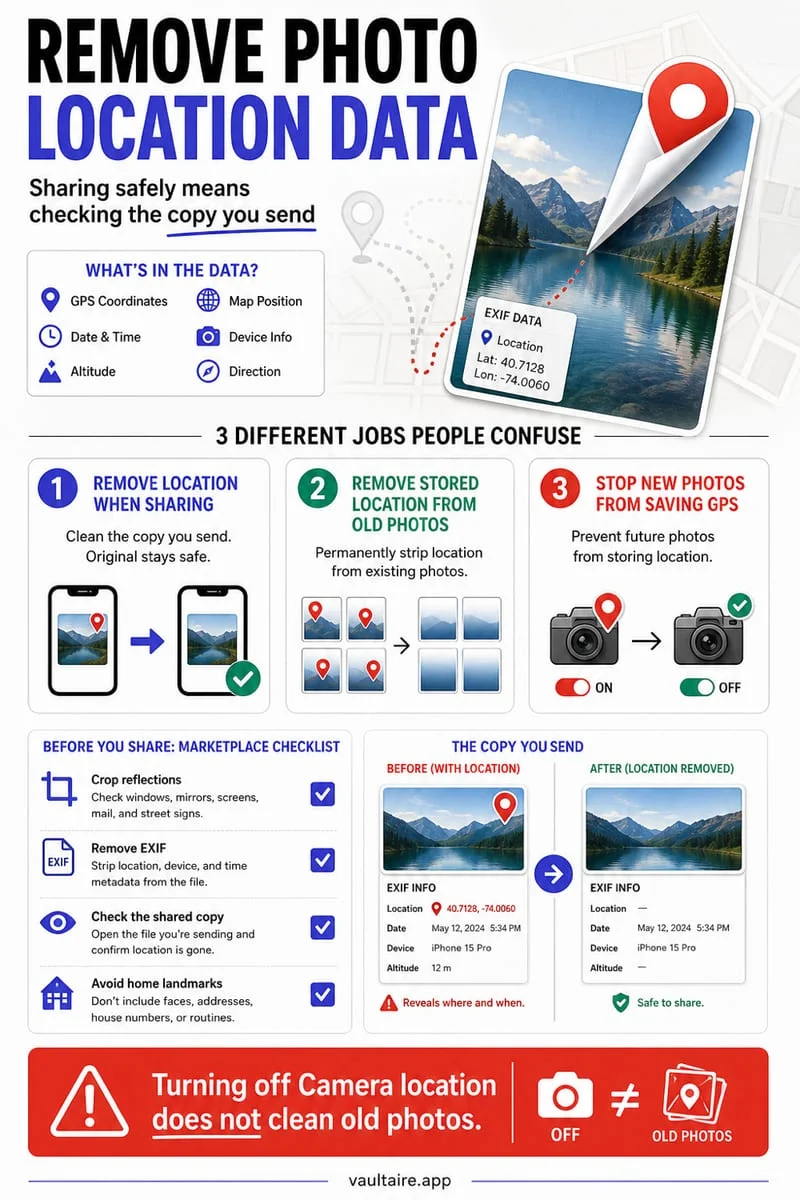
| Colour and metadata | Exports browser-rendered pixels; camera EXIF and original metadata are not copied | Colour, bit depth and file size can change |
How to convert HEIC to JPG online
This converter handles the complete HEIC to JPG workflow on one page, including multiple files. It does not require a desktop extension or an account.
- Choose original HEIC files or drag them into the tool.
- Choose JPEG quality and the background colour used for transparent pixels.
- Start processing. Each image shows its own completion or error message.
- Compare Original and Output, then download a file or the completed batch as a ZIP.
HEIC to JPG: quality and file size
HEIC decoding exports the primary still image. Live Photo video, depth data, HDR gain maps and auxiliary images are not retained. The output is an SDR browser-rendered image, not an archival copy of the HEIC.
The preview represents browser-rendered images. Keep your originals for archival storage and colour-critical work. The tool does not promise a smaller file or recover detail that was missing in the source.
Batch convert HEIC files without uploading
Files are processed sequentially in a separate Web Worker so the page stays responsive. Cancel stops the current worker and keeps completed downloads. A file that fails does not stop the rest of the batch.
Downloads remain available while this page is open. Clear all files to release their previews and results. Large batches can exceed mobile browser memory, so use fewer files if your browser stops processing.
Frequently asked questions
01Is this HEIC to JPG converter free?+
Yes. There is no sign-up, watermark or payment step. The displayed file size, image dimension and batch limits apply.
02Can I convert HEIC to JPG on iPhone?+
Yes, in a current browser that supports Web Workers and OffscreenCanvas. In the file picker choose the original HEIC file from Files. Some photo pickers automatically supply a JPEG; this tool checks the actual file contents and will explain if it is already another format.
03Are my images uploaded to a server?+
No. The page downloads its processing code, then reads and converts your chosen images locally. ZIP archives are also created on your device.
04Can I batch convert HEIC files?+
Yes. Add up to 20 images within the 80 MB input limit. Process the queue, then download files separately or use the ZIP button. The total generated output is limited to 120 MB.
05Why did one of my files fail?+
The tool checks actual file contents rather than trusting extensions. A mismatched format, corrupt file, animated image, unsupported HEIC variant or image over the resource limits produces a per-file error. Completed files remain downloadable.