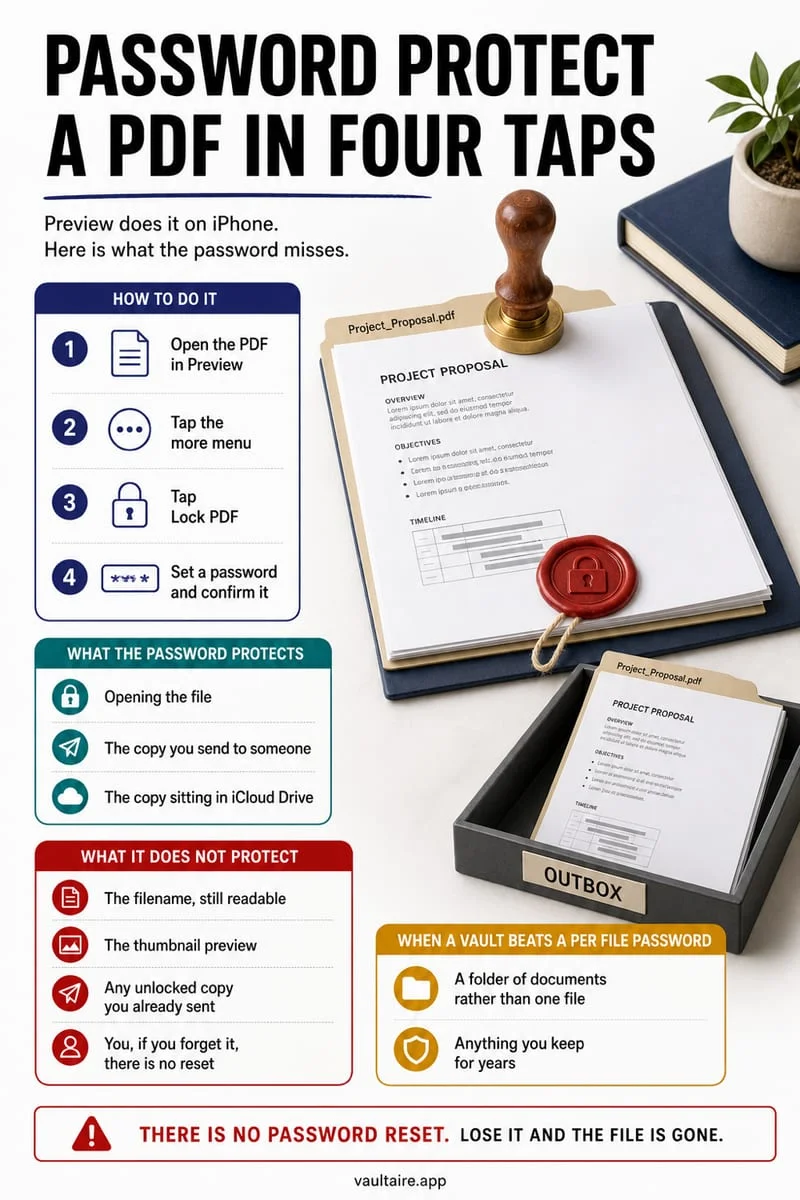
Keep the complete signed original, verify a readable reference copy, and choose storage appropriate to the document’s access and retention requirements. A local vault can protect an imported copy, but it does not replace an authoritative signing service, validate signatures, or erase copies in email and cloud folders.
Do not replace a signed original with a screenshot
You want quick access to a signed contract without leaving it in Downloads. Preserve the complete file first. A screenshot may omit pages, attachments, or information associated with the original document. Keep any signing-service access and original delivery records you may need.
This workflow is about storage rather than the legal effect of a signature. If a document belongs to an organization, follow its actual retention and approved-storage requirements. A personal app should not silently become the only archive for official records.
Check pages and destination before removing anything
Open the document and inspect every page, including appendices. Confirm that signatures and dates are visible and that the copy is the final version rather than an earlier draft. Similar filenames are an easy way to preserve the wrong file.
Choose a destination deliberately. A Work folder in a shared iCloud account does not become private because of its name. Decide who needs access and how you would retrieve the record after losing the phone.
- Retain the complete original from the authoritative source.
- Verify the final version, page count, signatures, and readability.
- Choose a private reference destination permitted for the material.
- Review email, download, and exported copies independently.
Keep your private reference copy in Octoshield
Import the verified contract into Octoshield’s local encrypted file vault, then open the result. Manage the original in Files or email separately; importing does not encrypt those source locations in place.
Some previews use temporary decrypted files. Exports leave protection, and the vault is excluded from backups. Keep an independent archive appropriate for essential documents before relying on a device-only copy.
Frequently asked questions
01Does a vault validate a digital signature?+
No. File storage and signature validation are separate tasks. Retain the authoritative original and use the appropriate validation workflow when needed.
02Should I delete the original contract after importing?+
Do not remove an essential authoritative copy merely because a private reference copy exists. Follow the document’s actual preservation requirements.
Official sources & further reading
Keep sensitive PDFs, IDs & documents in an encrypted iPhone vault.
The iOS Files app leaves filenames and folders exposed whenever your phone is unlocked. Import tax returns, passport scans, and private PDFs into Octoshield for hardware-bound AES-256-GCM protection.
- Encrypts PDFs, scans, documents, photos, and videos on-device
- Hides document filenames inside an encrypted catalog index
- Automatic cleanup of temporary preview scratch files on lock
- PBKDF2-SHA256 + iPhone Keychain hardware key binding
 AES-256-GCM + Cleaner
LOCAL IPHONE SANDBOX · KEYCHAIN BOUND
iOS menus can vary slightly by iOS version. Octoshield instructions describe the current local app implementation engineered by TengrX. Check the App Store listing for the version available to download.