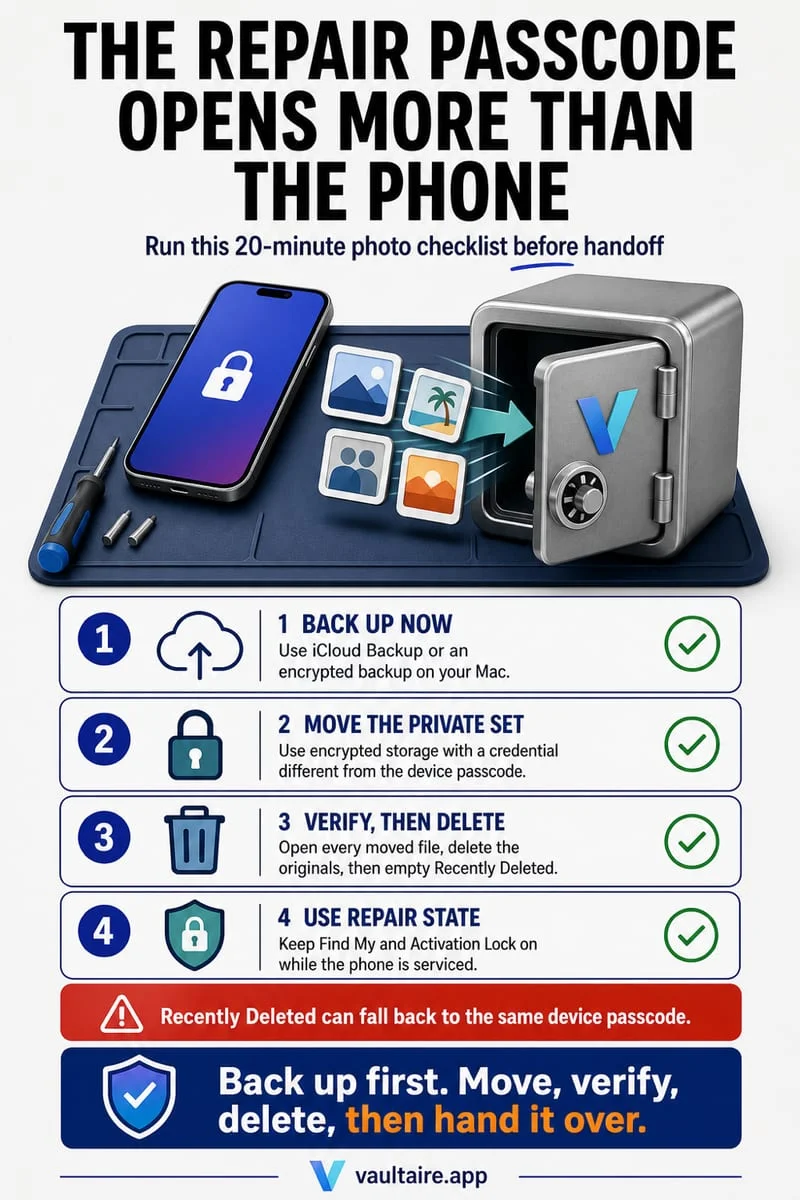
Before handing your iPhone over for repair, never share your iPhone passcode if the shop doesn't strictly require it (Apple's modern Repair State / diagnostics work without unlocking your data), and remember that if you DO hand over your iPhone passcode, the technician can open your Apple Photos Hidden album and Face ID-locked apps. Move sensitive media into Octoshield's AES-256-GCM encrypted vault with a separate password—and export a backup to keep at home in case the repair shop wipes or replaces your phone.
Lock private photos behind an independent AES-256-GCM vault secret
To protect confidential photos, videos, and ID scans even if a technician unlocks your iPhone screen, move them out of Apple Photos and into Octoshield (built by TengrX). Octoshield encrypts every file in 512 KB chunks using authenticated AES-256-GCM, deriving separate encryption keys via HKDF-SHA256 from a random 256-bit master key for each file, each thumbnail preview, and the encrypted index.
Your vault secret—whether you choose a numeric PIN, alphanumeric passphrase, 3×3 pattern, or safe-style combination dial—is stretched with PBKDF2-SHA256 and combined with a random device-bound key stored in your iPhone's hardware-backed Keychain. Before handing your iPhone to a repair shop, make sure your Octoshield secret is completely different from your iPhone passcode, delete the unencrypted originals from Apple Photos, and empty Recently Deleted.
- Open Octoshield and verify that your vault secret (PIN, Passphrase, 3×3 Pattern, or Safe-style Combination Dial) is completely different from your iPhone unlock passcode.
- Use Octoshield's Cleaner (swipe up to encrypt into the vault and queue original removal) or the Vault Import button to move all private photos, videos, and PDFs into the vault.
- Confirm removal of the original copies from Apple Photos and delete any sensitive files from the Apple Files app.
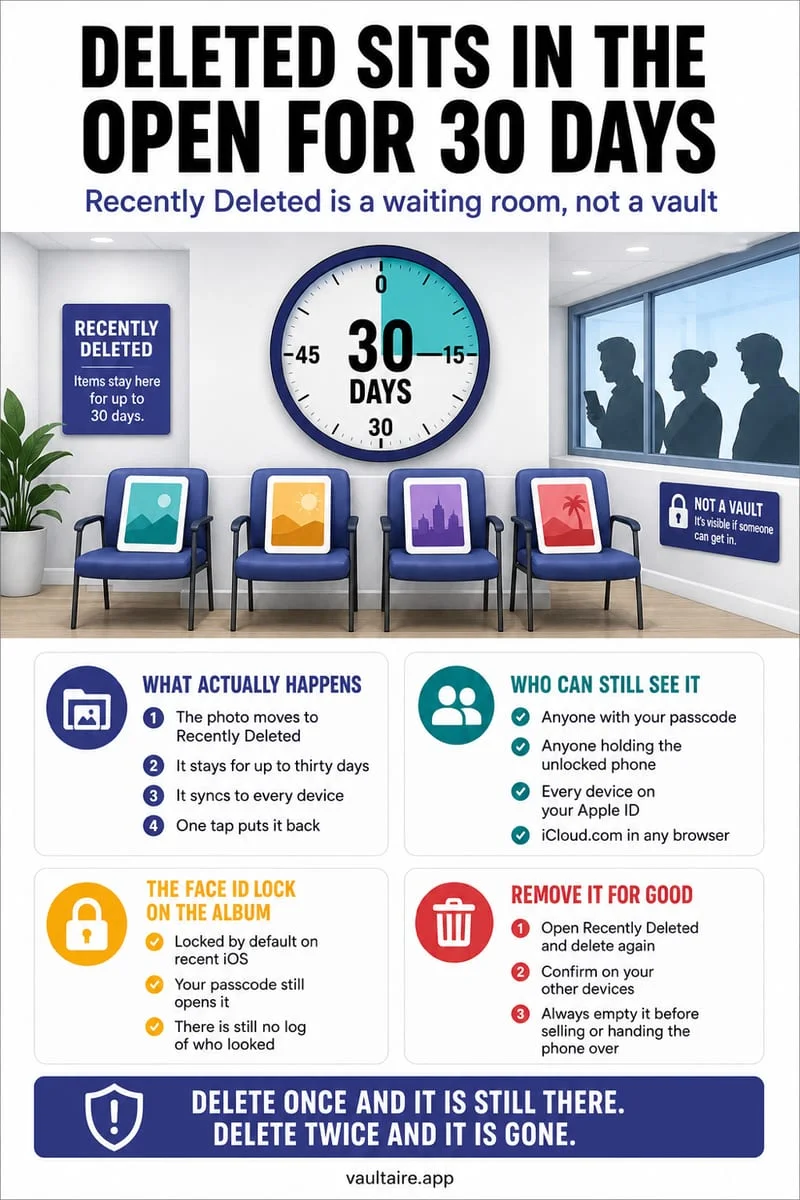
- Empty Collections → Utilities → Recently Deleted in Apple Photos and Locations → Recently Deleted in Apple Files.
- Optional: Toggle off Face ID unlock inside Octoshield's settings before service so the vault strictly requires manual secret entry.
Critical: Export a home backup in case the technician wipes or swaps your iPhone
There is a second major risk during hardware service that most people overlook: during battery, screen, or logic board repairs, service centers frequently factory-reset the iPhone or swap the entire handset for a replacement unit if a calibration test fails. Because Octoshield is strictly local, binds its encryption keys to your specific iPhone's hardware Keychain, and excludes all vault data from iCloud and computer backups, a wiped or swapped iPhone means your local vault on that device is gone forever.
Before leaving home for your repair appointment, unlock Octoshield and export a backup copy of your irreplaceable vault files onto an encrypted USB-C flash drive or personal computer that stays safely at home. Once that backup is stored at home, re-verify that your phone's camera roll and Recently Deleted bin are clean before walking into the repair shop.
How to place your iPhone into Apple Repair State before service
If you are taking your iPhone to an Apple Store or Apple Authorized Service Provider in 2026, iOS lets you prepare the device for service without completely turning off Find My or handing over your screen passcode.
Open the Find My app on your iPhone, tap the Devices tab, select your iPhone, and tap Remove This Device. If Find My detects that your device is eligible for service, iOS prompts you to place it into Repair State—keeping activation lock protection tied to your Apple Account while letting Apple technicians run hardware diagnostics without accessing your photos or files.
Frequently asked questions
01Does Apple require my iPhone passcode for a battery or screen replacement?+
No. Apple Stores and Apple Authorized Service Providers use built-in iOS diagnostic modes and Repair State, which test hardware components without unlocking your personal data partition.
02Can a repair technician open my Apple Photos Hidden album if I give them my iPhone passcode?+
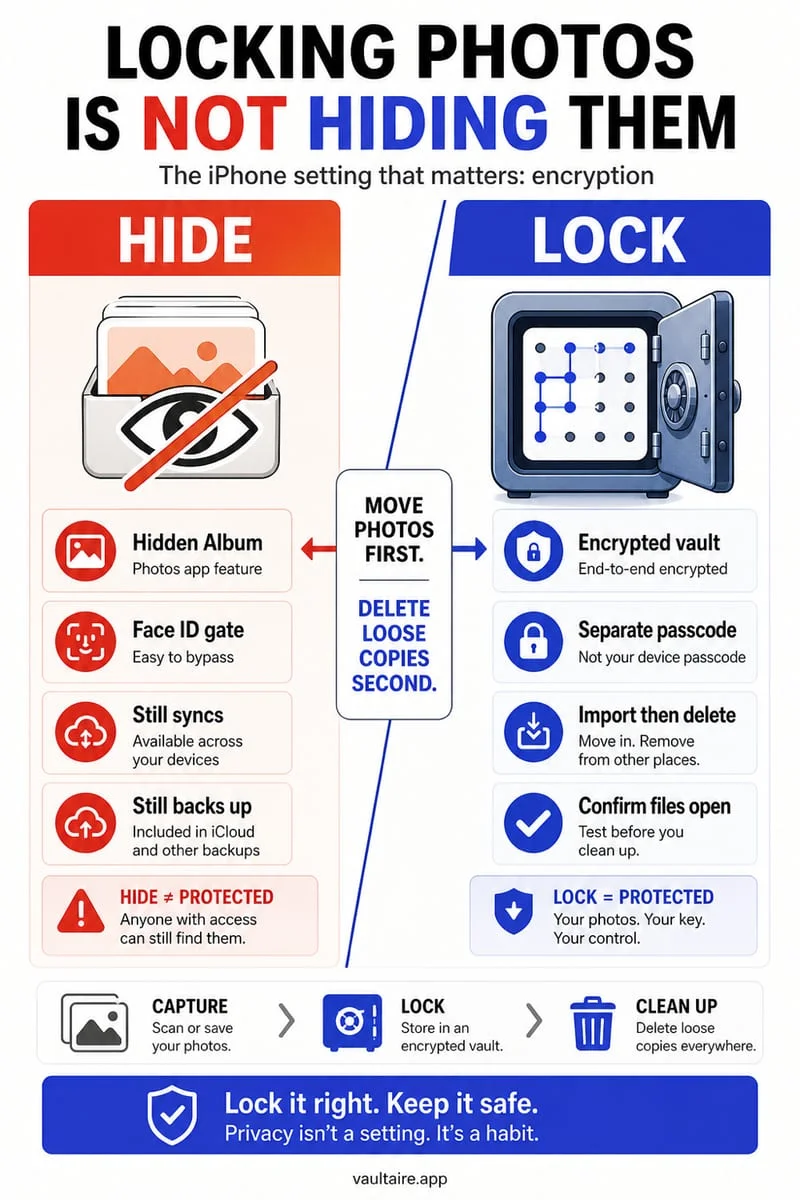
Yes. Both the Apple Photos Hidden album and iOS 'Require Face ID' app locks immediately fall back to your iPhone passcode whenever Face ID fails.
03What happens to my Octoshield vault if Apple replaces my broken iPhone with a replacement unit?+
Because Octoshield has no cloud servers, no recovery service, and binds encryption keys to your specific device's hardware-backed Keychain, your vault will not exist on a replacement iPhone unless you exported a backup before the repair.
04What if my iPhone screen is completely black and broken so I can't hide my photos before repair?+
If your photos were already stored inside Octoshield, they are already encrypted at rest with AES-256-GCM in 512 KB chunks. If your private photos were sitting in Apple Photos with iCloud Photos enabled, sign into iCloud.com from another device, move or delete the sensitive photos, and empty Recently Deleted before handing the broken phone to a shop.
05Should I also check Apple Messages and Safari before handing my iPhone to a third-party repair shop?+
If a third-party shop requires your iPhone passcode, you should clear sensitive tabs in Safari and remember that your passcode grants access to Messages. Never share your iPhone passcode unless absolutely unavoidable.
Official sources & further reading
Lock your private photos behind real AES-256-GCM encryption.
Stop relying on a Hidden album that shares your iPhone lock-screen passcode. Import private photos and videos into Octoshield’s device-bound local vault with your own PIN, passphrase, 3×3 pattern, or safe combination dial.
- AES-256-GCM authenticated encryption in 512 KB chunks
- Encrypted thumbnails & filename catalog index at rest
- 4 lock styles: PIN, Passphrase, 3×3 Pattern, or Safe Dial + Face ID
- 100% on-device storage — zero cloud servers, zero ad SDKs
 AES-256-GCM + Cleaner
LOCAL IPHONE SANDBOX · KEYCHAIN BOUND
iOS menus can vary slightly by iOS version. Octoshield instructions describe the current local app implementation engineered by TengrX. Check the App Store listing for the version available to download.