A vault that stores complete files locally can provide offline access. Import and test the files before disconnecting: an optimized iCloud photo or cloud document may need downloading first. Octoshield’s vault stores encrypted local copies, but it is excluded from backups and has no cloud recovery service.
A thumbnail is not enough for an offline trip
You open a passport scan in the airport and discover the app needs a connection. The image you saw earlier may have been only a preview or a cloud-backed file. Prepare the actual complete copy before relying on it away from Wi-Fi.
Photos optimization and Files cloud locations can both leave originals elsewhere until requested. Import while a connection is available, then open the retained file in the destination. For video or audio, test playback beyond the first few seconds.
Run a real offline check before you leave
After importing, disconnect from networks in the way you expect to travel and reopen the app. Confirm that the files you need can be unlocked and read. Use the exact document or clip you will depend on, not just a sample that happened to be cached.
Keep another appropriate copy of essential travel documents. A phone can be lost, discharged, or damaged. Offline availability solves the connection problem, not every preservation or access problem.
- Download cloud originals and complete the imports while connected.
- Open each essential file in its destination.
- Test unlocking and reading after disconnecting from networks.
- Keep an independent fallback for important records.
Local access and recovery are separate questions
A local-only design reduces dependence on a server for everyday access. It can also mean there is no server holding a replacement if the device disappears. Check backup, export, and password-recovery rules before moving your only copy.
A claim that an app works offline does not tell you whether it also uploads files when online. Read the product’s storage model rather than using airplane mode as proof of its permanent cloud behavior.
Prepare your offline private set in Octoshield
Octoshield encrypts imported photos, videos, and files on the iPhone. Choose a vault secret you can remember, verify each import, and test access before departure. Optional biometrics add convenience without replacing the need to retain your secret.
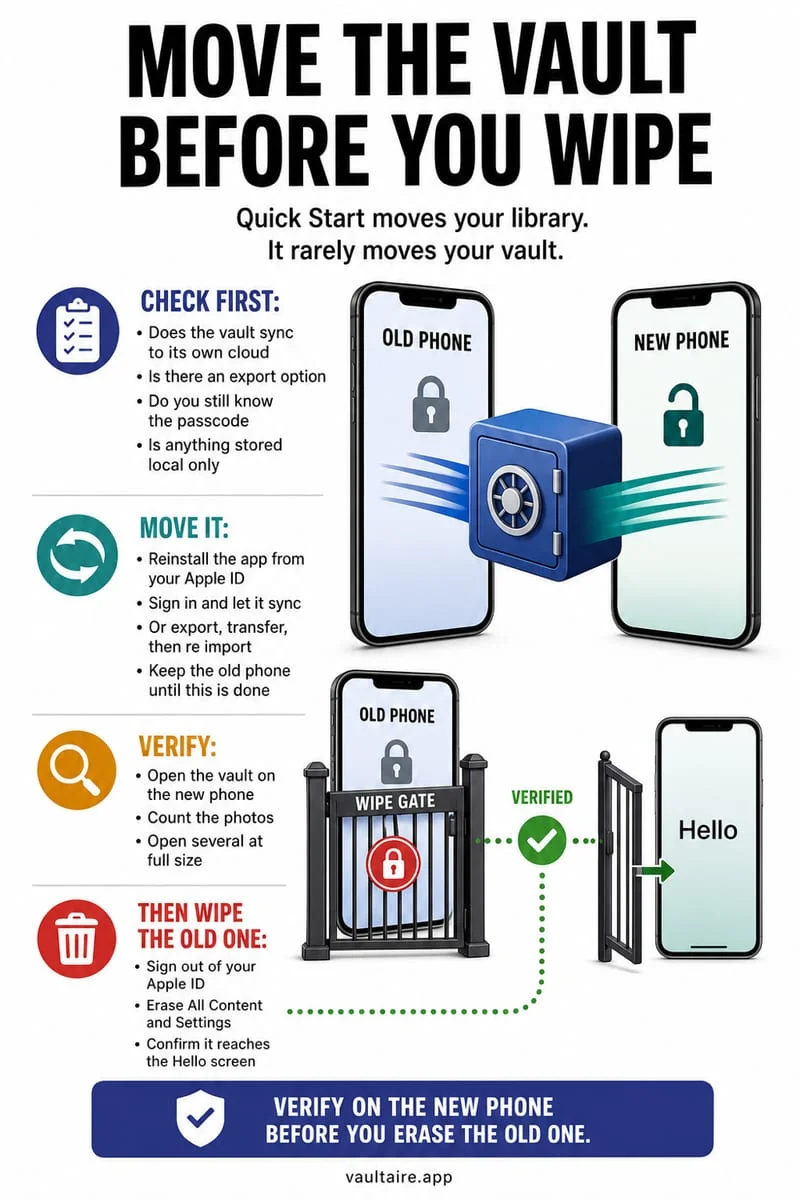
The vault is excluded from iCloud and computer backups. Export essential files before changing devices, and remember that any exported plaintext copy follows its new destination’s protections.
Frequently asked questions
01Can I import an iCloud photo while offline?+
Only if the required original is already available locally. Download necessary originals before disconnecting.
02Does offline access mean automatic backup?+
No. Local availability and independent recovery copies are separate features. Check the app’s actual backup rules.
Official sources & further reading
Lock your private photos behind real AES-256-GCM encryption.
Stop relying on a Hidden album that shares your iPhone lock-screen passcode. Import private photos and videos into Octoshield’s device-bound local vault with your own PIN, passphrase, 3×3 pattern, or safe combination dial.
- AES-256-GCM authenticated encryption in 512 KB chunks
- Encrypted thumbnails & filename catalog index at rest
- 4 lock styles: PIN, Passphrase, 3×3 Pattern, or Safe Dial + Face ID
- 100% on-device storage — zero cloud servers, zero ad SDKs
 AES-256-GCM + Cleaner
LOCAL IPHONE SANDBOX · KEYCHAIN BOUND
iOS menus can vary slightly by iOS version. Octoshield instructions describe the current local app implementation engineered by TengrX. Check the App Store listing for the version available to download.