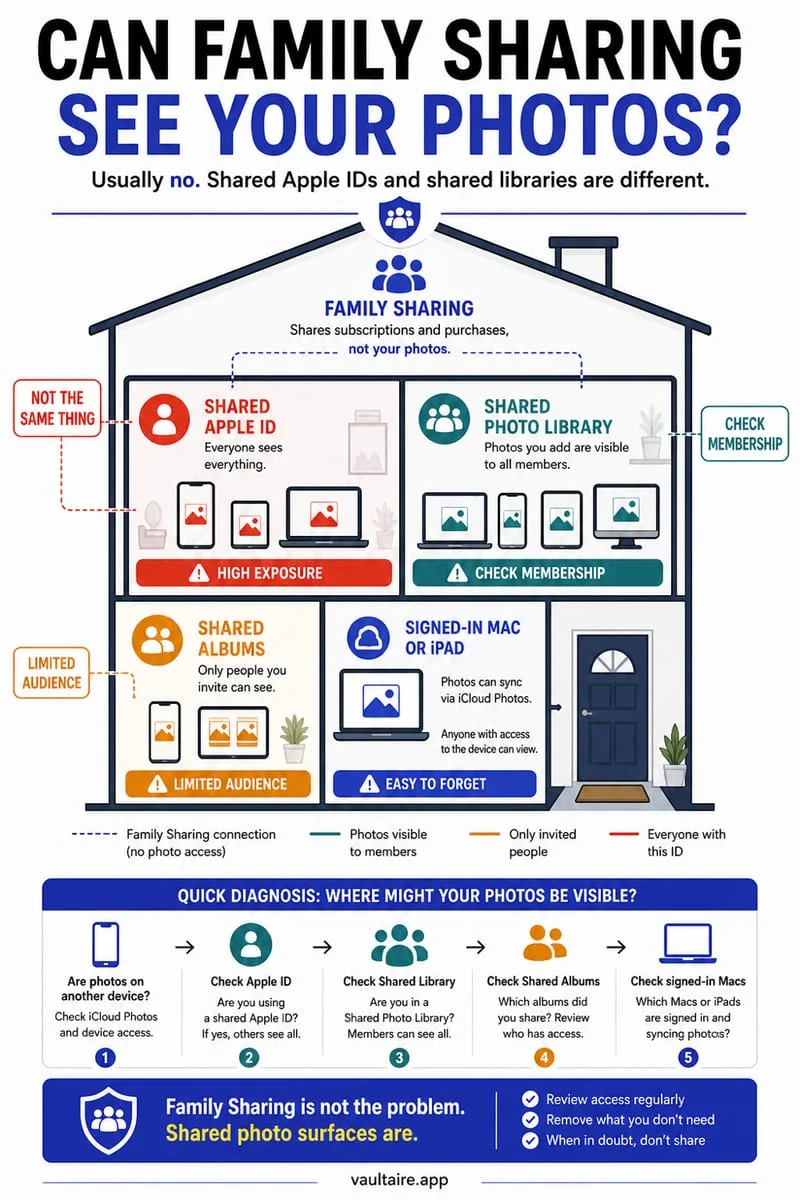
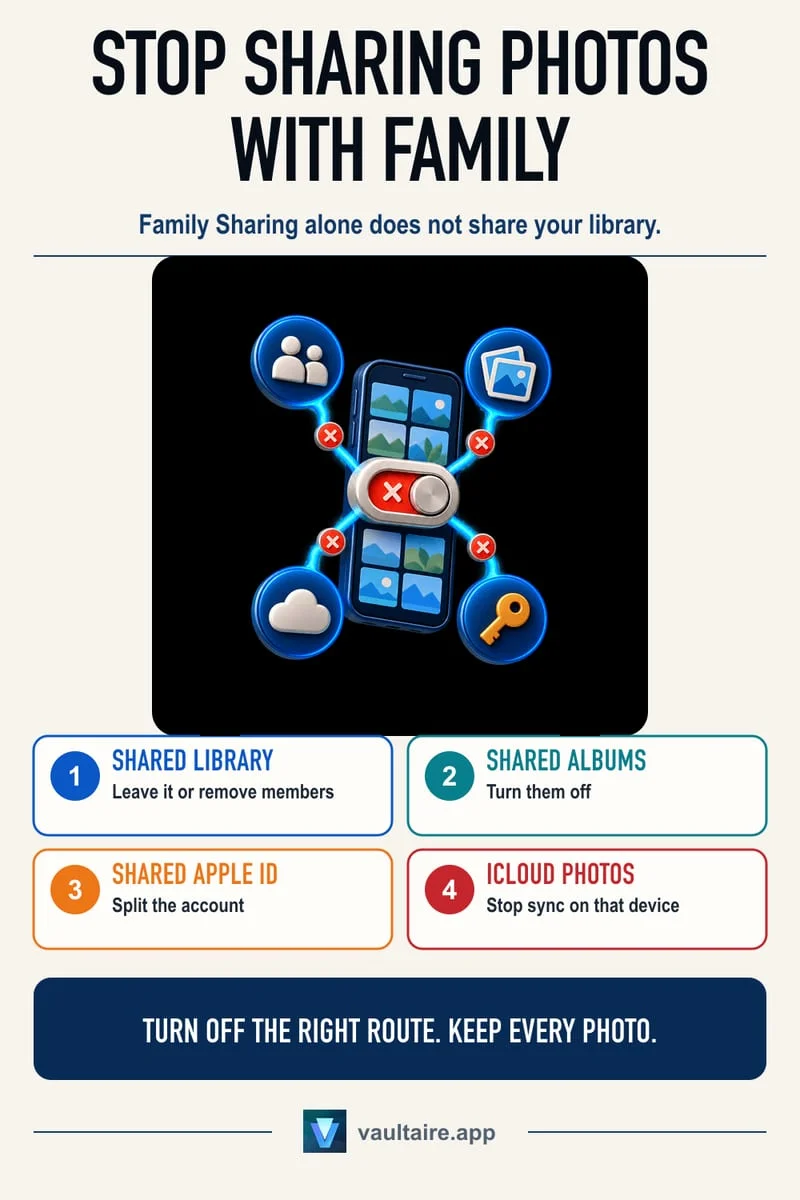
A shared Apple Account is a shared access boundary. Hidden photos can still synchronize through iCloud Photos. Apple recommends a separate account for each person, using Family Sharing for supported shared purchases and services. Plan any account split carefully; a local vault can hold selected private copies but does not change account access or recall earlier copies.
The account matters more than the album name
You and a partner use the same Apple Account and a private picture appears on another device. Hiding it on your phone does not establish a new personal account boundary. The Hidden status can synchronize along with the rest of the Photos library.
Family Sharing is different from using one account identity. Separate personal accounts can share supported services without treating every person’s iCloud data as one account. Check the actual signed-in account on each device before assuming which model you use.
Prepare a deliberate account separation
Inventory the photos and documents each person needs and preserve verified independent copies before signing out or deleting anything. Account changes can present choices about local retention and synchronization; read them carefully instead of following a one-size-fits-all reset instruction.
Use Apple’s account and Family Sharing guidance to choose the appropriate setup. If you are unsure how an account change affects an important library, resolve that question before making it. A photo-hiding app cannot plan or execute the entire account migration for you.
- Confirm whether you share one Apple Account or use separate accounts with Family Sharing.
- Inventory important photos and files on each device.
- Preserve independent verified copies before account changes.
- Follow a deliberate separate-account setup and verify the resulting libraries.
Earlier copies remain a separate issue
Changing future sync does not reliably retract pictures already downloaded or exported elsewhere. Another person may retain an independent copy. Likewise, deleting from a shared synced library can affect files somebody still needs.
For future private material, choose its destination before it joins a shared account workflow. Keep access, sharing, and preservation decisions explicit so a privacy change does not accidentally become a destructive cleanup.
Use Octoshield for selected local private copies
Octoshield can retain imported photos and files behind a separate local vault secret. Verify the copies and manage Photos, cloud, and message sources separately. It does not modify Apple Accounts or erase files on another person’s device.
The vault is excluded from backups and has no password recovery service. Keep independent copies of essential material and export it before a device change.
Frequently asked questions
01Does hiding a photo stop a shared account from syncing it?+
No. Hidden items remain part of the iCloud Photos library when that library is synchronized.
02Is Family Sharing the same as sharing an Apple Account?+
No. Apple recommends separate accounts for individuals and offers Family Sharing for supported shared services and purchases.
Official sources & further reading
Lock your private photos behind real AES-256-GCM encryption.
Stop relying on a Hidden album that shares your iPhone lock-screen passcode. Import private photos and videos into Octoshield’s device-bound local vault with your own PIN, passphrase, 3×3 pattern, or safe combination dial.
- AES-256-GCM authenticated encryption in 512 KB chunks
- Encrypted thumbnails & filename catalog index at rest
- 4 lock styles: PIN, Passphrase, 3×3 Pattern, or Safe Dial + Face ID
- 100% on-device storage — zero cloud servers, zero ad SDKs
 AES-256-GCM + Cleaner
LOCAL IPHONE SANDBOX · KEYCHAIN BOUND
iOS menus can vary slightly by iOS version. Octoshield instructions describe the current local app implementation engineered by TengrX. Check the App Store listing for the version available to download.