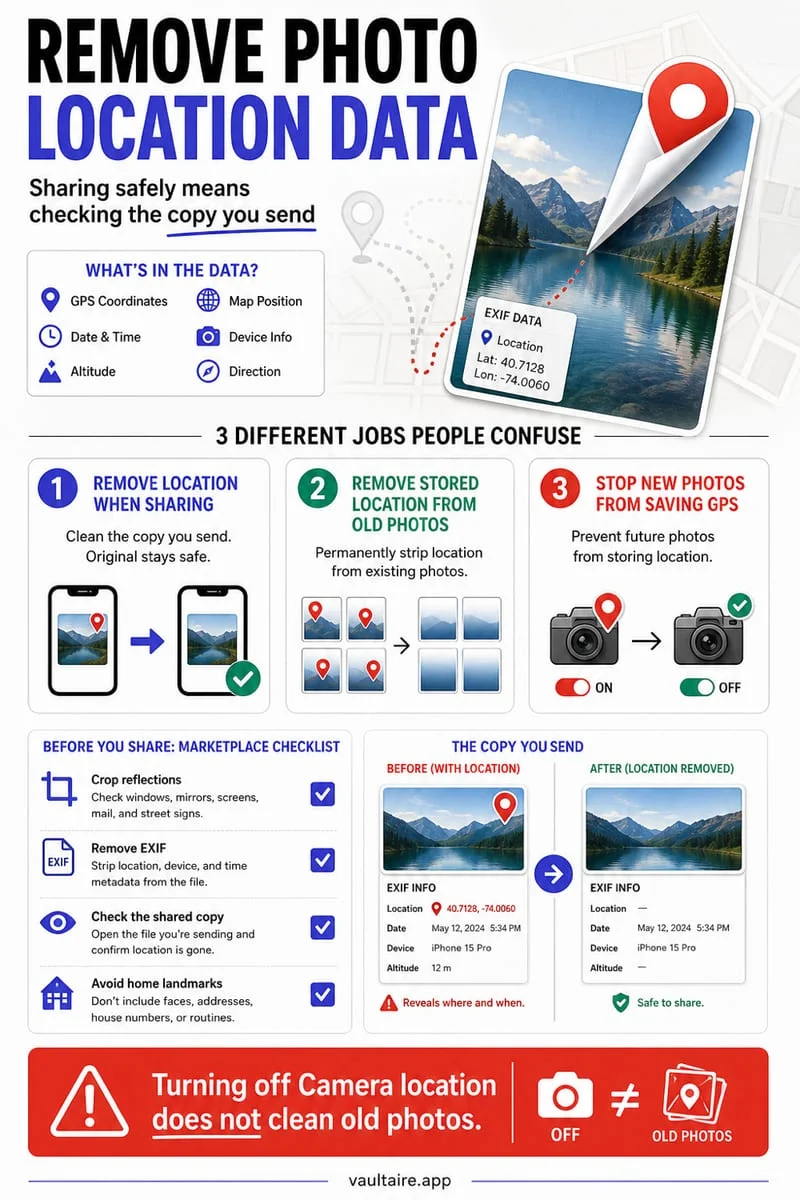
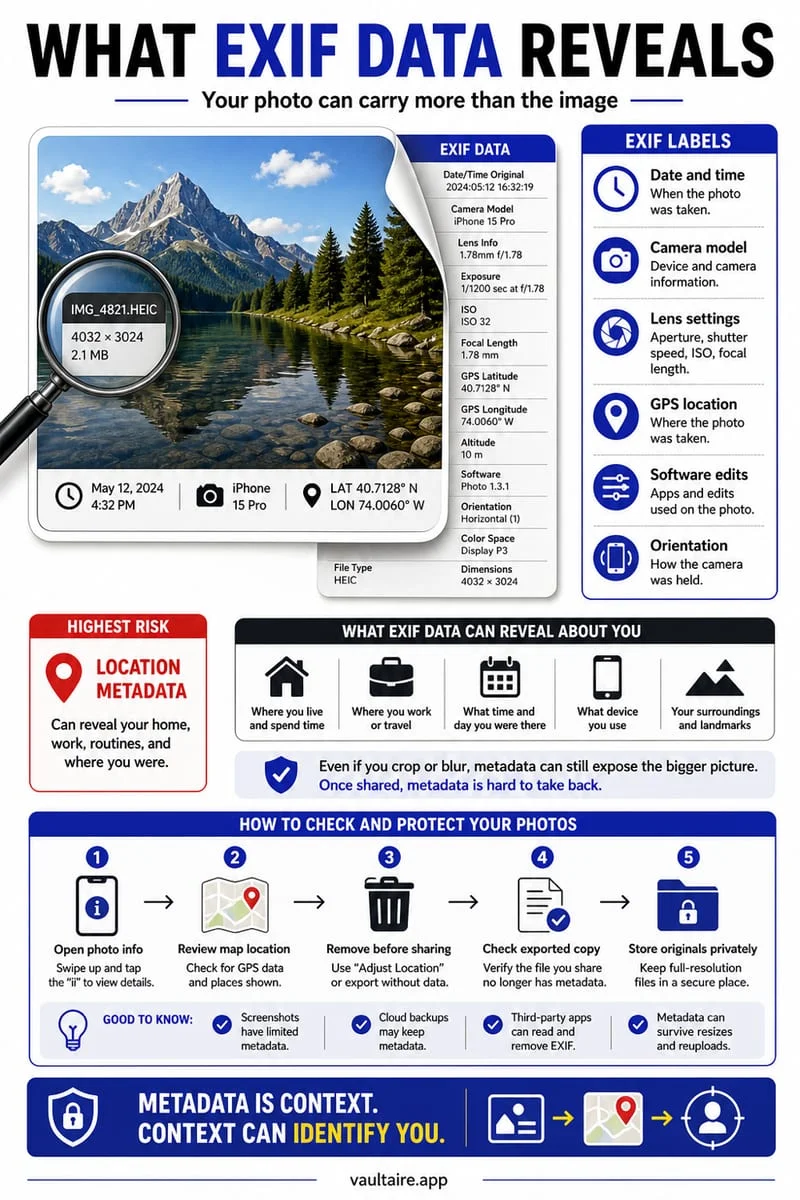
Sometimes. Sharing with All Photos Data can include the original, edit history, and metadata on supported sharing routes. Do not assume a crop or markup permanently removes information from every exported version. Inspect the actual shared file and avoid including original data when it is not needed.
A crop in your library is not proof about the exported file
You crop a private detail out of a picture and prepare to send it. Inside Photos, editing is designed to preserve flexibility, including returning to an original. What another person receives depends on the share method and options, not just the version currently visible on your screen.
Review whether the detail must be confidential or is simply outside the composition. For sensitive text, a transparent highlight or a casual scribble is not a sound substitute for removing the information from the final share-ready image.
Inspect the options before you send
Open the photo’s Share sheet and review Options. If All Photos Data is available and enabled, it can transmit more than the displayed edit. Available options differ by sharing route and iOS version, so check the controls actually shown for that destination.
Create a separate share-ready version and test it through the same route using a destination you control. Open the received file and inspect it rather than checking only the sender’s preview. For essential redaction, use a workflow that explicitly removes the underlying information.
- Prepare a separate version containing only what you intend to share.
- Review Share → Options and avoid unnecessary original data.
- Test the chosen export route with a destination you control.
- Inspect the received result before sending the sensitive version.
Visible content and metadata need different checks
Even when the visible crop is right, file information can include details you did not intend to share. Conversely, removing metadata does not remove readable private text inside the pixels. Inspect both the picture and the options that accompany the export.
Once somebody receives a file, they may keep another copy. A later edit or deletion in your library does not reliably replace or erase what they already saved. Make the check before sharing, not after a misunderstanding.
Keep the private original in Octoshield
Octoshield can hold a private original in its local encrypted vault while you keep a separate version for sharing. That separation makes the intended audience easier to reason about.
An exported file leaves the vault’s protection. Octoshield is not a redaction tool and cannot guarantee what another app sends or what a recipient retains. Verify the final version and keep essential originals independently preserved.
Frequently asked questions
01Does every shared edited photo include the original?+
No. It depends on the format, destination, and sharing options. Inspect the actual exported result.
02Does deleting the original update a recipient’s copy?+
No. A recipient may retain an independent file that later library changes do not affect.
Official sources & further reading
Lock your private photos behind real AES-256-GCM encryption.
Stop relying on a Hidden album that shares your iPhone lock-screen passcode. Import private photos and videos into Octoshield’s device-bound local vault with your own PIN, passphrase, 3×3 pattern, or safe combination dial.
- AES-256-GCM authenticated encryption in 512 KB chunks
- Encrypted thumbnails & filename catalog index at rest
- 4 lock styles: PIN, Passphrase, 3×3 Pattern, or Safe Dial + Face ID
- 100% on-device storage — zero cloud servers, zero ad SDKs
 AES-256-GCM + Cleaner
LOCAL IPHONE SANDBOX · KEYCHAIN BOUND
iOS menus can vary slightly by iOS version. Octoshield instructions describe the current local app implementation engineered by TengrX. Check the App Store listing for the version available to download.