You can hide photos without Face ID. Apple’s Hidden collection uses the authentication your device supports, such as Touch ID or the device passcode. Select the images in Photos and choose Hide. For a different password, use a separate vault rather than turning album protection off.
Face ID is not a requirement for hiding a picture
Older iPhones with Touch ID can still use supported photo privacy features. A Face ID label in a guide may simply reflect the author’s device. Look for the equivalent Touch ID or passcode wording on yours.
The exact Photos layout also varies by software version. Search the Utilities area for Hidden and check Photos settings if the collection row has been turned off.
- Open Photos and select the pictures you want out of the ordinary grid.
- Choose More → Hide and confirm.
- Open Hidden under Utilities and authenticate using your device’s available method.
A failed biometric scan is a different problem
If Touch ID or Face ID is temporarily unavailable, use the legitimate passcode option offered by iOS. Do not disable all photo protection simply to stop a biometric prompt.
Anyone who can use the same device passcode may be able to access these collections. The limitation is the shared credential, not whether your phone has a face sensor.
Use Octoshield when you want a lock of your own
Octoshield offers a separate vault secret through its supported lock styles, with optional biometric convenience. Choose a secret you can remember that is different from your device passcode.
Import and verify a test file before migrating important images. Keep in mind that Octoshield cannot recover a forgotten vault secret through a server, and its device-local files are excluded from backups. Choose this tradeoff deliberately.
Frequently asked questions
01Should I turn off Use Face ID in Photos settings?+
Not as a privacy improvement. Turning off the collection’s authentication removes that protection; it does not create a new, independent password.
Official sources & further reading
Lock your private photos behind real AES-256-GCM encryption.
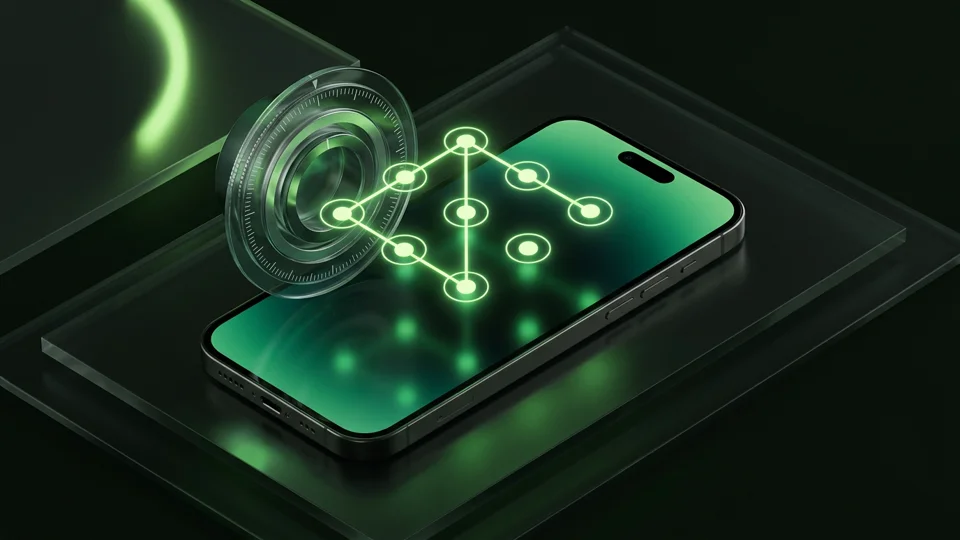
Stop relying on a Hidden album that shares your iPhone lock-screen passcode. Import private photos and videos into Octoshield’s device-bound local vault with your own PIN, passphrase, 3×3 pattern, or safe combination dial.
- AES-256-GCM authenticated encryption in 512 KB chunks
- Encrypted thumbnails & filename catalog index at rest
- 4 lock styles: PIN, Passphrase, 3×3 Pattern, or Safe Dial + Face ID
- 100% on-device storage — zero cloud servers, zero ad SDKs
 AES-256-GCM + Cleaner
LOCAL IPHONE SANDBOX · KEYCHAIN BOUND
iOS menus can vary slightly by iOS version. Octoshield instructions describe the current local app implementation engineered by TengrX. Check the App Store listing for the version available to download.