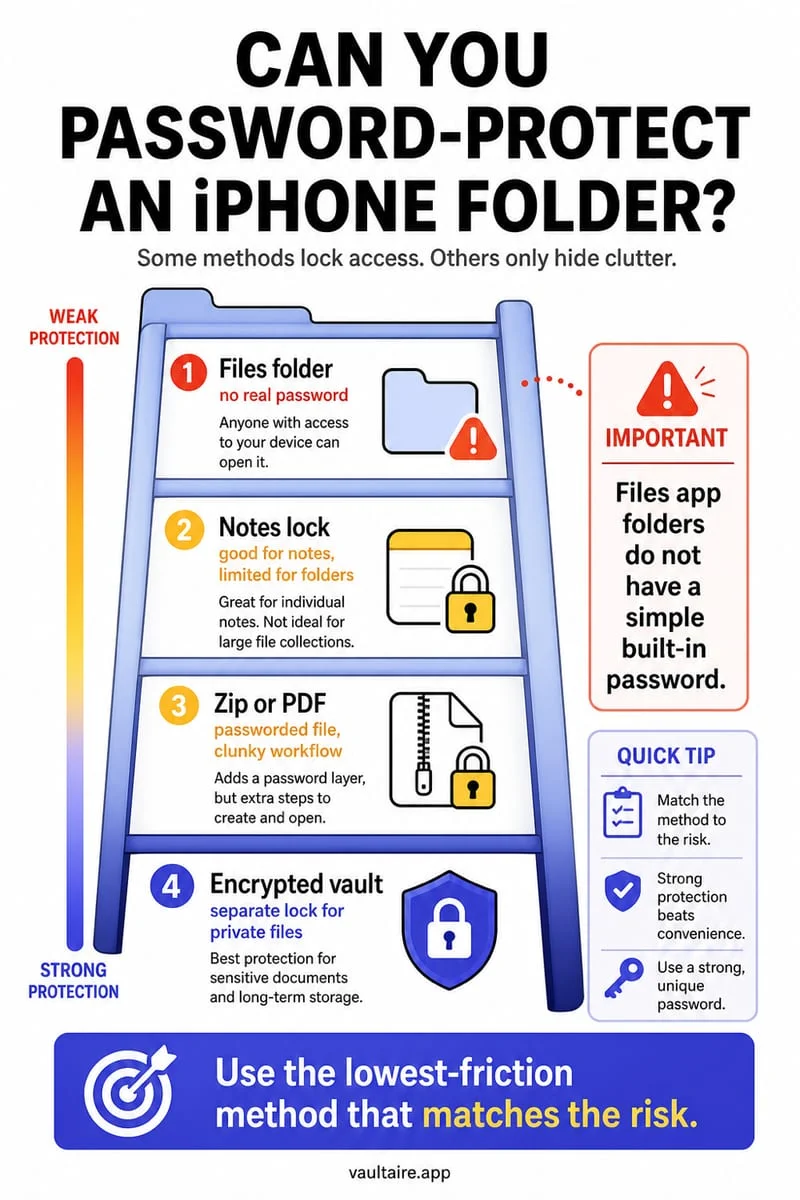
No. Using Compress in the iPhone Files app creates a ZIP archive; that action alone does not add a password. Compression packages files, while encryption restricts access with a key or secret. Check an archive’s actual protection instead of assuming a ZIP extension makes it private.
An archive can make files smaller without making them secret
You collect several private PDFs into Archive.zip and move it out of the way. The new filename is tidier, but anybody able to open an unprotected archive can inspect its contents. Packaging several files is different from changing who can read them.
The original documents can also remain beside the archive. Even a separately encrypted archive would not protect those earlier plaintext copies. Count all the versions you created before treating the job as finished.
Test access and inspect the extraction destination
Create an ordinary test archive in Files using Select and Compress, then open it. Notice whether access actually requires an archive password and where extracted files appear. Do not experiment on your only copy of a sensitive record.
For a protected archive created by another tool, compatibility and encryption support depend on the format and app. Verify the recipient can open it and understand that extraction creates readable files at the destination. An encrypted package is not continuous protection for every extracted copy.
- Identify whether you need smaller files, a single package, or restricted access.
- Do not treat Files → Compress as a password operation.
- Check originals, the archive, and extracted copies separately.
- Use a documented protection workflow when privacy is the goal.
Use Octoshield for the files you want to retain privately
Octoshield encrypts imported file copies locally, including supported arbitrary files selected through the file picker. Verify the import and manage the originals and extracted versions separately in Files.
It does not add an archive password to an exported ZIP. Exported files leave the vault’s protection, and essential material needs an independent preservation plan because vault files are excluded from backups.
Frequently asked questions
01Is a ZIP file the same as an encrypted file?+
No. ZIP is an archive format. Whether a specific archive uses encryption depends on how it was created.
02Does vaulting a ZIP protect extracted files too?+
Only the imported vault copy is protected by that vault. Previously extracted or later exported files have their own storage protections.
Official sources & further reading
Keep sensitive PDFs, IDs & documents in an encrypted iPhone vault.
The iOS Files app leaves filenames and folders exposed whenever your phone is unlocked. Import tax returns, passport scans, and private PDFs into Octoshield for hardware-bound AES-256-GCM protection.
- Encrypts PDFs, scans, documents, photos, and videos on-device
- Hides document filenames inside an encrypted catalog index
- Automatic cleanup of temporary preview scratch files on lock
- PBKDF2-SHA256 + iPhone Keychain hardware key binding
 AES-256-GCM + Cleaner
LOCAL IPHONE SANDBOX · KEYCHAIN BOUND
iOS menus can vary slightly by iOS version. Octoshield instructions describe the current local app implementation engineered by TengrX. Check the App Store listing for the version available to download.