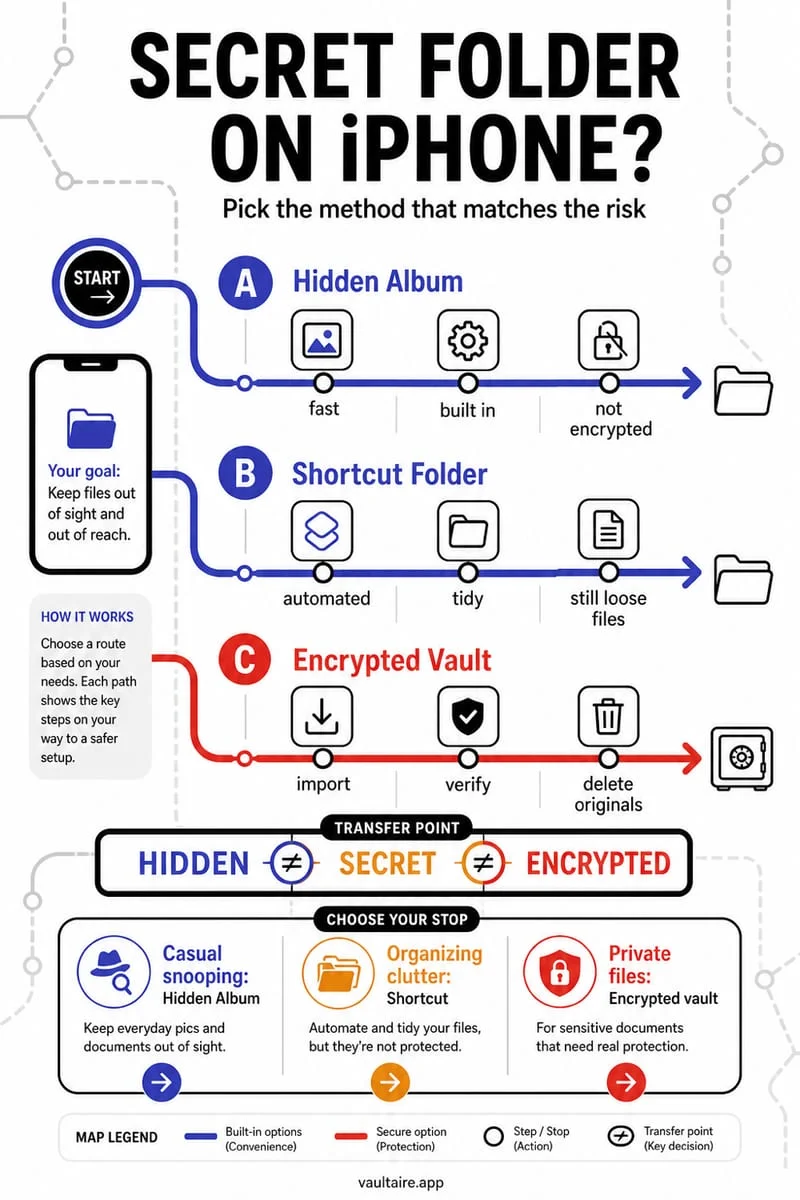
Deleting an ordinary album removes its organization, not the pictures from your Photos library. Deleting a photo from the library is different: it removes the item from albums too. Shared Albums are a separate sharing feature, so read their confirmation carefully.
Read the verb in the confirmation
An ordinary album is a way to group library items. A holiday photo can appear in more than one album without each album being an independent backup. Removing a grouping therefore has a different effect from deleting the underlying library item.
Before tidying, decide whether you want fewer album names or fewer image files. Only the second task is a meaningful storage cleanup.
- Open a photo you care about and verify that it appears in the library.
- For organization only, use Remove from Album or delete the ordinary album.
- For an unwanted file, use Delete Photo only after checking the library-wide effect.
Use Octoshield when you mean to review the files
If your goal is a smaller camera roll, Octoshield’s Cleaner helps make individual keep or delete decisions. Removing album labels alone will not solve the storage problem.
For sensitive files, use the vault workflow and verify the imported copy. Then manage the original library item separately. Calling an ordinary Photos album Private does not add a lock or encrypt its contents.
Frequently asked questions
01Can I delete from the library but keep a photo in an ordinary album?+
No. An ordinary album refers to the library item. Preserve an independent copy elsewhere before deleting it from the library.
Official sources & further reading
Clean your iPhone camera roll one swipe card at a time.
Review cluttered photo batches without grid fatigue: swipe left to queue unwanted shots for deletion, swipe right to keep memories in Apple Photos, or swipe up to encrypt private photos straight into your vault.
- Tactile 3-way card review: Left delete, Right keep, Up vault
- Safe review queue + instant Undo before iOS removes anything
- Built-in AES-256-GCM encrypted photo, video & file vault
- 100% local processing on your iPhone — free to download
 AES-256-GCM + Cleaner
LOCAL IPHONE SANDBOX · KEYCHAIN BOUND
iOS menus can vary slightly by iOS version. Octoshield instructions describe the current local app implementation engineered by TengrX. Check the App Store listing for the version available to download.