Check local storage before you travel, verify an independent copy of important photos, and review small batches of obvious clutter. Test the camera afterward. Do not rely on a last-minute cloud upgrade or move everything into a local vault expecting extra space.
Do the storage check before leaving Wi-Fi
A phone that looks ready at home can fill during a day of video recording. Check Settings → General → iPhone Storage while you still have time to handle large downloads, recordings, or unused media.
If you use Optimize iPhone Storage, let the phone complete its work before the trip. Do not assume buying more iCloud capacity instantly empties the device or makes originals available offline.
- Check which apps and media use the most local storage.
- Open a few important files from your independent backup to verify them.
- Review expired screenshots and unwanted retakes in manageable batches.
- Take a test photo and short video, then confirm they save and play normally.
Keep uncertain pictures for a calmer review
Travel preparation is a bad moment to decide whether an old family photo matters. Remove the obvious clutter first and leave uncertain items alone. You can make progress without selecting every photo older than a date.
Recently Deleted gives normal library deletions a recovery window, but it is not a long-term archive. Permanent removal ends that safety net.
Separate cleanup from travel privacy
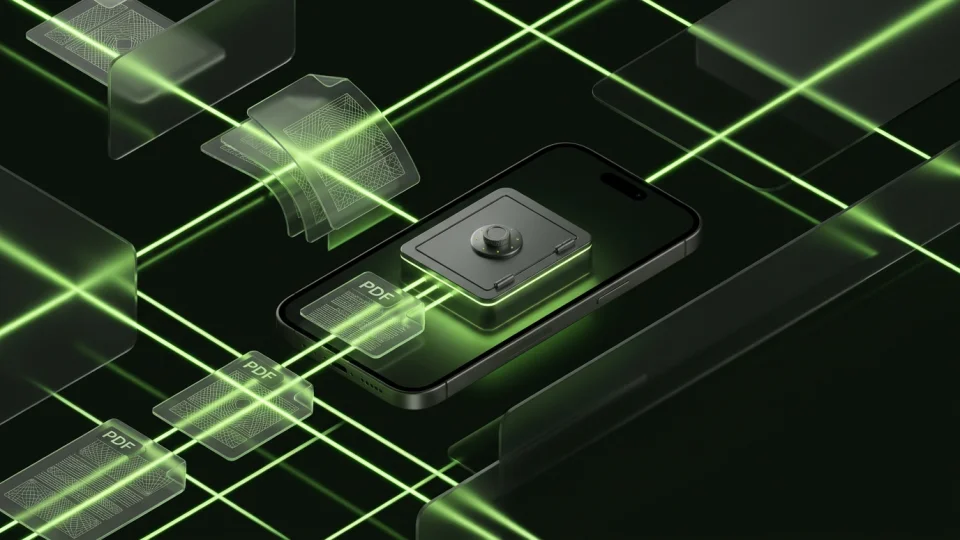
Octoshield’s Cleaner suits the small-batch review: keep memories, queue clutter, and inspect before confirming. For a private travel-document copy, use the file vault and make sure you can open it before leaving.
Keep another secure way to access essential travel records if the phone is lost. Octoshield’s local vault is excluded from backups and cannot serve as your only disaster-recovery plan. Its privacy benefit does not create extra phone storage.
Frequently asked questions
01How much free space is enough for a trip?+
It depends on your video settings, trip length, and other downloads. Check your own recording sizes and leave a margin rather than relying on a universal gigabyte figure.
Official sources & further reading
Clean your iPhone camera roll one swipe card at a time.
Review cluttered photo batches without grid fatigue: swipe left to queue unwanted shots for deletion, swipe right to keep memories in Apple Photos, or swipe up to encrypt private photos straight into your vault.
- Tactile 3-way card review: Left delete, Right keep, Up vault
- Safe review queue + instant Undo before iOS removes anything
- Built-in AES-256-GCM encrypted photo, video & file vault
- 100% local processing on your iPhone — free to download
 AES-256-GCM + Cleaner
LOCAL IPHONE SANDBOX · KEYCHAIN BOUND
iOS menus can vary slightly by iOS version. Octoshield instructions describe the current local app implementation engineered by TengrX. Check the App Store listing for the version available to download.