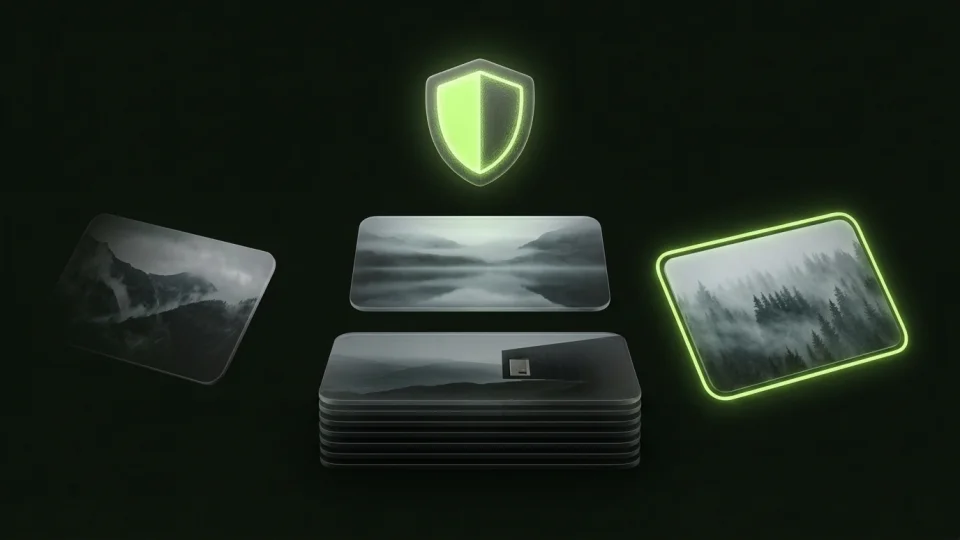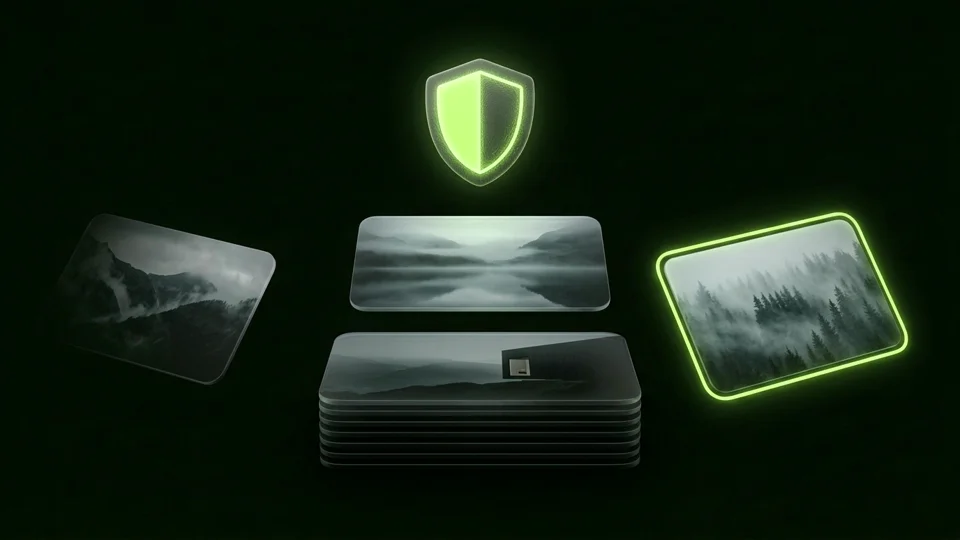
The safest swipe photo cleaner for iPhone in 2026 is one that processes your library 100% on-device without uploading your Camera Roll or requiring a subscription account. Octoshield combines a fast swipe-to-clean organizer (swipe left to queue for deletion, swipe right to keep, swipe up to encrypt in your local vault) with zero cloud servers.
What to check before granting a photo cleaner Full Library Access
To help you sort through 15,000 screenshots, burst shots, and forgotten memes, a photo cleaner app must request Full Access to your iPhone's photo library. That permission is one of the most sensitive grants on iOS: it allows the app to read every image, video, screenshot of a bank transfer or password, and embedded EXIF GPS coordinate in your Camera Roll.
Unfortunately, the App Store's 'Storage Cleaner' category is crowded with aggressive ad-tech apps that charge $7.99 to $9.99 per week, bundle third-party tracking SDKs, require creating a cloud account, or upload image data to external servers for 'AI cloud grouping.' Worse, automated '1-tap AI delete' cleaners frequently misidentify the best smiling shot in a series and bulk-delete irreplaceable photos.
Before trusting any cleaner with your Camera Roll, verify three non-negotiable criteria: 100% local on-device operation with zero cloud servers, a human-reviewed deletion queue so no algorithm deletes a photo behind your back, and a built-in way to lock private photos you uncover while cleaning.
Comparing iPhone photo cleanup methods in 2026
Different tools solve different parts of Camera Roll overload. Apple's built-in Utilities → Duplicates album is ideal for merging exact byte-for-byte duplicates first, while a full-screen card-swiping workflow is dramatically faster than pinching and squinting at a 5-column thumbnail grid for everything else.
Octoshield (built by TengrX) stands apart because it solves photo cleanup and photo privacy in the exact same pass: whenever you come across a sensitive picture, ID scan, or private screenshot while decluttering, you don't have to leave it exposed in your Camera Roll or delete it—you just swipe up to encrypt it.
| Feature | Octoshield Cleaner + Vault | Built-in iOS Photos App | Traditional Swipe Cleaners (e.g., Slidebox) | Cloud-Synced 'AI' Cleaners |
|---|---|---|---|---|
| Review workflow | Swipe left (delete queue), right (keep), up (encrypt in vault) | Manual multi-select grid & exact Duplicates album | Swipe up to trash, tap to sort into standard Photos albums | Automated algorithmic batch grouping |
| Built-in encrypted vault? | Yes (AES-256-GCM in 512 KB chunks on swipe-up) | Basic Hidden album only (shares device passcode) | No (keeps everything inside standard Photos app) | Rarely, or tied to a remote cloud account |
| Safe deletion queue? | Yes — nothing deleted until queue review + iOS system prompt | Immediate move to Recently Deleted | Trash bin before iOS confirmation | Varies; easy to bulk-delete good photos by mistake |
| Data privacy & network | 100% local on-device, no account, no cloud servers | Local + your iCloud settings | Local sorting, often with analytics/account SDKs | Often requires accounts, telemetry, or remote server calls |
How to clean and lock your Camera Roll in one pass with Octoshield
When you scroll through a massive Camera Roll in the standard Photos grid, two things slow you down: tiny thumbnails force you to tap in and out of every photo to check if eyes are closed, and you constantly run into sensitive screenshots or private photos that you don't want to delete—yet don't want sitting in the open either.
In Octoshield's Cleaner, you review randomized batches one full-screen card at a time and make a single effortless gesture per item. **Swipe left** to queue a throwaway photo for deletion, **swipe right** to keep a memory in Photos, or **swipe up** to encrypt the photo into your local vault (protected with AES-256-GCM, HKDF-SHA256 per-item keys, and your independent PIN, passphrase, 3×3 pattern, or combination dial) while queuing the Camera Roll original for removal.
Nothing is ever deleted from Apple Photos mid-swipe. You can undo recent swipes, inspect your entire deletion queue at the end of your session, and only then approve the official iOS system deletion confirmation.
- Start in Apple Photos → Collections → Utilities → Duplicates and tap Merge to clear exact byte-for-byte duplicates in 30 seconds.
- Open Octoshield's Cleaner tab to review your library full-screen: swipe Left to queue for deletion, Right to keep, or Up to encrypt in your vault and queue original removal.
- Review your queued deletions inside Octoshield, uncheck anything you changed your mind about, and confirm the official iOS deletion dialog.
- Open Apple Photos → Collections → Utilities → Recently Deleted and tap Delete All to reclaim your iPhone storage space immediately.
3 red flags to avoid when downloading an iPhone cleaner app
If you ever test another utility from the App Store, run this quick 30-second privacy check before tapping 'Allow Full Access' on the iOS permission prompt.
- Check the App Store 'App Privacy' nutrition label: avoid photo cleaners that list 'Data Used to Track You' or link Identifiers and Usage Data to third-party advertising networks.
- Never grant Full Photo Library Access to a cleaner that forces you to sign in with an email address or social login before viewing your own local photos.
- Avoid '1-tap smart clean' buttons that queue hundreds of photos without letting you see each full-screen image first.
Frequently asked questions
01Can a swipe photo cleaner delete my photos without asking?+
No. On iOS, third-party apps cannot delete any photo from the Apple Photos library without triggering the official system confirmation alert showing the exact count and thumbnails of the photos to be moved to Recently Deleted. Octoshield also provides its own review queue and undo controls before triggering that iOS prompt.
02What happens when I swipe up on a photo in Octoshield Cleaner?+
Swiping up imports a full-quality copy of the photo into Octoshield's local AES-256-GCM encrypted vault (encrypting the file in 512 KB chunks along with an encrypted thumbnail and encrypted index entry) and adds the original Camera Roll copy to your deletion queue.
03Do I still need to empty Recently Deleted after using a photo cleaner?+
Yes. Whenever you approve the iOS deletion dialog from any cleaner app, iOS moves those photos to Photos → Collections → Utilities → Recently Deleted for 30 days as a safety net. Empty Recently Deleted to free up the actual gigabytes right away.
04Why does Octoshield use manual card swiping instead of automatic AI deletion?+
Automated duplicate/similar algorithms routinely pick the wrong frame—deleting the shot where your child is smiling while keeping the one where someone blinked. Full-screen manual swiping is nearly as fast, requires zero cloud AI servers, and lets you decide whether to keep, delete, or encrypt each memory.
05Does Octoshield Cleaner work when my iPhone is in Airplane Mode?+
Yes. Because Octoshield operates 100% locally on your device with no servers or internet dependencies, it is ideal for cleaning up your Camera Roll on long flights or train rides (note that if you use iCloud 'Optimize iPhone Storage', iOS may need a connection to fetch full-resolution originals if you swipe up to vault an uncached older photo).
Official sources & further reading
Clean your iPhone camera roll one swipe card at a time.
Review cluttered photo batches without grid fatigue: swipe left to queue unwanted shots for deletion, swipe right to keep memories in Apple Photos, or swipe up to encrypt private photos straight into your vault.
- Tactile 3-way card review: Left delete, Right keep, Up vault
- Safe review queue + instant Undo before iOS removes anything
- Built-in AES-256-GCM encrypted photo, video & file vault
- 100% local processing on your iPhone — free to download
 AES-256-GCM + Cleaner
LOCAL IPHONE SANDBOX · KEYCHAIN BOUND
iOS menus can vary slightly by iOS version. Octoshield instructions describe the current local app implementation engineered by TengrX. Check the App Store listing for the version available to download.