For a completely built-in free option, start with Apple Photos’ Hidden album. For a separate vault, compare Octoshield, Keepsafe, and Private Photo Vault using current App Store purchase details. “Free to download” does not guarantee unlimited storage, no ads, or no subscription. Test import and export before moving important files.
What “free” needs to mean for your photos
You search for a free photo-hiding app, install the first result, and discover that a feature you need requires a purchase. A zero download price tells you little about media limits, video support, backup, or export. Decide which of those features must be available before you import your private collection.
This is a practical shortlist, not a claimed hands-on ranking. Store listings and purchase options can change by region and version. Open the current listing and inspect the in-app terms instead of trusting an old “free forever” headline.
Four starting points worth comparing
Apple’s Hidden album is the simplest starting point when you want pictures out of the main grid without another download. It remains inside Photos, uses device authentication, and participates in iCloud Photos when that service is enabled. That may be enough for casual privacy.
Octoshield adds a separate local encrypted vault and manual photo review. Keepsafe and Private Photo Vault offer established dedicated-vault alternatives; their App Store listings include in-app purchases, so inspect the exact feature you need rather than assuming the download price covers it.
| Option | Good starting use | What to verify |
|---|---|---|
| Apple Photos Hidden album | Built-in hiding without another app | Device-passcode access and iCloud Photos sync |
| Octoshield | Separate-secret local photo, video, and file storage | Current purchase details; no vault backup or recovery service |
| Keepsafe | Dedicated photo-vault workflow | Current free-tier limits, purchases, and backup behavior |
| Private Photo Vault | Dedicated private photo and video storage | Current feature limits and which backup functions are paid |
Test your exit before moving your only copies
Import a harmless image and short clip. Lock the app, reopen it, then export the test files and verify quality and playback. Check what happens to the Photos originals: import commonly creates copies, so private pictures may still remain in your camera roll.
Read the forgotten-password and new-phone instructions too. Cloud recovery, a separate secret, device-bound storage, and offline access are different features with different tradeoffs. Do not make an app your only archive until you understand how you would leave it.
- Inspect the current listing’s purchases and the functions you need.
- Test a photo and video import with harmless files.
- Lock, reopen, and export; verify the results.
- Read backup, password-recovery, and device-transfer rules.
Choose Octoshield when a separate local vault fits
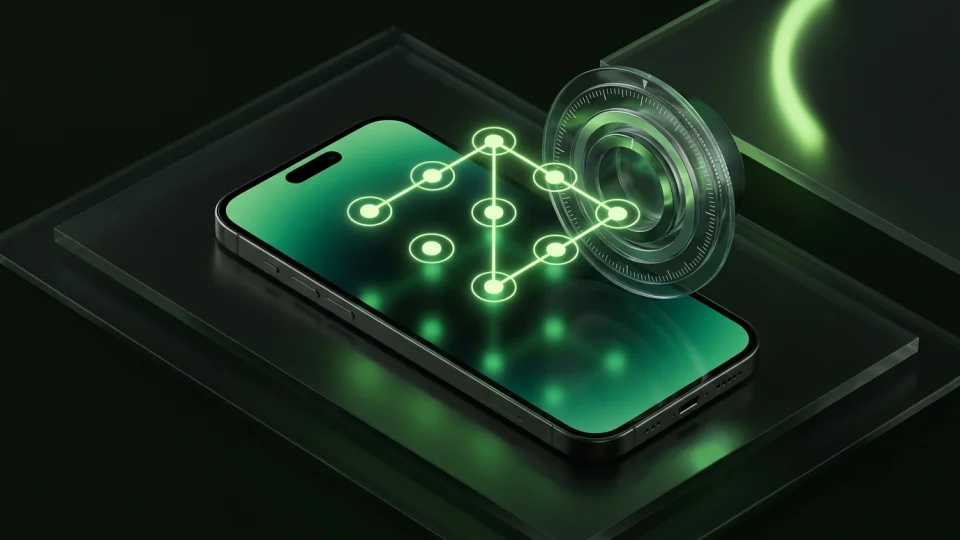
Octoshield is free to download and lets you store imported private files behind a PIN, passphrase, pattern, or safe dial, with optional biometrics. Cleaner adds manual keep, delete, and vault decisions for your photo review.
Check the current App Store listing for purchase details. The vault is local and excluded from backups, with no password recovery service. Export essential files before changing devices, and manage the Photos originals after verifying imports.
Frequently asked questions
01Is there a free way to hide photos without an app?+
Yes. Apple Photos includes the Hidden album. Its storage and authentication remain part of Apple Photos and your device settings.
02Does free to download mean no subscription?+
No. Inspect current in-app purchases and the specific feature limits. Free download, free trial, and unlimited free use are different claims.
03Can I hide both photos and videos for free?+
Apple Photos’ built-in Hidden collection supports both photos and videos. For a separate vault app, verify whether its current free tier includes the media types and limits you need.
Official sources & further reading
Lock your private photos behind real AES-256-GCM encryption.
Stop relying on a Hidden album that shares your iPhone lock-screen passcode. Import private photos and videos into Octoshield’s device-bound local vault with your own PIN, passphrase, 3×3 pattern, or safe combination dial.
- AES-256-GCM authenticated encryption in 512 KB chunks
- Encrypted thumbnails & filename catalog index at rest
- 4 lock styles: PIN, Passphrase, 3×3 Pattern, or Safe Dial + Face ID
- 100% on-device storage — zero cloud servers, zero ad SDKs
 AES-256-GCM + Cleaner
LOCAL IPHONE SANDBOX · KEYCHAIN BOUND
iOS menus can vary slightly by iOS version. Octoshield instructions describe the current local app implementation engineered by TengrX. Check the App Store listing for the version available to download.