Generative AI in Developer Workflows: Keeping API Tokens Out of the Loop
Generative AI in Developer Workflows: Keeping API Tokens Out of the Loop
The integration of generative models into software engineering pipelines is no longer an experiment; it is the new standard. In 2026, generative AI in developer workflows plays a massive role in automating code generation, refactoring databases, generating test cases, and deploying cloud infrastructures.
However, as software development speeds up, the risk of security slip-ups increases. One of the most prevalent risks is the accidental inclusion of active API keys, passwords, and other authentication credentials in prompt contexts or AI-generated pull requests.
In this guide, we explore the primary security threats of adopting generative AI in developer workflows and outline actionable strategies for engineering leadership to keep credentials completely secure.
The Core Threat: How AI Workflows Leak Secrets
When developer workflows incorporate generative models, data flows between the local workspace and external APIs constantly. This creates three primary leak vectors:
1. Context Exposure in Prompts
Developers frequently copy-paste code snippets into ChatGPT, Claude, or other assistants to debug errors. These snippets often contain active secrets, such as database credentials, API gateway keys, or JWT tokens. Once sent, these tokens are stored in the AI provider’s log systems.
2. AI-Generated Vulnerabilities
Generative models are trained on large public code corpuses, which frequently contain hardcoded secrets or insecure configuration files. When requested to generate microservices or database connectors, the AI may output code containing static placeholder credentials or weak security default settings.
3. Scratch Scripts and Orphaned Configs
To verify generated code, developers often create temporary test scripts (e.g., test-connection.js) containing live API keys. If these scratch files are not excluded via git configuration, they are easily committed to version control, exposing secrets to your repositories.
The Automated Commit Threat If your workflow uses autonomous AI coding agents, the agent may create, execute, and commit scripts automatically. If the agent writes a temporary file containing an API token to resolve a build error, it might commit it to git before any human has a chance to review the code.
Actionable Best Practices for Engineering Teams
To maintain a secure development environment, engineering teams must establish strict guardrails around their AI tooling.
1. Implement Local Guardrails and Exclusions
Never allow AI extensions to read sensitive workspace configurations.
- Context Exclusion Files: Use
.aiignorefiles to prevent AI tools from reading.envfiles, build logs, and certificates. - Pre-Prompt Sanitization: Implement client-side tools that scan prompts for potential secrets and redact them before they are sent to the AI cloud.
2. Standardize Secure Code Patterns
Establish strict coding standards for your AI prompts. Instruct the AI models to always use environment variable retrieval or secret vault APIs rather than hardcoding static configuration parameters:
javascript snippet// Instruct AI to use:
const dbPassword = process.env.DB_PASSWORD;
3. Deploy Continuous Secret Detection
AI tools operate at a speed that humans cannot manually review. You must automate your security verification.
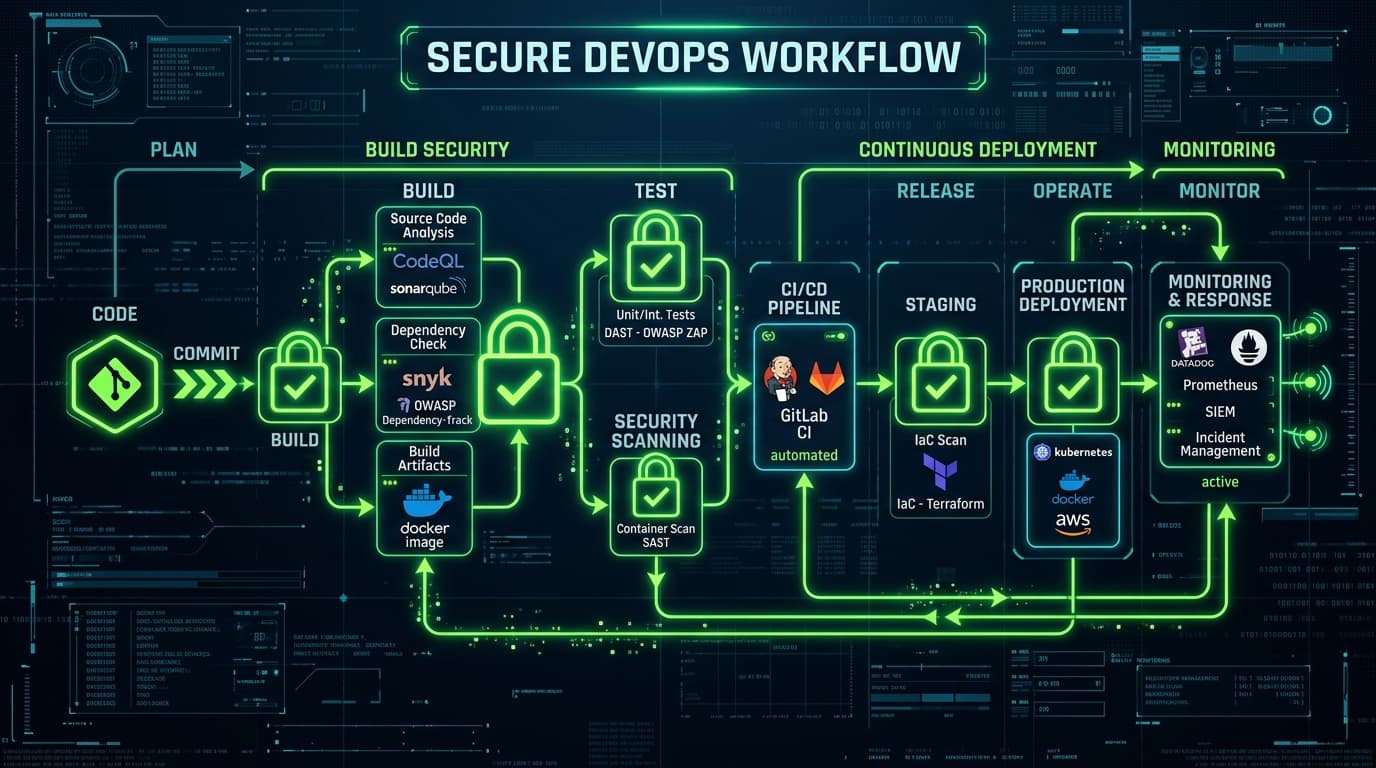
- Pre-Commit Hooks: Block git commits if they contain high-entropy strings or known token formats.
- CI/CD Scanning: Scan all branch updates and pull requests for exposed credentials.
Securing Generative AI Pipelines with Octoshield Octoshield provides real-time, automated secret scanning built specifically for AI-accelerated workflows. By running in the background of your workspace and CI pipelines, Octoshield automatically detects and isolates hardcoded keys, passwords, and tokens before they can be committed to git or leaked to external AI servers, keeping your code repositories completely secure.
Conclusion
Adopting generative AI in developer workflows offers incredible speed and agility, but it requires a corresponding shift in security practices. By sandboxing context environments, standardizing secure prompting patterns, and implementing automated secret scanning with Octoshield, you can build applications at AI speed without exposing your core infrastructure to credential theft.
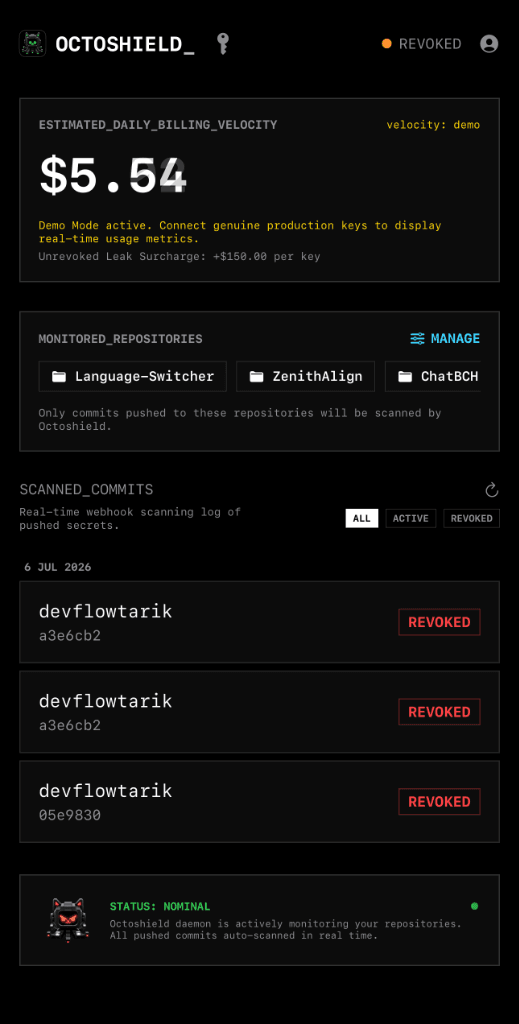
Octoshield in your pocket.
Monitor leaks and manage credentials on the go with our native iOS app.